
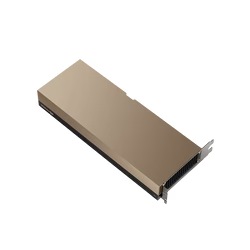
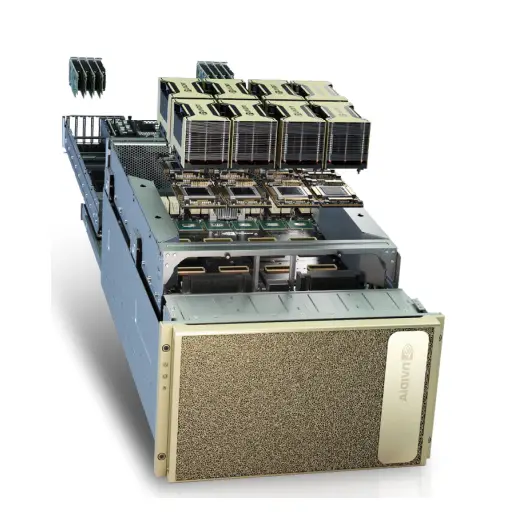
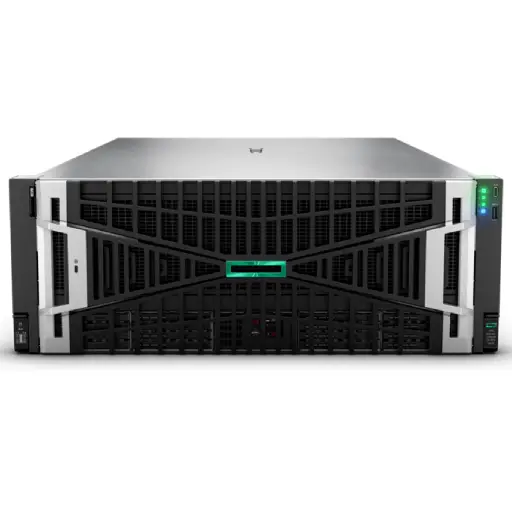
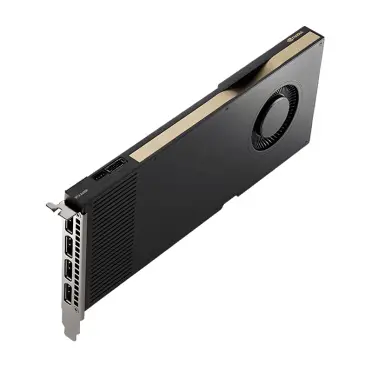

Choosing a GPU for a laptop experiment and choosing one for a production LLM service are two different problems. On a desk, the question is “will the model fit?”. In production, the questions are harder: how many users can one card serve at once, what latency do they see, and what does each million tokens actually cost you over three years? This guide answers those questions for teams building inference servers in 2026, from a single-card internal assistant to a multi-node serving cluster. If you are sizing a personal or hobby setup instead, our guide to the best GPUs for running local LLMs is the better starting point.
Why inference servers are bound by memory, not compute
Generating text is a token-by-token process. For every new token, the GPU has to read the model weights and the growing KV cache (the stored attention keys and values for every token already in the conversation) out of memory. With a single user, the arithmetic units sit mostly idle waiting for data. That is why three numbers matter more than peak TFLOPS when you compare inference GPUs:
- VRAM capacity decides which models fit, at what precision, and how much room is left for KV cache. More KV cache means more concurrent users and longer context windows.
- Memory bandwidth decides how fast each token is generated for each user.
- Interconnect (NVLink versus PCIe) decides how efficiently a model that is too large for one GPU can be split across several.
Compute starts to matter once you batch many requests together, which is exactly what serving engines like vLLM, SGLang and TensorRT-LLM do. A well-batched server turns idle compute into extra throughput, so the best inference GPU is the one that holds the most concurrent work in memory and moves it fastest.
The 2026 shortlist at a glance
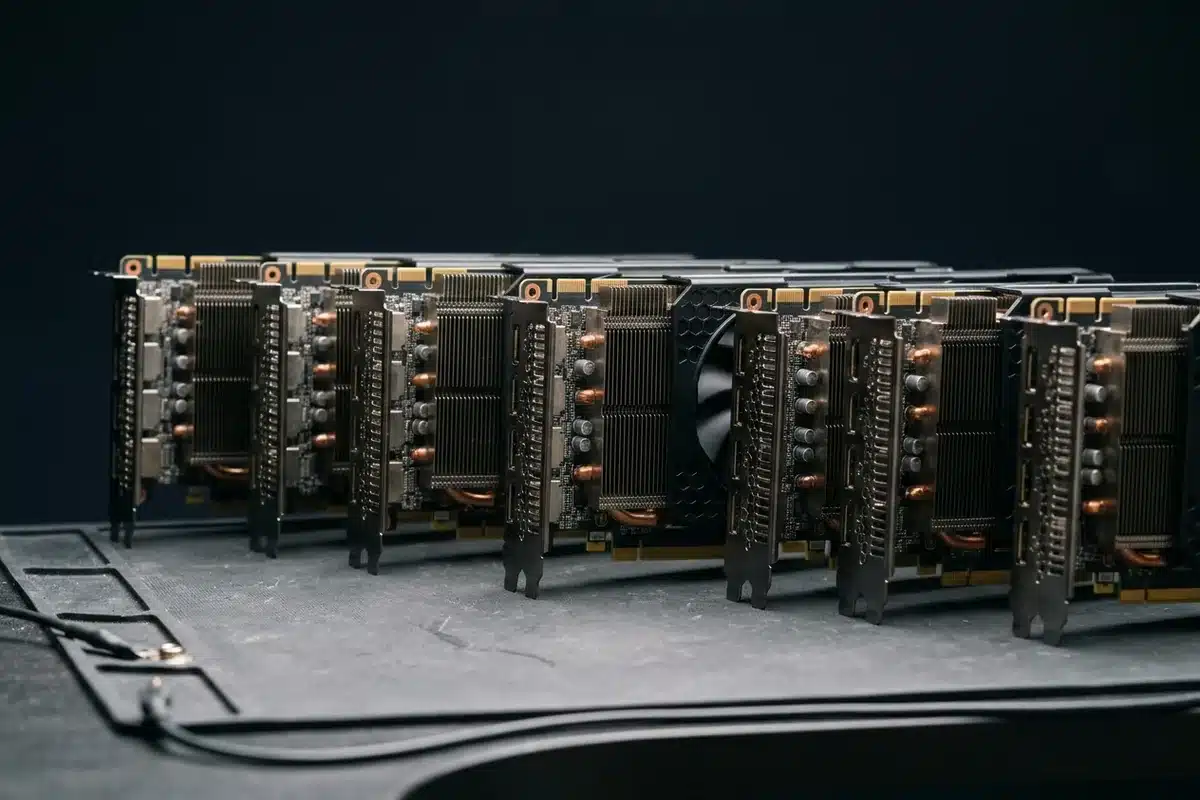
| GPU | Memory | Bandwidth (approx.) | Form factor | Best fit |
|---|---|---|---|---|
| NVIDIA B200 | 180–192 GB HBM3e | ~8 TB/s | SXM (HGX/DGX) | Highest-throughput serving of 70B–400B+ models, FP4/FP8 |
| NVIDIA H200 | 141 GB HBM3e | ~4.8 TB/s | SXM or NVL (PCIe) | 70B–405B serving with long context; mature software stack |
| NVIDIA H100 | 80 GB (SXM) / 94 GB (NVL) | ~3.35–3.9 TB/s | SXM or PCIe NVL | Proven production baseline; strong value on secondary market |
| RTX PRO 6000 Blackwell | 96 GB GDDR7 | ~1.8 TB/s | PCIe, workstation or server edition | Single-card 70B at FP8, departmental and on-prem serving |
| NVIDIA L40S | 48 GB GDDR6 | ~0.86 TB/s | PCIe, passive | 7B–34B models, vision + language, cost-sensitive fleets |
| NVIDIA L4 | 24 GB GDDR6 | ~0.3 TB/s | PCIe low-profile, 72 W | Small models, embeddings, edge and high-density low-power racks |
Figures are vendor specifications rounded for comparison; real throughput depends on model, precision, batch size and serving engine. Benchmark your own model before you sign a purchase order.
Sizing VRAM: a worked example
A practical rule for weights alone: parameters × bytes per parameter. A 70B model needs roughly 140 GB at FP16, 70 GB at FP8 and about 35–40 GB at 4-bit. Then add KV cache, which grows with context length and the number of concurrent sequences.
For a 70B Llama-class model with grouped-query attention, KV cache at FP16 is in the region of 0.3 MB per token. Serve 32 concurrent users at 8,000 tokens of context each and you need around 80 GB of cache on top of the weights. That is why a 70B model that “fits” on an 80 GB card at FP8 still serves very few users there, while the same model on a 141 GB H200 or split across two H100s with NVLink has real headroom. Our deeper explanation of memory budgets is in A100 40GB vs 80GB, and the same logic applies to every card in the table.
Picks by deployment size
Internal assistant for one team (up to ~50 users)
A single RTX PRO 6000 Blackwell (96 GB) or two L40S cards in a standard 2U server handle 8B–32B models comfortably and a 70B model at FP8 with modest concurrency. This is the lowest-risk way to start: standard PCIe servers, normal power and cooling, and no special networking.
Company-wide service (hundreds of users, RAG, agents)
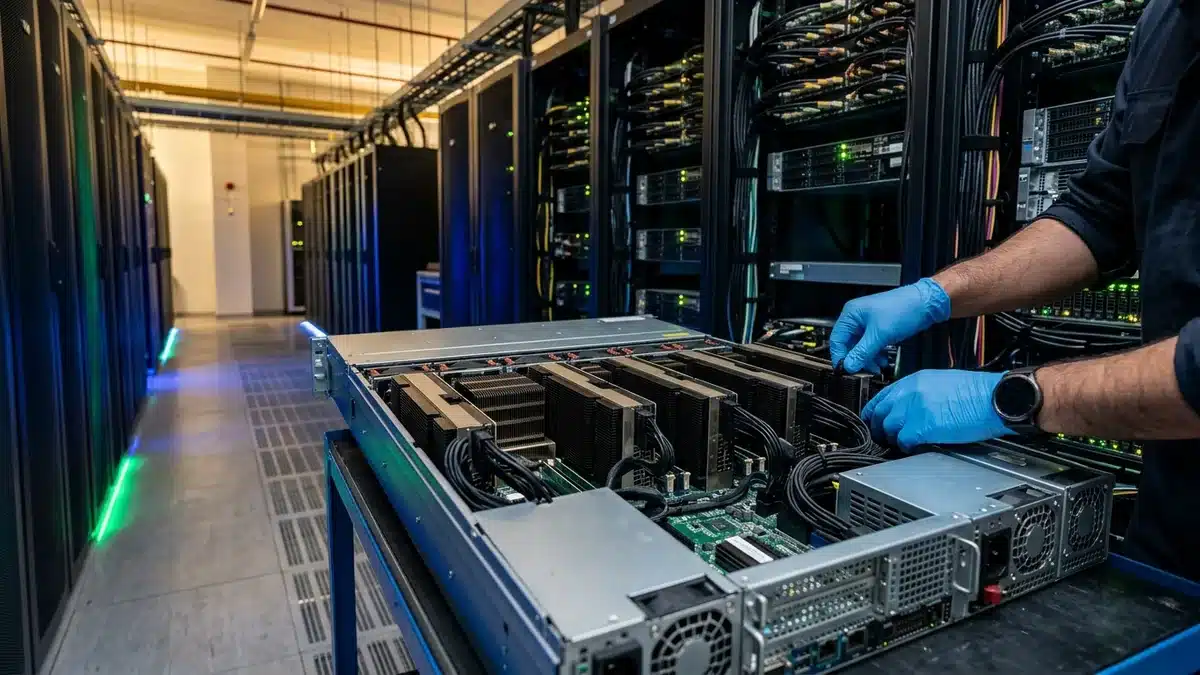
Four to eight H100 NVL or H200 NVL cards in a PCIe server, or a 4-GPU HGX board, give enough memory to run a 70B model with large batches and long contexts, plus space for an embedding model and a reranker. NVLink bridges between card pairs matter here, because tensor parallelism over plain PCIe loses a noticeable share of throughput.
Product or platform serving external customers
An 8-GPU HGX H200 or HGX B200 node is the standard building block. B200 adds native FP4 support and roughly double the memory bandwidth of H100, which translates into a far lower cost per token for models that tolerate lower precision. Full system pricing and three-year TCO are covered in 8-GPU H100 server cost, and the migration trade-offs in B200 vs H200.
Cost per token: how to compare fairly
Purchase price alone misleads. Compare GPUs on cost per million output tokens at the latency your users accept:
- Benchmark your model on each candidate with your real prompt lengths, using the same serving engine and precision.
- Record sustained tokens per second at your target latency (for example, under 50 ms per output token).
- Add up three-year cost: hardware, server chassis, networking, power (including cooling overhead), support and rack space.
- Divide by the tokens the system can produce in three years at a realistic utilisation, often 40–60% rather than 100%.
Teams that run this exercise usually find two things. First, the newest data-center GPUs win on cost per token whenever utilisation is high, even though they cost more per card. Second, for low or bursty traffic, a cheaper PCIe card that sits idle less of the time is the better buy. The difference between training and inference infrastructure is explained further in Training vs. Inference: scaling your infrastructure.
Precision: FP8 and FP4 change the math
Hopper GPUs (H100, H200) support FP8 natively, and Blackwell GPUs (B200, RTX PRO 6000) add FP4. Moving a 70B model from FP16 to FP8 halves weight memory and typically raises throughput substantially with very small quality loss when calibrated properly. FP4 halves it again, but quality impact varies by model and task, so evaluate on your own test set, especially for non-English languages and code. Ada-generation cards such as the L40S support FP8 too, which keeps them relevant for mid-sized models.
Networking and storage for multi-GPU inference
- Inside a node: NVLink (SXM boards or NVL bridges) for tensor parallelism. Avoid splitting one model across GPUs that only talk over PCIe if latency matters.
- Across nodes: 400G InfiniBand or RoCEv2 only becomes necessary when one model spans several servers or you run disaggregated prefill and decode. Our InfiniBand vs RoCEv2 guide covers the choice.
- Storage: inference is light on storage, but fast NVMe shortens model load and restart times, which matters for autoscaling and failover.
Buying in the Middle East: availability and lead times
Supply, not specs, often decides the final choice. H100 systems are widely available new and refurbished; H200 and B200 allocations are tighter and quoted lead times change month to month. RTX PRO 6000 and L40S cards usually ship fastest. When you request quotes, ask for the exact part number (SXM versus NVL versus PCIe), warranty terms, and whether the price includes the server chassis, NICs and support. ITCT supplies NVIDIA data-center GPUs and complete GPU servers from Dubai with export to the wider region; contact our team for current availability and pricing on the configuration you need.
Frequently asked questions
What is the best GPU for LLM inference in 2026?
For high-throughput production serving, the NVIDIA B200 and H200 lead because of their memory capacity and bandwidth. For a single-card on-prem server running models up to 70B at FP8, the RTX PRO 6000 Blackwell with 96 GB is the most practical choice.
How much GPU memory do I need to serve a 70B model?
About 70 GB for weights at FP8 or 140 GB at FP16, plus KV cache that grows with users and context length. For real concurrency, plan on 141 GB or more: one H200, two H100s with NVLink, or two RTX PRO 6000 cards.
Is the H100 still worth buying for inference?
Yes. It remains the most widely supported production GPU, with mature FP8 software and good availability, including refurbished units. It is the value choice when B200 lead times or budgets do not fit.
Can I use gaming GPUs like the RTX 5090 for production inference?
They work for small internal tools, but data-center deployments usually prefer RTX PRO or data-center cards for ECC memory, passive cooling in server chassis, multi-year driver support and licensing terms that allow data-center use.
Does memory bandwidth or VRAM matter more for inference?
Both, for different reasons. VRAM decides what fits and how many users you can batch; bandwidth decides how fast each user receives tokens. A card short on either becomes the bottleneck.
Last update at December 2025
One thought on “Best GPU for LLM Inference Servers in 2026: VRAM, Throughput and Cost per Token”