

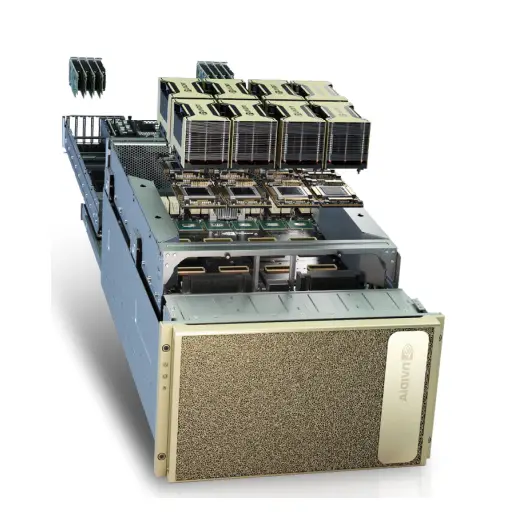



You have bought, or are about to buy, a GPU server for running language models in-house. The hardware decision is only half the job. The software that actually serves the model, the inference engine, decides how many users one GPU can handle, how fast tokens arrive and how much memory is wasted. The three names you will hear most are vLLM, Ollama and llama.cpp. They are often compared as if they were rivals, but they were built for different jobs. This guide explains what each one does, how they behave under load, and how your choice of engine should influence the hardware you buy.
If you have not chosen a GPU yet, start with our guide to the best GPU for LLM inference servers, then come back here.
The short answer
| Engine | Built for | Strength | Weakness |
|---|---|---|---|
| vLLM | Multi-user production serving on NVIDIA data-center GPUs | Very high throughput under concurrency (continuous batching, PagedAttention), tensor and pipeline parallelism, OpenAI-compatible API | More setup, needs enough VRAM, best on CUDA; ROCm and macOS support less mature |
| Ollama | Developers and small teams who want a model running in minutes | One-command install, model library, simple API, runs on Mac, Windows and Linux | Limited concurrency by default; requests queue instead of batching |
| llama.cpp | Efficient inference on any hardware, including CPU-only and edge devices | GGUF quantisation, runs almost anywhere, fine-grained control, low overhead | Lower throughput than vLLM for many concurrent users on big GPUs |
A common and sensible path: prototype with Ollama or llama.cpp, move to vLLM (or a similar serving engine such as SGLang or TensorRT-LLM) when real concurrency and latency targets appear.

vLLM: the production default
vLLM became the default open-source serving engine because of two ideas. PagedAttention stores the KV cache in small blocks, like virtual memory pages, so almost no GPU memory is wasted on fragmentation. Continuous batching adds new requests to the batch as soon as old ones finish, instead of waiting for a full batch. Together they let one GPU serve many simultaneous users with stable latency.
vLLM also supports FP8 and other quantisation formats, speculative decoding, prefix caching for shared system prompts, LoRA adapters, and splitting a model across GPUs with tensor parallelism. It exposes an OpenAI-compatible API, so applications written for OpenAI can switch to your own server by changing a URL.
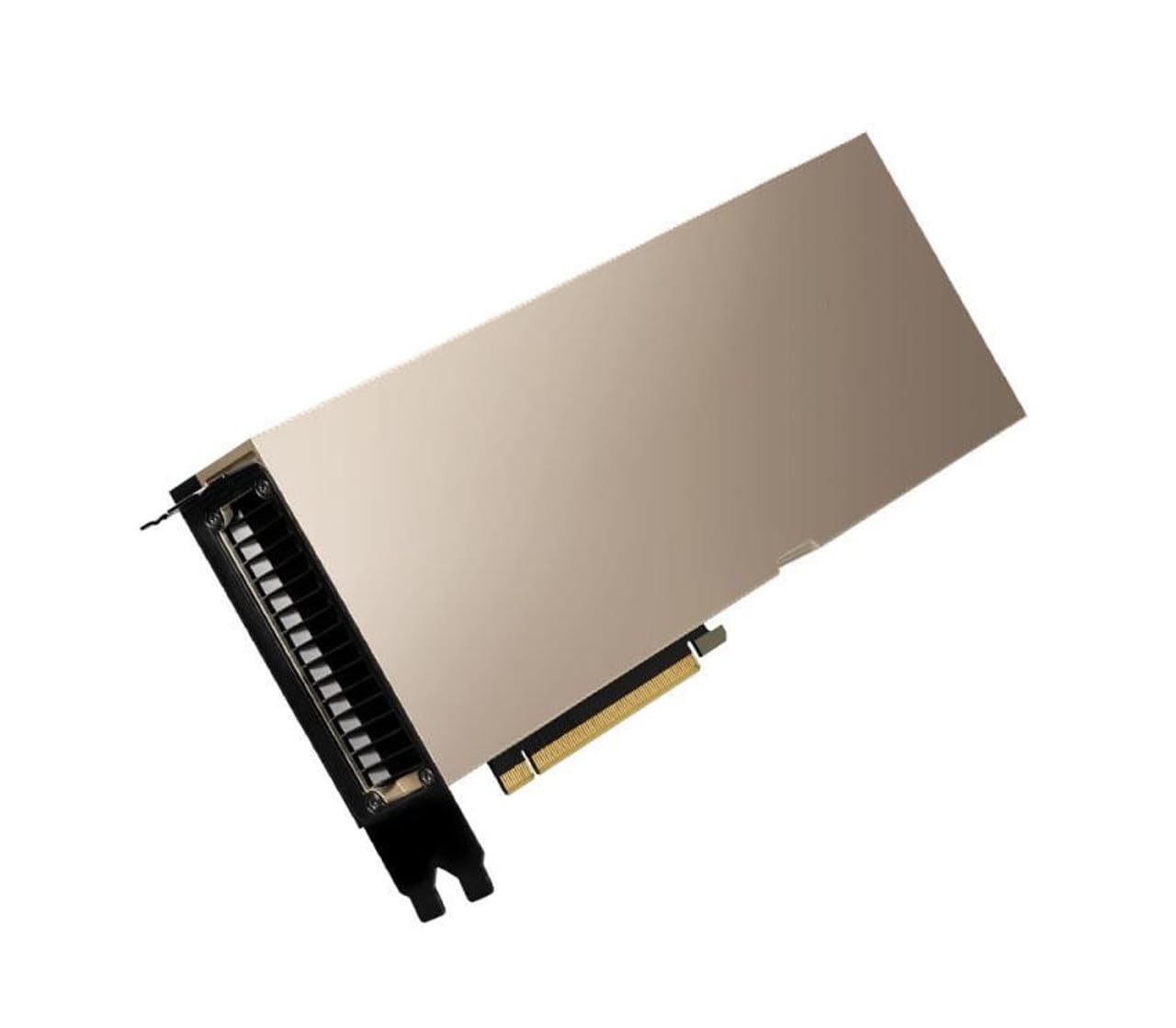
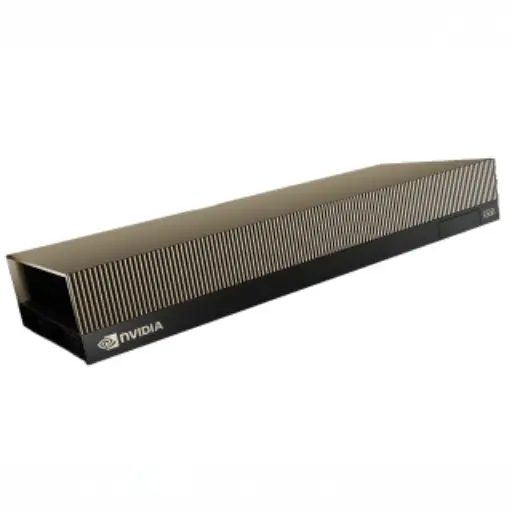
Hardware implications: vLLM pre-allocates most of the GPU memory for KV cache, so it rewards cards with large VRAM. Multi-GPU tensor parallelism works best with NVLink between cards (SXM boards or NVL bridges). It is the engine to plan for if you are buying H100, H200, B200 or RTX PRO 6000 servers.
Ollama: the fastest way to a running model
Ollama packages model download, quantisation and serving into a single tool. One command pulls a model and starts an API. It runs well on Apple Silicon laptops, Windows workstations and Linux servers, which makes it ideal for evaluations, internal demos and developer machines. Under the hood it uses llama.cpp, adding model management and a friendly API.
The trade-off is concurrency. By default Ollama processes a small number of requests in parallel and queues the rest, so latency climbs quickly as users are added. Independent comparisons on a single RTX 4090 report similar speed to vLLM for one user, but several times lower aggregate throughput once dozens of users hit the server at once. Part of the single-user gap seen in some benchmarks also comes from comparing different quantisation formats, so always compare like with like.
Hardware implications: Ollama runs comfortably on workstations, a single GPU or even Mac hardware with unified memory. For a team of a few people it is often enough; see RTX 4090 vs Apple M3 Max for local LLMs for that scale.
llama.cpp: efficient inference everywhere
llama.cpp is a C/C++ inference library and server built for efficiency. Its GGUF format and quantisation options (from 8-bit down to 2-bit) let large models run on modest GPUs, on CPUs with plenty of RAM, and on edge devices. It gives full control over threads, context size, GPU layer offload and sampling, and it has a built-in HTTP server with continuous batching support.
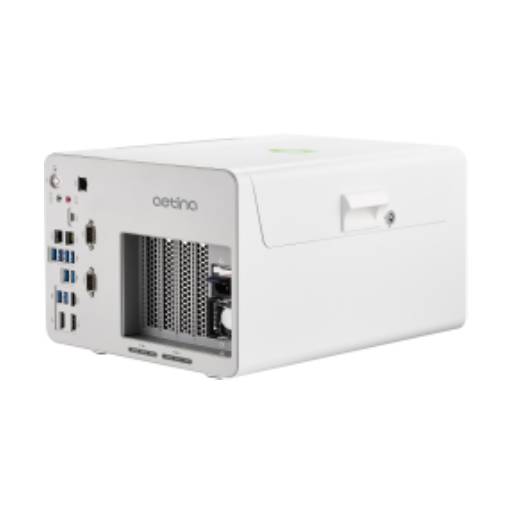
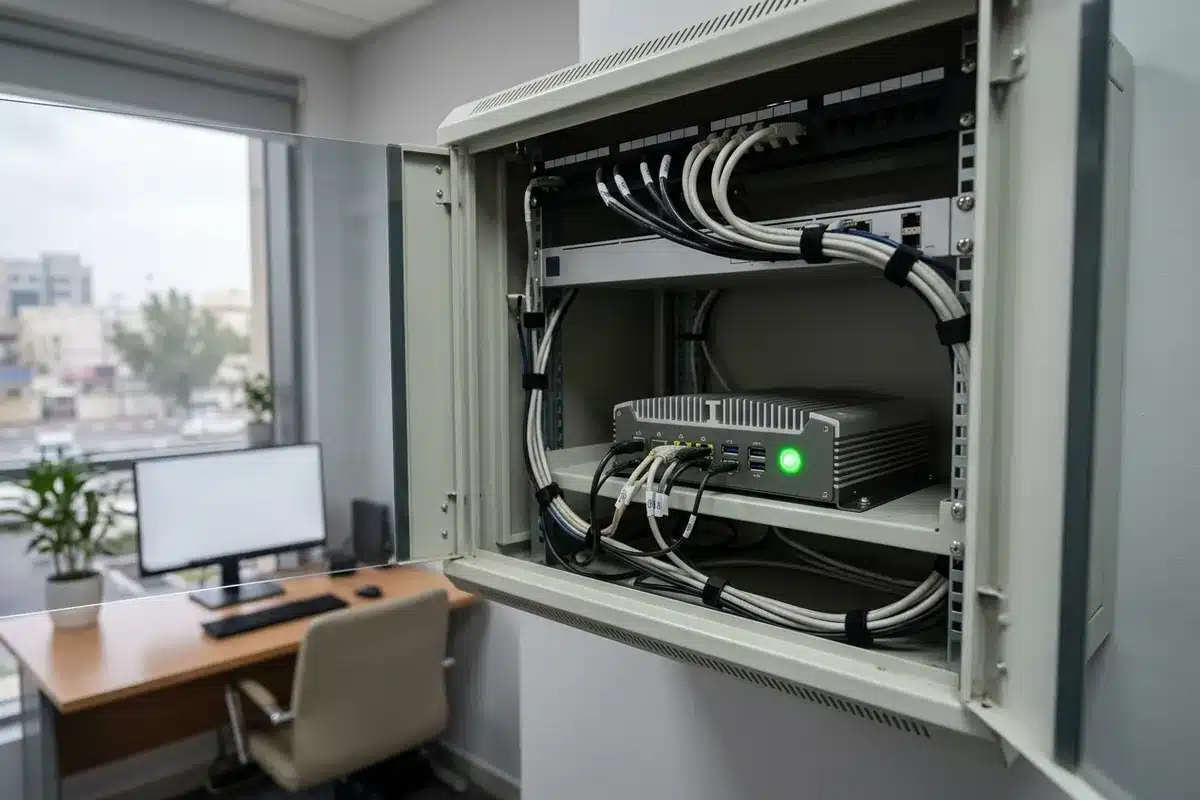
Hardware implications: llama.cpp shines where VRAM is scarce: CPU-heavy servers, mixed CPU-GPU offload, ARM edge boxes and air-gapped sites. It is a good fit for edge AI deployments such as video analytics boxes or branch-office assistants.
How the engines behave under load
The difference that matters most in production is what happens when many users arrive at once:
- Single user: all three can be fast. Speed depends mainly on the GPU’s memory bandwidth and the quantisation you use.
- 10–50 concurrent users: vLLM’s continuous batching keeps per-user latency reasonable and total throughput rises with load. Ollama queues requests, so later users wait. llama.cpp’s server can batch, but typically below vLLM’s throughput on large GPUs.
- Hundreds of users or long contexts: you need vLLM or a comparable serving engine, enough VRAM for KV cache, and often several GPUs connected with NVLink.
Published single-GPU tests show vLLM delivering many times the aggregate tokens per second of Ollama at 50 concurrent users on the same card. Exact multiples vary with model and settings, so benchmark your own model, prompt lengths and quantisation before sizing hardware.
Choosing hardware by engine
| Scenario | Engine | Typical hardware |
|---|---|---|
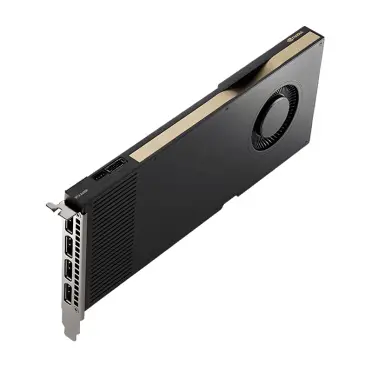
| Developer laptop or single analyst | Ollama | Workstation GPU (24–48 GB) or Mac with large unified memory |
| Team assistant, 10–50 users, 8B–32B model | vLLM | 1–2 x L40S or 1 x RTX PRO 6000 in a 2U server |
| Company-wide RAG and agents, 70B model | vLLM | 4–8 x H100/H200 NVL or a 4-GPU HGX board |
| Customer-facing product, high volume | vLLM / SGLang / TensorRT-LLM | 8-GPU HGX H200 or B200 nodes |
| Edge site, air-gapped branch, CPU-heavy | llama.cpp | Edge AI box, CPU server with large RAM, small inference GPU |
For the infrastructure side of production inference, including networking and storage, see Training vs. Inference: scaling your infrastructure.
Practical tips before you deploy
- Match the quantisation to the engine: GGUF for llama.cpp and Ollama; FP8, AWQ or GPTQ for vLLM on Hopper and Blackwell.
- Set memory limits deliberately: vLLM’s GPU memory utilisation setting decides how much is reserved for KV cache; leave room if other processes share the GPU.
- Use prefix caching when every request shares a long system prompt or RAG preamble.
- Load-test with realistic prompts: long contexts change throughput dramatically.
- Plan observability: export tokens per second, queue time and GPU memory to your monitoring stack from day one.
ITCT supplies GPU servers configured and tested for vLLM and other serving engines, from single-card inference servers to 8-GPU HGX systems. Tell us your model, user count and latency target and we will recommend a configuration.
Frequently asked questions
Is vLLM faster than Ollama?
For a single user the difference is small and mostly depends on quantisation. Under concurrent load vLLM is much faster in total throughput because it batches requests continuously, while Ollama queues them.
Does Ollama use llama.cpp?
Yes. Ollama builds on llama.cpp and adds model management, a simple API and an easy installer.
Can vLLM run on AMD GPUs or Macs?
vLLM targets NVIDIA CUDA first. AMD support through ROCm exists but is less mature, and macOS support is limited. For Apple hardware, Ollama or llama.cpp are the practical choices.
Which engine should I use for a production chatbot?
vLLM or another dedicated serving engine such as SGLang or TensorRT-LLM, running on data-center GPUs with enough VRAM for your concurrent users and context length.
Can llama.cpp run without a GPU?
Yes. llama.cpp runs on CPUs using quantised GGUF models. It is slower than GPU inference but useful for small models, edge sites and environments without GPUs.
Last update at December 2025