

Products Mentioned in This Article


Molecular dynamics (MD) is one of the few scientific workloads where a high-end gaming or workstation GPU can beat a data-center card on price per result. GROMACS, AMBER and NAMD run most of their work on the GPU in mixed precision, so clock speed and memory bandwidth matter more than FP64 throughput for typical biomolecular simulations. This guide explains how each engine uses the GPU, which cards fit which system sizes and when a data-center GPU is actually worth it.
What MD engines need from a GPU
| Engine | How it uses the GPU | What matters most |
|---|---|---|
| AMBER (pmemd.cuda) | Runs almost the whole simulation on one GPU in mixed precision | Single-GPU speed and clocks; extra GPUs usually run separate jobs |
| GROMACS | Non-bonded and PME on GPU; some work stays on CPU | Fast GPU plus a strong CPU with high clock speed |
| NAMD 3 | GPU-resident mode keeps the simulation on the GPU | GPU speed; scales across several GPUs for large systems |
| OpenMM | Fully GPU, mixed precision | Single-GPU speed |
Because these engines use single or mixed precision, the strong FP64 of cards like the H100 is rarely the deciding factor for classical MD. FP64 matters more for some quantum chemistry and other HPC codes.
GPU recommendations by system size
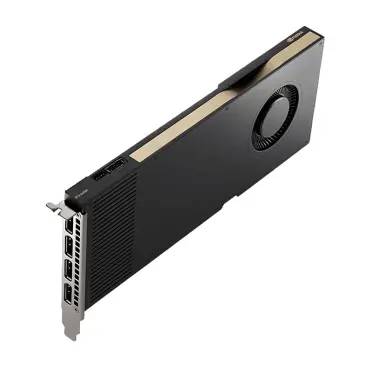
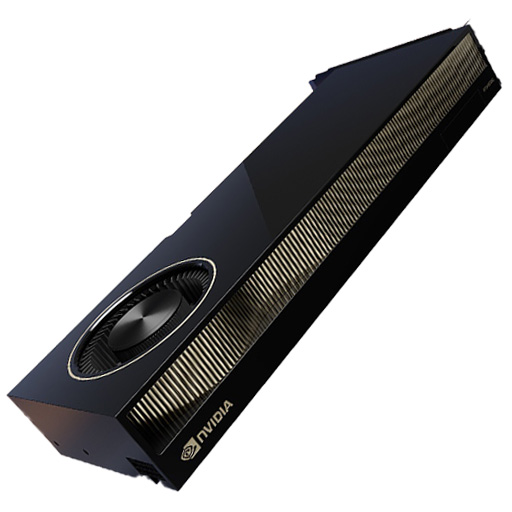
- Up to ~500K atoms (most protein–ligand and membrane studies): RTX 5090 (32 GB) or RTX PRO 4500/5000 Blackwell. Best throughput per dollar.
- 500K to several million atoms: RTX PRO 6000 Blackwell (96 GB) for memory headroom and long unattended runs. See our RTX PRO 6000 Blackwell guide.
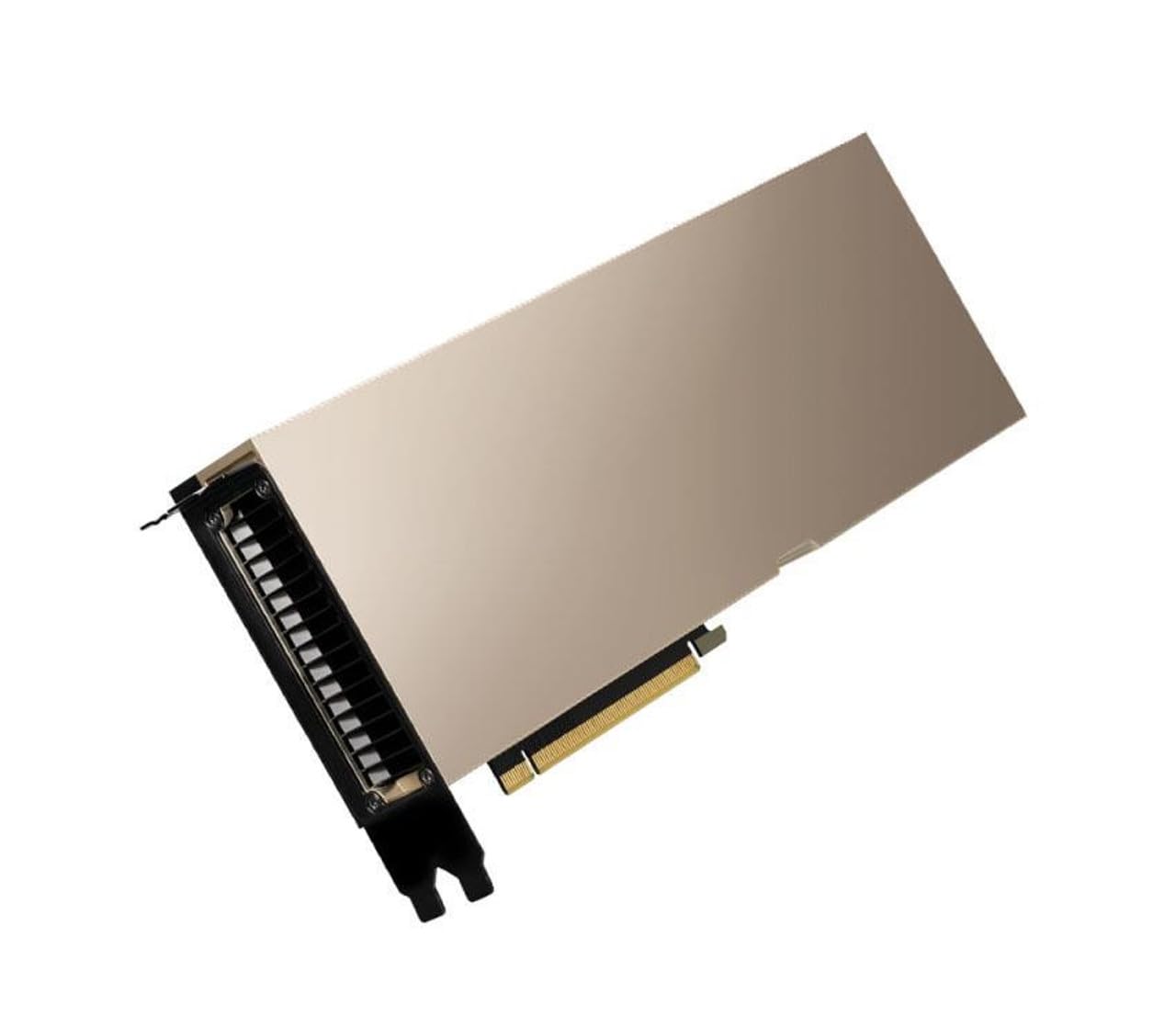
- Very large systems and multi-GPU single jobs: H100/H200 with NVLink in a server, mainly for NAMD scaling or mixed MD and AI work.
- Many independent runs (free energy, replicas, screening): several mid-range GPUs beat one large GPU, because each run gets its own card.
Workstation vs server
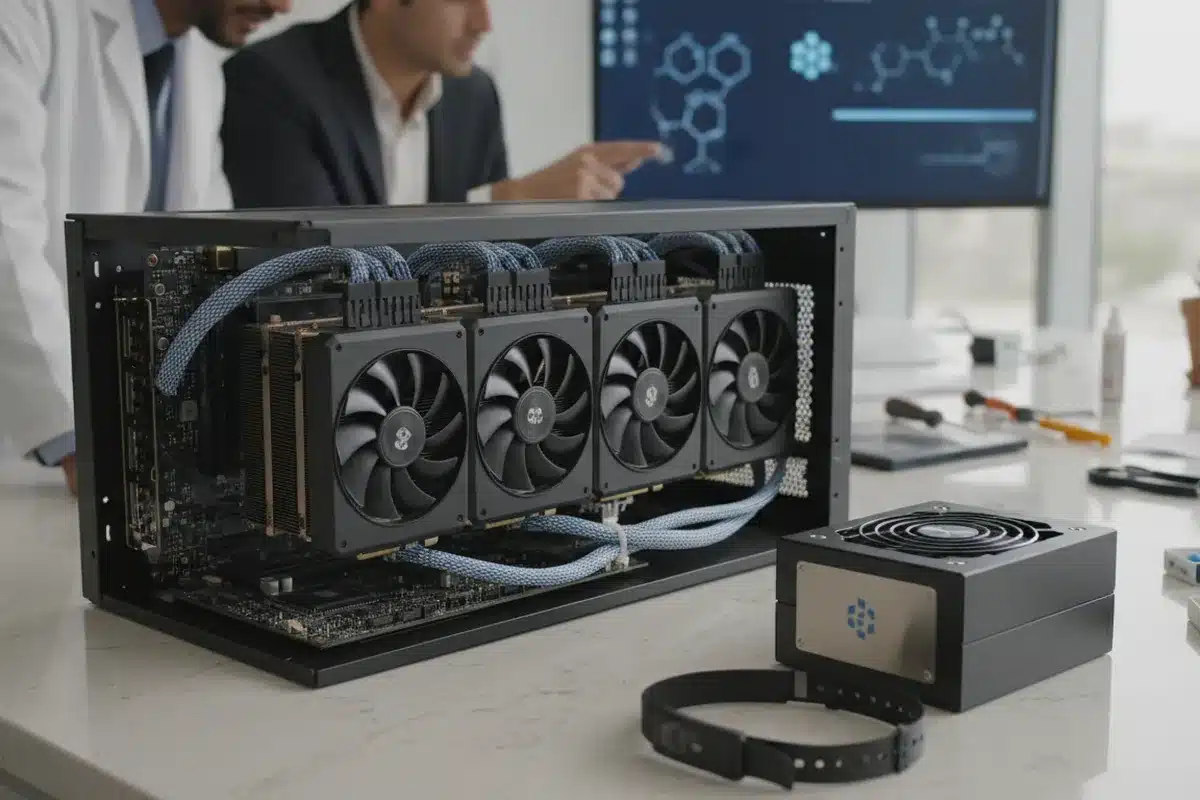
- Workstation (1–4 GPUs): ideal for a research group; quiet enough for an office if cooled well. Compare options in AI workstation vs GPU server.
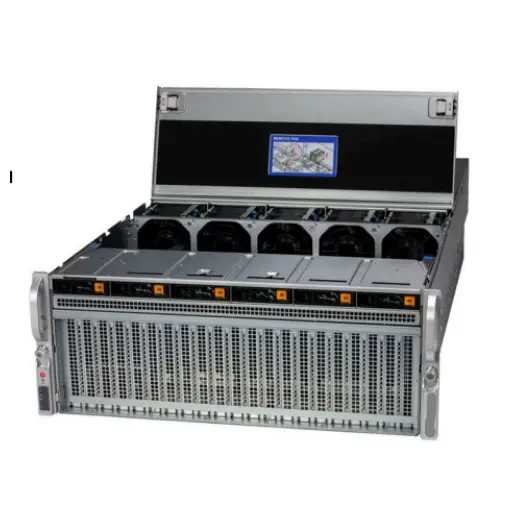
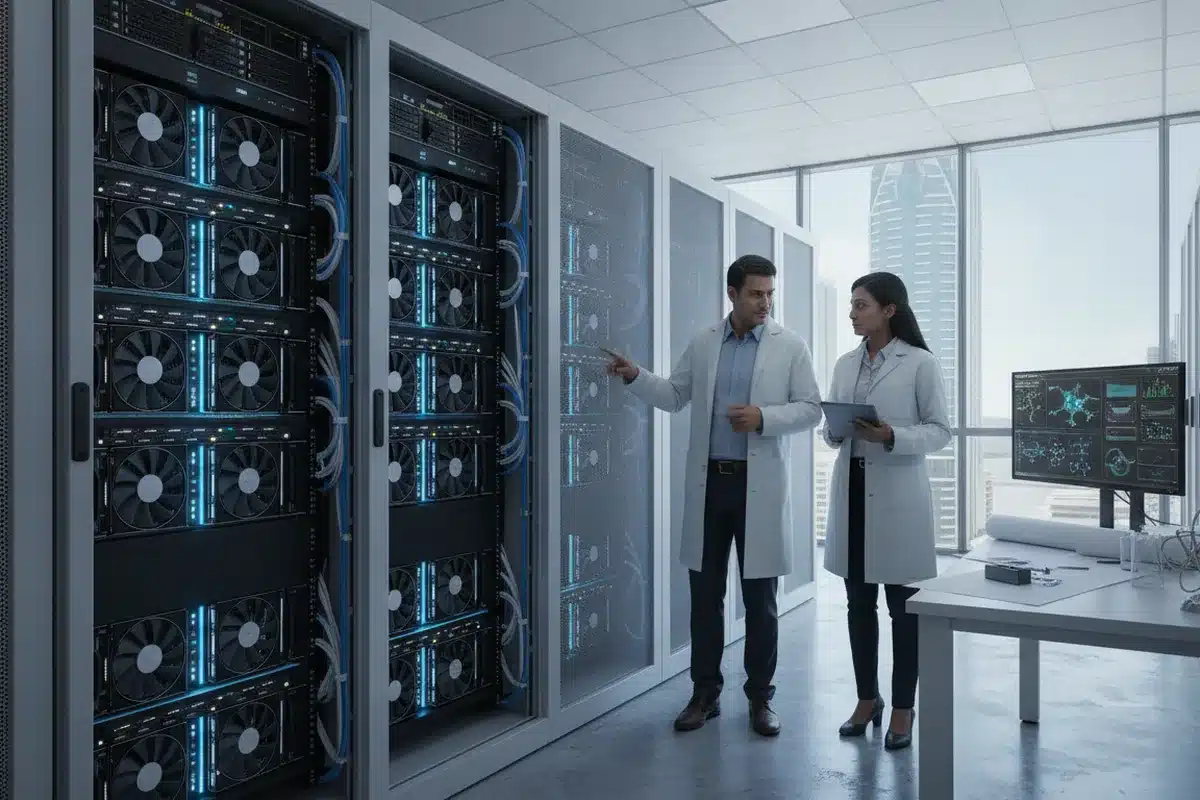
- Rack server (4–8 GPUs): for shared lab clusters with a scheduler such as Slurm.
- Blower-style or server-edition cards are better than open-air coolers when packing several GPUs together.
Do not forget the CPU, memory and storage
- GROMACS benefits from high-clock CPU cores; pair each GPU with enough fast cores.
- 64–128 GB system RAM is enough for most MD workstations; more for analysis of long trajectories.
- Trajectories grow fast. Plan NVMe for active runs and large HDD or NAS for archives.
Buying checklist
- List your engines and typical atom counts.
- Decide whether you run one big simulation or many small ones.
- Pick GPU memory for your largest system, then maximise GPU count for throughput.
- Check power and cooling for multi-GPU builds (1,600 W+ for several high-end cards).
- Confirm driver and CUDA versions supported by your engine release.
ITCT supplies RTX 5090, RTX PRO Blackwell and H100/H200 systems from Dubai and can configure workstations and servers for GROMACS, AMBER and NAMD. If you also train models, read GPU VRAM for AI training.
Frequently asked questions
Do I need an H100 for molecular dynamics?
Usually not. For classical MD, an RTX 5090 or RTX PRO card delivers more simulation time per dollar. H100/H200 make sense for very large multi-GPU jobs or shared AI and HPC clusters.
Does FP64 matter for GROMACS or AMBER?
Not for typical runs; both use single or mixed precision on the GPU.
Is 32 GB of GPU memory enough?
For most biomolecular systems, yes. Very large systems benefit from 48–96 GB cards.
Can one GPU run several simulations?
Yes, but it is usually faster to give each simulation its own GPU.
Last update at December 2025