
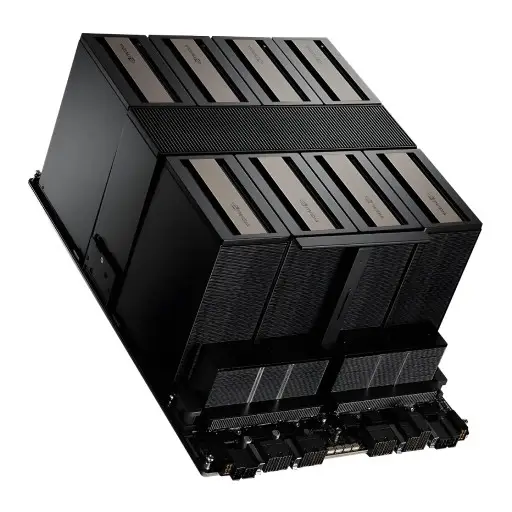
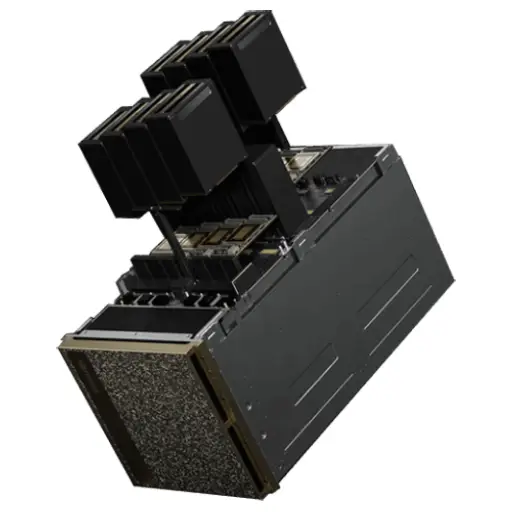
Products Mentioned in This Article

The same GPU can look twice as fast on one data sheet as on another, because the numbers use different precision. FP16, BF16, FP8 and INT8 all appear in marketing, and they are not interchangeable. This guide explains what each one does and how to choose for training and inference.
Why precision matters
Precision is the number of bits used for each value. Fewer bits mean less memory, less data to move and usually more operations per second. The cost is range and detail: values can overflow, vanish or be rounded too coarsely. Choosing precision is a balance between speed and accuracy.
The formats in brief
| Format | Bits | Typical use | Notes |
|---|---|---|---|
| FP32 | 32 | Reference, sensitive operations | Highest range and detail |
| FP16 | 16 | Training, inference | Limited range, may need loss scaling |
| BF16 | 16 | Training | Range close to FP32, less detail |
| FP8 | 8 | Training and inference on supported GPUs | Two variants, needs scaling |
| INT8 | 8 | Inference | Needs calibration or quantization-aware training |
| 4-bit | 4 | Inference, fine-tuning adapters | Quality depends on method and model |
FP8 is really two formats
The FP8 formats paper describes E4M3, with more precision, and E5M2, with more range. A common pattern uses the first for weights and activations and the second for gradients. Software libraries handle the scaling, but you should still verify that loss curves stay healthy.
FP8 or INT8 for inference?
INT8 spaces values evenly, so outliers are awkward and calibration matters. FP8 spaces them unevenly, which copes better with the wide range found in transformer activations. INT8 is supported on far more hardware, however. Test both with your own prompts, and compare quality, not only tokens per second.

Which GPU generations support what?
Hardware FP8 arrived with NVIDIA’s Hopper generation, while earlier data center cards such as A100 offer FP16, BF16 and INT8. Later generations add lower precisions. Always check the architecture documentation, and see H200 vs H100 and B300 vs B200 for platform differences.
Reading performance claims
- Check the precision in the footnote.
- Check whether sparsity is assumed.
- Compare the same precision on both products.
- Ask whether the number is peak or measured.
- Look for memory bandwidth, which often limits language models.
A safe testing routine
- Save a baseline in your current precision.
- Change one thing: format, batch size or kernel.
- Run a fixed evaluation set and human spot checks.
- Watch rare but important cases, such as numbers, names and Arabic text.
- Measure memory, latency and cost together.
- Keep the old configuration ready for rollback.
Choosing quickly
- Training new models on supported GPUs: BF16 first, then FP8 with validation.
- Fine-tuning on a budget: BF16 with adapters, or 4-bit base weights. See 70B fine-tuning memory.
- Serving at scale: FP8 or INT8, whichever passes your evaluation.
- Scientific computing: do not assume AI formats are acceptable.
Worked example: memory at each precision
A model with 8 billion parameters needs the following for weights alone. Multiply the parameters by bytes per value.
| Precision | Bytes per value | Weights |
|---|---|---|
| FP32 | 4 | 32 GB |
| FP16 or BF16 | 2 | 16 GB |
| FP8 or INT8 | 1 | 8 GB |
| 4-bit | 0.5 | 4 GB, before overhead |
Real files are a little larger because of scaling factors and layers kept at higher precision. The KV cache, the runtime and fragmentation come on top. So moving from 16-bit to 8-bit weights frees 8 GB, which might matter more as room for users than as speed.
Why training needs more care than inference
During inference each value is used and thrown away. In training, small errors accumulate over thousands of steps, and gradients can be very small or suddenly large. That is why most recipes keep some parts in higher precision: the master copy of the weights, normalisation layers and sometimes the final layer. “FP8 training” therefore usually means mixed precision, not eight bits everywhere.
If you see the loss jump, NaN values or a model that learns more slowly than the baseline, go back one step. Try the same run in BF16 with the same data order. If the problem disappears, precision is the suspect; if not, look at the learning rate and data.
Evaluate quality in three layers
- Numbers: a fixed benchmark with the same seed and prompts.
- Cases: fifty real examples, including long inputs, code, tables and the languages you serve.
- People: blind comparison of old and new answers by someone who knows the task.
A small average loss can hide a large loss in one area. Check the worst group, not only the mean. Keep the results, because the next driver or library release will raise the same question.
Common mistakes
- Comparing FP8 speed on one product with FP16 on another
- Quantising the embedding and output layers without testing
- Calibrating INT8 with data unlike production
- Expecting lower precision to fix a memory bandwidth limit that comes from the cache
- Changing precision and batch size in the same test
Frequently asked questions
Does FP8 always double the speed of FP16?
Compute can roughly double on supported units, but memory, networking and software limit real workloads.
Is BF16 better than FP16?
For training, its wider range is often easier to use. FP16 has more detail within its smaller range.
Can I convert any model to FP8?
Many can be, but quality must be measured for each model and task.
Does precision change the KV cache?
Only if the cache itself is stored in lower precision. See GPU memory requirements for the wider budget.
Is FP16 obsolete?
No. It is widely supported and works well for inference on many models. BF16 is simply easier for training on hardware that supports it.
Summary
Precision is a tuning choice with a measurable price. Pick the lowest format that passes your own evaluation, and compare hardware on that format only.
Last update at December 2025