
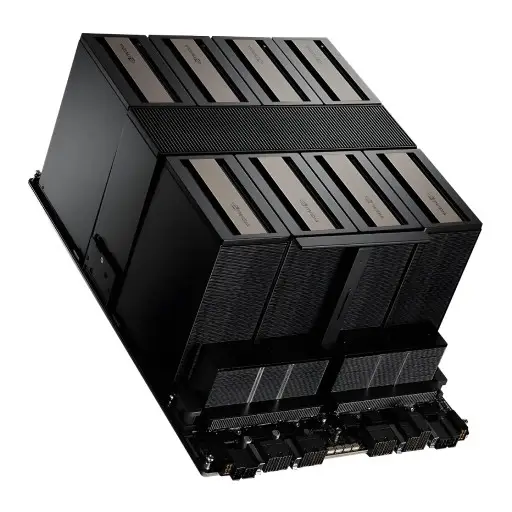
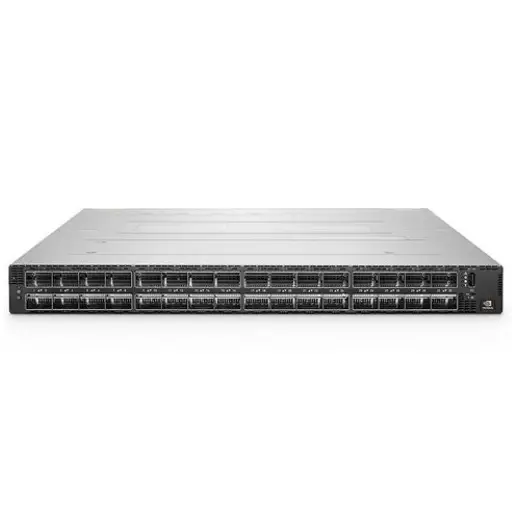
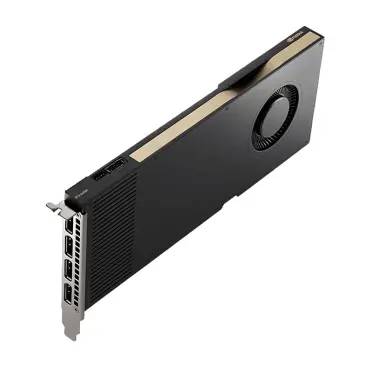
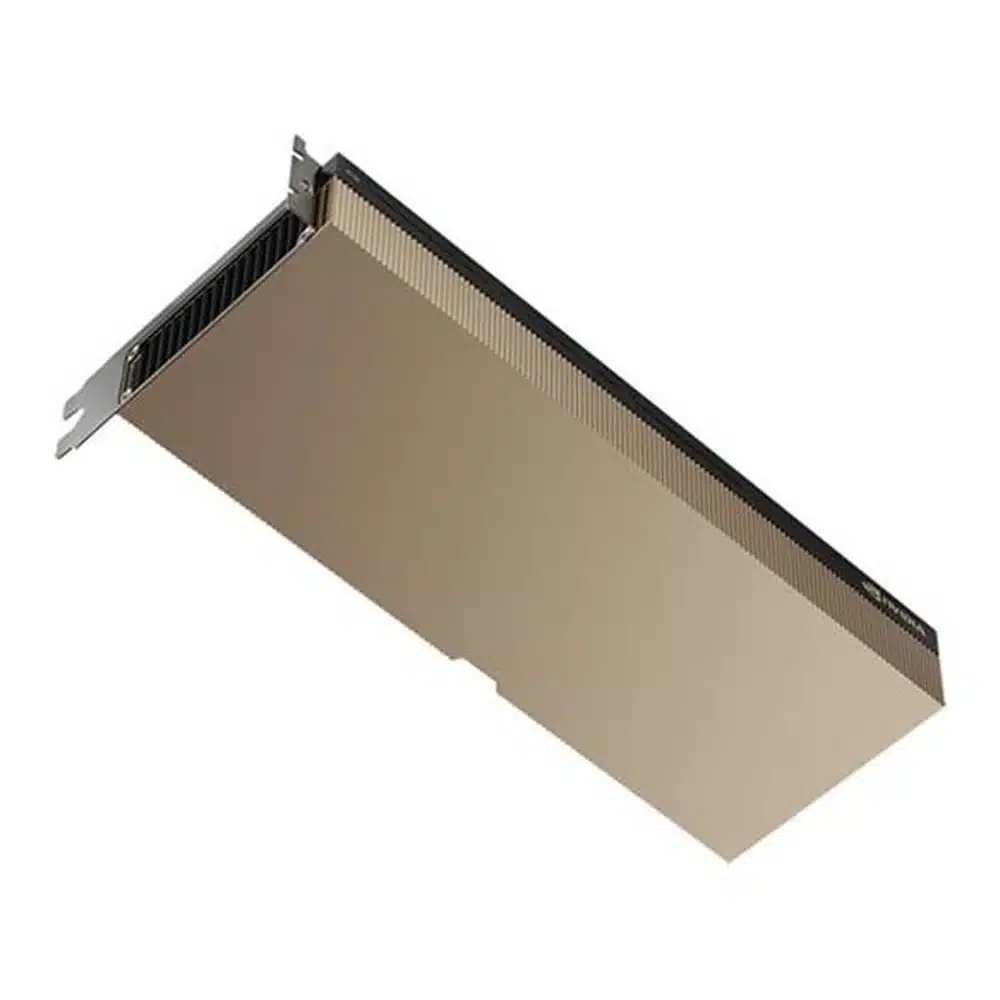

Products Mentioned in This Article

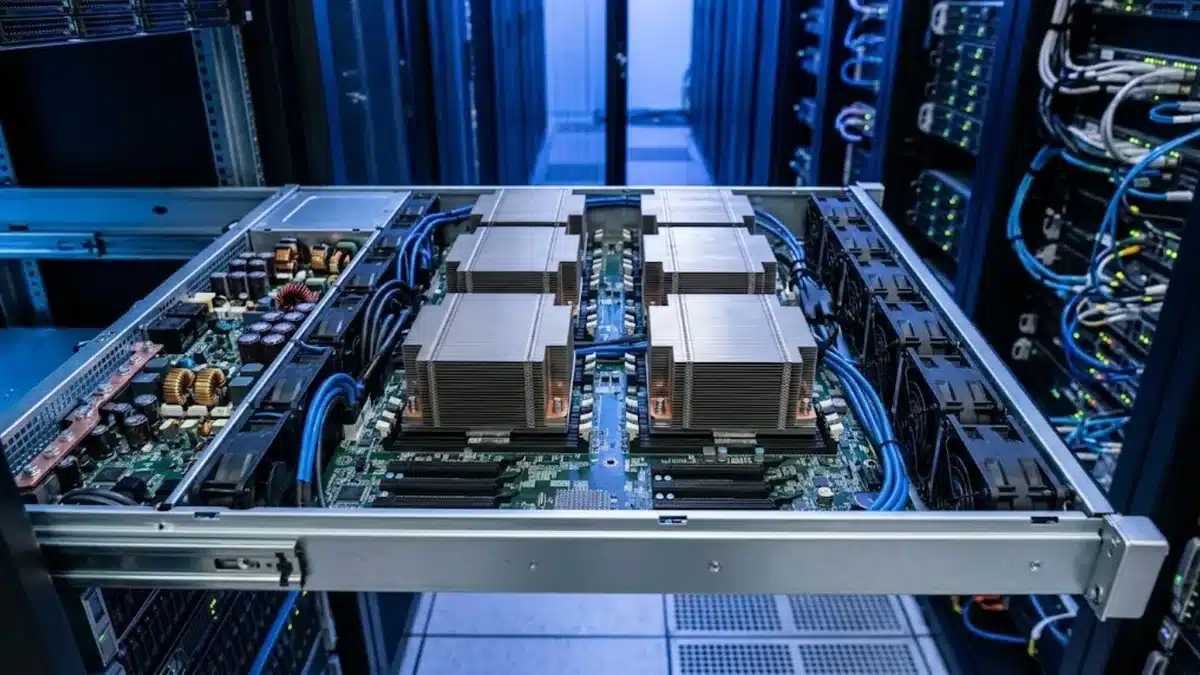
NVIDIA H100 and H200 are both built on the Hopper architecture, so at first glance they look like the same GPU with a different name. The real difference is memory: H200 has far more of it and much more bandwidth. For some AI workloads that changes everything; for others it makes little difference. This guide compares H200 vs H100 in plain terms, explains which workloads benefit from the extra memory and lists what to check before choosing a server.
H200 vs H100 at a glance
| Feature | H100 SXM | H200 SXM |
|---|---|---|
| Architecture | Hopper | Hopper |
| GPU memory | 80 GB HBM3 | 141 GB HBM3e |
| Memory bandwidth | About 3.35 TB/s | About 4.8 TB/s |
| Compute (FP8 / FP16 Tensor) | Essentially the same Tensor Core capability | |
| Max power (SXM) | Up to 700 W | Up to 700 W |
| Interconnect | NVLink 4 (900 GB/s per GPU) in HGX 8-GPU boards | |
There are also PCIe variants: H100 PCIe (80 GB) and H200 NVL (141 GB), which are designed for standard air-cooled servers and lower power envelopes. Always check exactly which variant a server or quote includes.
Why memory matters more than raw compute
Large language model inference is often limited by memory, not by compute. Every generated token requires reading the model weights and the KV cache from GPU memory. More capacity means you can:
- Fit larger models on fewer GPUs: a model that needs two H100s because of memory may fit on one H200, reducing communication overhead.
- Serve longer context windows: the KV cache grows with context length and concurrent users. Extra memory lets you serve more users or longer prompts before running out.
- Increase batch size: larger batches improve throughput and lower the cost per token.
Higher bandwidth also speeds up the token generation phase, which is mostly memory-bound. If you want to estimate how much memory your model needs, see our guide to LLM GPU memory requirements.

Which workloads benefit most from H200?
- LLM inference at scale: serving 70B-class models and larger, long-context applications, retrieval-augmented generation with large prompts and high-concurrency chat services.
- Fine-tuning large models: more memory per GPU means less need for aggressive model sharding and offloading.
- Memory-heavy HPC: simulations and scientific workloads that are limited by memory capacity or bandwidth.
When H100 is still the better choice
- Compute-bound training of small and mid-size models: if your model already fits comfortably in 80 GB, H200 adds little compute advantage.
- Existing H100 clusters: expanding an H100 cluster with the same GPU keeps software tuning and operations simple.
- Availability and budget: H100 systems, including refurbished ones, are often easier to source. Our article on used H100 pricing explains what affects their value.
Server and facility considerations
Because both SXM GPUs run at up to 700 W, an 8-GPU HGX server draws a similar amount of power with either GPU. Plan for:
- Power: rack power density, redundant PSUs and suitable circuits. See GPU server power requirements.
- Cooling: dense 8-GPU systems may push your facility toward higher-airflow designs or liquid cooling.
- Networking: multi-node training needs high-bandwidth, low-latency fabric between servers.
- Software: both GPUs use the same CUDA stack, so code written for H100 runs on H200 without changes; you just gain more memory headroom.

How H200 fits with newer Blackwell GPUs
Blackwell GPUs such as B200 and B300 offer a further jump in compute and memory. H200 remains relevant for teams that want a mature Hopper software environment with much more memory than H100, or that need systems available sooner. For a comparison of the newer generation, read B300 vs B200.
Checklist before you choose
- Measure or estimate the memory your models need, including KV cache at your target context length and concurrency.
- Decide whether your main workload is training, inference or both.
- Confirm the exact variant (SXM vs PCIe/NVL) and the server platform.
- Check your facility’s power and cooling limits per rack.
- Compare total cost per useful output (for example cost per token served), not only the cost per GPU.
Frequently asked questions
Is H200 faster than H100?
For memory-bound workloads such as LLM inference, yes, often noticeably, because of the larger and faster memory. For compute-bound tasks on models that fit in 80 GB, performance is similar.
Can I mix H100 and H200 in the same server?
In HGX systems the GPU board is a single unit, so GPUs are not mixed within one server. Different servers in the same cluster can use different GPUs, but scheduling and parallelism are simpler with identical nodes.
Do I need to change my software for H200?
No. H200 uses the same Hopper architecture and CUDA software stack as H100. Frameworks such as PyTorch, vLLM and TensorRT-LLM support both.
Does H200 use more power than H100?
The SXM versions of both are rated up to 700 W, so power planning is similar. The H200 NVL PCIe card has its own lower power envelope.
Is H200 worth it only for very large models?
It is most valuable for large models and long contexts, but it can also increase throughput for mid-size models by allowing bigger batches and more concurrent users per GPU.
Conclusion
H200 vs H100 is mainly a memory decision. If your workloads are limited by memory capacity or bandwidth, especially LLM inference with large models or long context, H200 can reduce the number of GPUs you need and raise throughput. If your models fit comfortably in 80 GB and you are compute-bound, H100 remains a strong option. ITCT can help you compare GPU server configurations and choose the right platform for your workload.
Last update at December 2025