
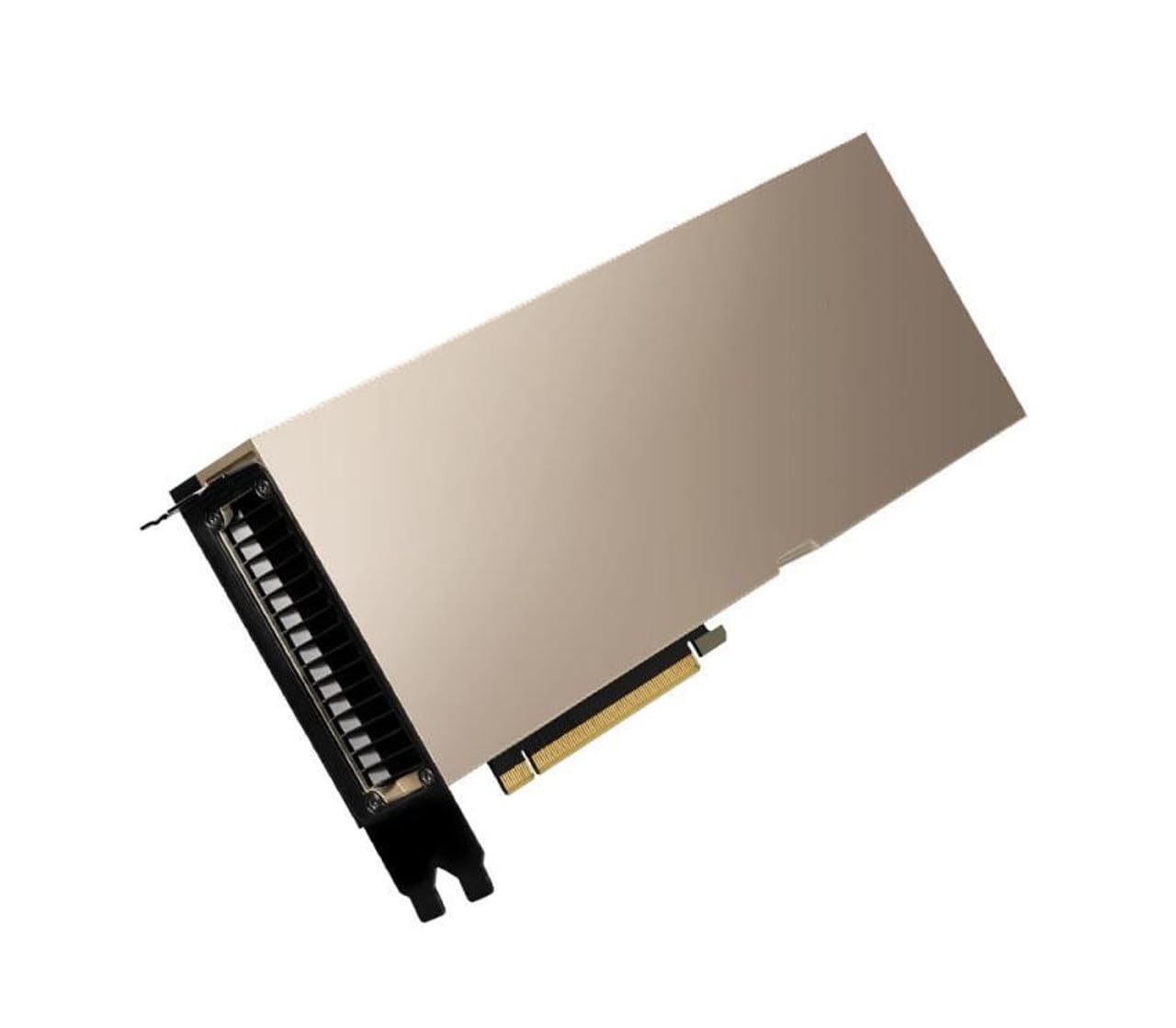
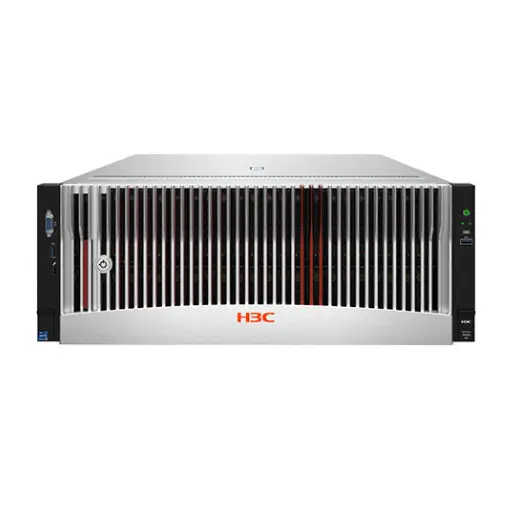

New data center GPUs remain expensive and often come with long lead times, so refurbished and used cards are now a serious option for AI teams in the Middle East: A100s retired from cloud fleets, H100 PCIe cards from early adopters upgrading to Blackwell, and L40S units from projects that changed direction. They can cut hardware cost dramatically, but a GPU that has run at full load in a hyperscaler for three years is not the same as a new one, and fake or remarked cards do exist. This guide explains how reliable refurbished data center GPUs really are, what can go wrong, and a practical test procedure before you accept delivery.
How reliable are used data center GPUs?
Data center GPUs are designed for continuous operation in controlled environments, with server-grade cooling and power. In practice, most failures appear early in a card’s life or are caused by environment: heat, dust, power events or physical damage. A card that has run for years in a well-managed data center is often in better shape than a gaming card used for a few months in a hot room.
The main risks are:
- Memory errors: HBM or GDDR cells degrade; watch for correctable and uncorrectable ECC errors and retired pages.
- Thermal wear: dried thermal paste or pads, degraded fans on actively cooled cards.
- Physical damage: bent connectors, damaged SXM sockets or broken components from careless removal.
- Counterfeit or remarked cards: lower models flashed or relabelled to look like higher ones.
- Locked or restricted firmware: cards from OEM servers that behave differently outside the original platform.
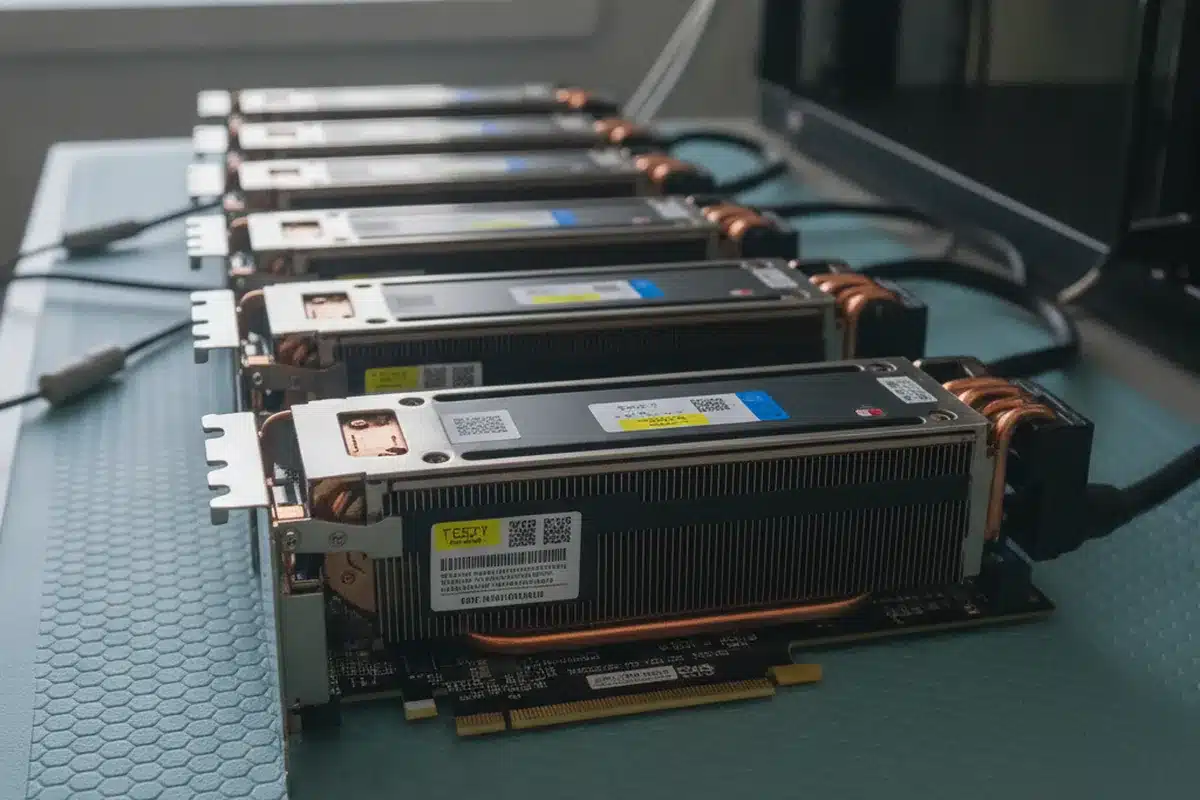
Which refurbished GPUs make sense in 2026
| GPU | Memory | Good for | Watch out for |
|---|---|---|---|
| A100 PCIe 40/80 GB | HBM2e | Fine-tuning and inference of mid-size models, research clusters | No FP8; check the exact memory version |
| A100 SXM4 | HBM2e | Only with a matching HGX A100 baseboard | Cannot be used in standard PCIe servers |
| H100 PCIe 80 GB | HBM2e | FP8 inference and fine-tuning | Cooling: passive card needs strong server airflow |
| L40S 48 GB | GDDR6 ECC | Inference, graphics and video AI | Lower memory bandwidth than HBM cards |
| A40 / A6000 48 GB | GDDR6 | Budget inference and visualisation | Older architecture, slower for large models |
Before choosing, check how much memory your models actually need with our LLM GPU memory guide, and compare throughput in best GPU for LLM inference.
Test procedure before you accept a refurbished GPU
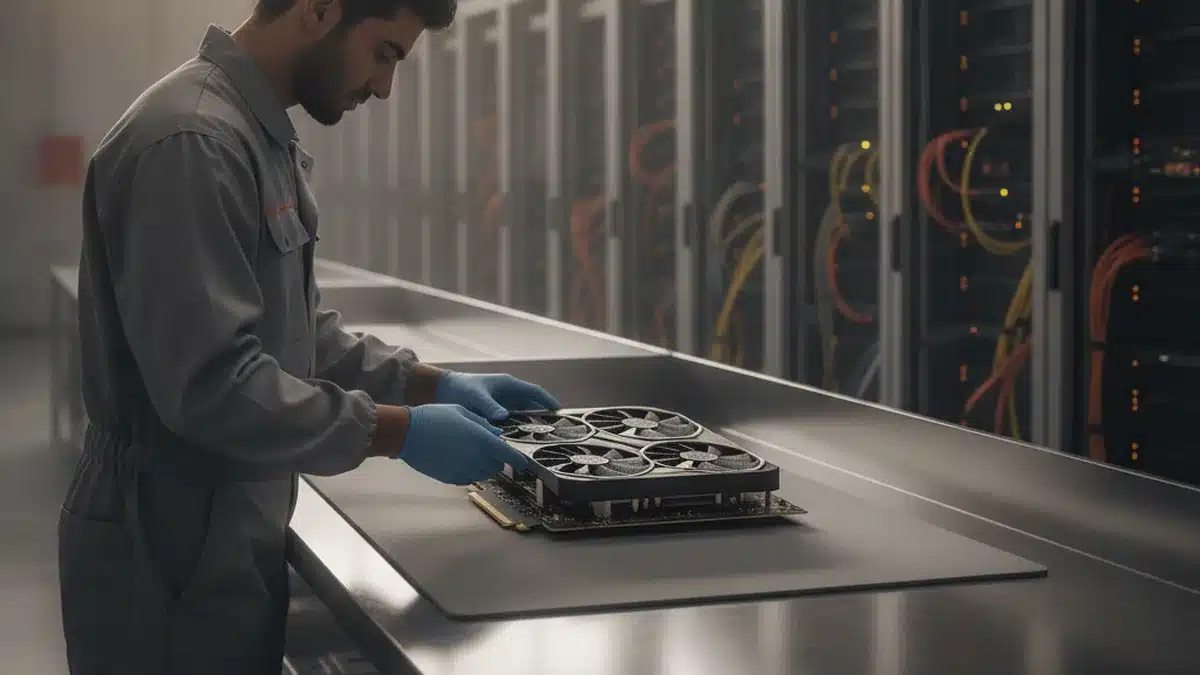
- Visual inspection: check the PCB, connectors and heatsink for damage, corrosion or missing screws. Compare serial numbers on the card with the label and the software report.
- Identification: run
nvidia-smi -qand confirm the product name, memory size, VBIOS version, serial number and PCIe link width and generation. - ECC and retired pages: in the same report, check volatile and aggregate ECC error counts and retired or remapped pages. Any uncorrectable errors are a red flag.
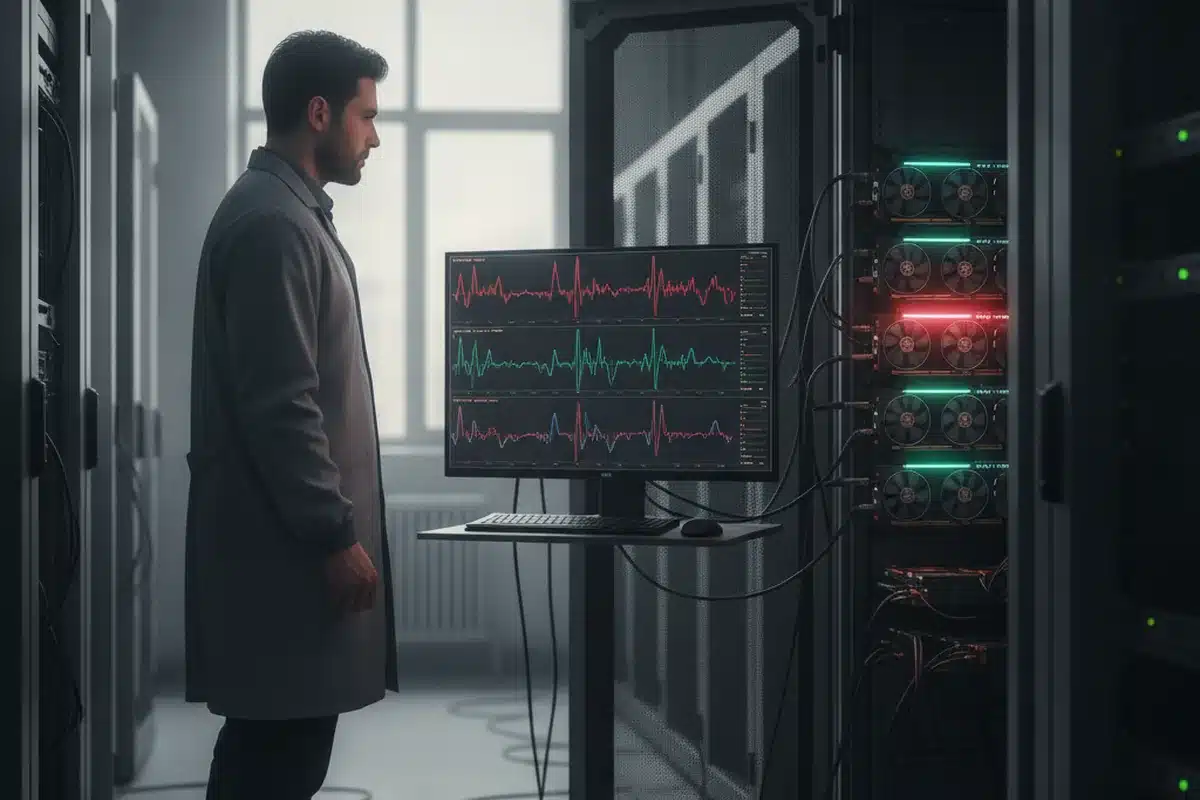
- Health check: run NVIDIA DCGM diagnostics (
dcgmi diag -r 3) to test memory, PCIe bandwidth and compute. - Burn-in: run a sustained load such as gpu-burn or a real training job for at least 4–8 hours, logging temperature, clocks and power with
nvidia-smi dmon. Clocks should stay stable without thermal throttling. - Real workload benchmark: run your own inference or training benchmark and compare tokens per second or samples per second with published numbers for the same card.
- Repeat ECC check: after burn-in, error counts should not have increased.
Warranty, sourcing and compliance
- Ask for written test reports and the serial numbers of the exact cards you will receive.
- Expect 90 days to 1 year of supplier warranty on refurbished GPUs; clarify replacement time and who pays shipping.
- Manufacturer warranty usually does not transfer; NVIDIA enterprise support may not apply to second-hand cards.
- Check export control and end-use requirements that apply to advanced GPUs in your jurisdiction, and keep purchase documentation.
- Buy from suppliers with a physical presence and a track record, not anonymous marketplace listings.
Refurbished vs new: when each makes sense
- Refurbished: development and research clusters, inference of mid-size models, proof-of-concept projects, and teams that can tolerate a spare-card strategy.
- New: production systems with strict uptime, FP8/FP4-heavy workloads that benefit from Hopper or Blackwell, and buyers who need vendor support contracts.
For current new-GPU pricing, see H100, H200 and B200 prices. ITCT supplies tested GPUs and GPU servers in Dubai, with test reports for every card; contact our team with your model and workload for a quote.
Frequently asked questions
Are refurbished A100 GPUs reliable?
Generally yes, if they pass ECC checks, DCGM diagnostics and a multi-hour burn-in. Most A100s on the market come from managed data centers with good cooling.
How can I tell if a used GPU is fake?
Compare nvidia-smi -q output (product name, memory, VBIOS, serial) with the physical label, and run a real benchmark. Remarked cards fail to match expected performance or memory size.
Can I use an SXM GPU in a normal server?
No. SXM modules need an HGX baseboard designed for them. Standard servers require PCIe cards.
What warranty should I expect on a refurbished data center GPU?
Typically 90 days to 1 year from the supplier. Get the terms, replacement time and test reports in writing.
Is a used H100 worth it compared to a new L40S?
For large language models, the H100’s HBM bandwidth and FP8 support usually deliver much higher throughput. For graphics, video and smaller models, a new L40S may be the better value.
Last update at December 2025