
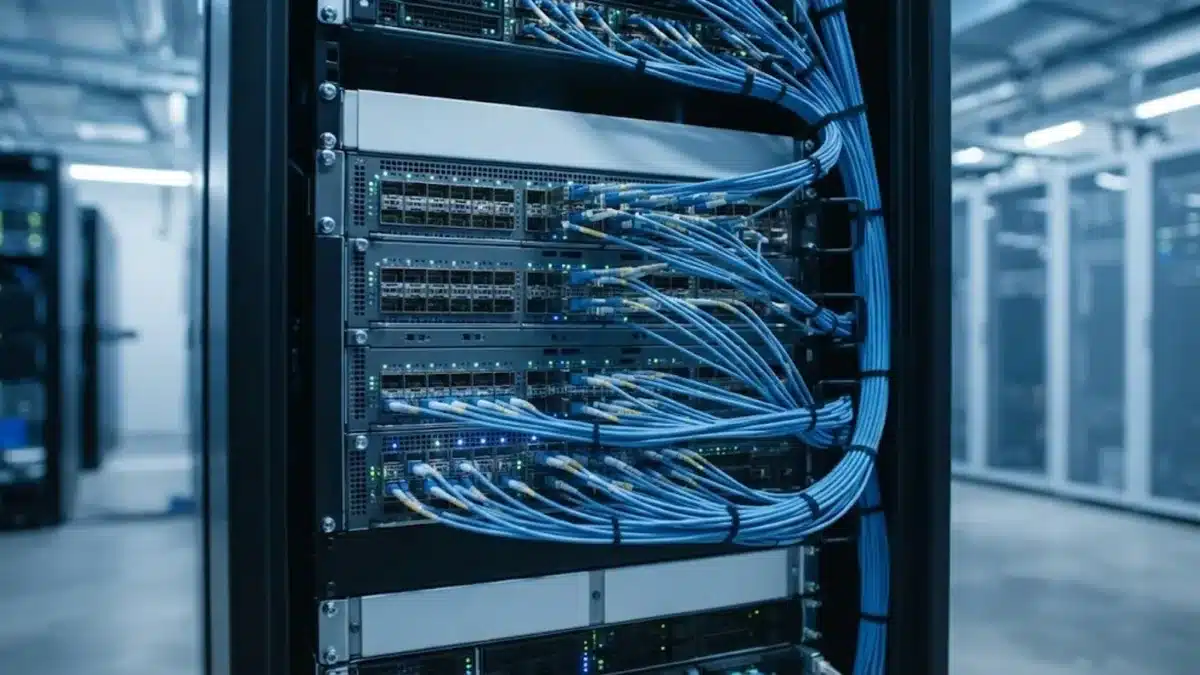
For most of the last few years, 400G was the default fabric speed for serious GPU clusters: one 400Gb/s NIC per GPU on an NDR InfiniBand or 400G Ethernet fabric. With NVIDIA’s Blackwell generation, 800G per GPU has moved from roadmap to purchase orders, and buyers now face a real choice. Moving to 800G changes NICs, switches, optics, cabling, power and budget all at once. This guide explains what 800G networking means for AI clusters, when it is worth it, how InfiniBand XDR compares with 800G Ethernet and what to check before you upgrade.
What “800G” actually refers to
In AI clusters, 800G usually describes the bandwidth available to each GPU on the scale-out (back-end) network, the fabric that connects servers to each other for distributed training and large-scale inference. It is separate from NVLink, which connects GPUs inside a server or rack. If you are unsure how the two layers differ, our guide to NVLink vs PCIe covers the intra-server side.
Three components have to move together for a true 800G fabric:
- The NIC: for example NVIDIA’s ConnectX-8 SuperNIC, which supports up to 800Gb/s per port, compared with 400Gb/s on ConnectX-7.
- The switch: 800G-per-port switches such as NVIDIA Quantum-X800 (InfiniBand XDR) or 51.2Tb/s-class Ethernet switches with 64 ports of 800G.
- Optics and cables: 800G transceivers (commonly OSFP form factor) or copper/AOC cables rated for 800G.
400G vs 800G per GPU: where it matters
More network bandwidth only helps when the network is the bottleneck. That depends on the workload:
- Large-scale distributed training (hundreds or thousands of GPUs, data, tensor and pipeline parallelism across nodes) spends a meaningful share of every step on collective communication such as all-reduce. Faster fabric directly shortens those phases and keeps expensive GPUs busy.
- Mixture-of-experts models generate heavy all-to-all traffic between nodes and are among the most network-sensitive workloads.
- Single-node fine-tuning and most inference rarely saturate even 400G. For an 8-GPU server serving models that fit inside one node, the extra cost of 800G often buys little.
- Disaggregated and multi-node inference of very large models sits in between; it benefits from low latency and high bandwidth but usually less than large training jobs.
A practical rule: if your jobs span more than a handful of 8-GPU nodes and you run Blackwell-class GPUs, plan for 800G. If you are buying a few standalone inference or fine-tuning servers, 400G (or even 200G) per GPU remains reasonable.
InfiniBand XDR vs 800G Ethernet
The InfiniBand-versus-Ethernet decision does not go away at 800G; it simply moves up a generation. We cover the trade-offs at 400G in InfiniBand vs RoCEv2, and most of the logic still applies.
| Factor | InfiniBand XDR (800G) | 800G Ethernet (RoCE) |
|---|---|---|
| Typical switch family | NVIDIA Quantum-X800 | NVIDIA Spectrum-X800 and other 51.2T Ethernet switches |
| Congestion control | Built into the fabric, lossless by design | Requires tuned RoCE, ECN/PFC or vendor congestion features |
| Operations skills | Specialised; smaller talent pool | Familiar to most network teams |
| Ecosystem | Largely single-vendor | Multi-vendor switches and optics |
| Best fit | Large training clusters prioritising predictable performance | Mixed AI and enterprise workloads, multi-tenant clouds, teams standardising on Ethernet |
Both can deliver excellent results; the right answer depends more on your team, existing network and supply availability than on headline speed.
Optics, cabling and power
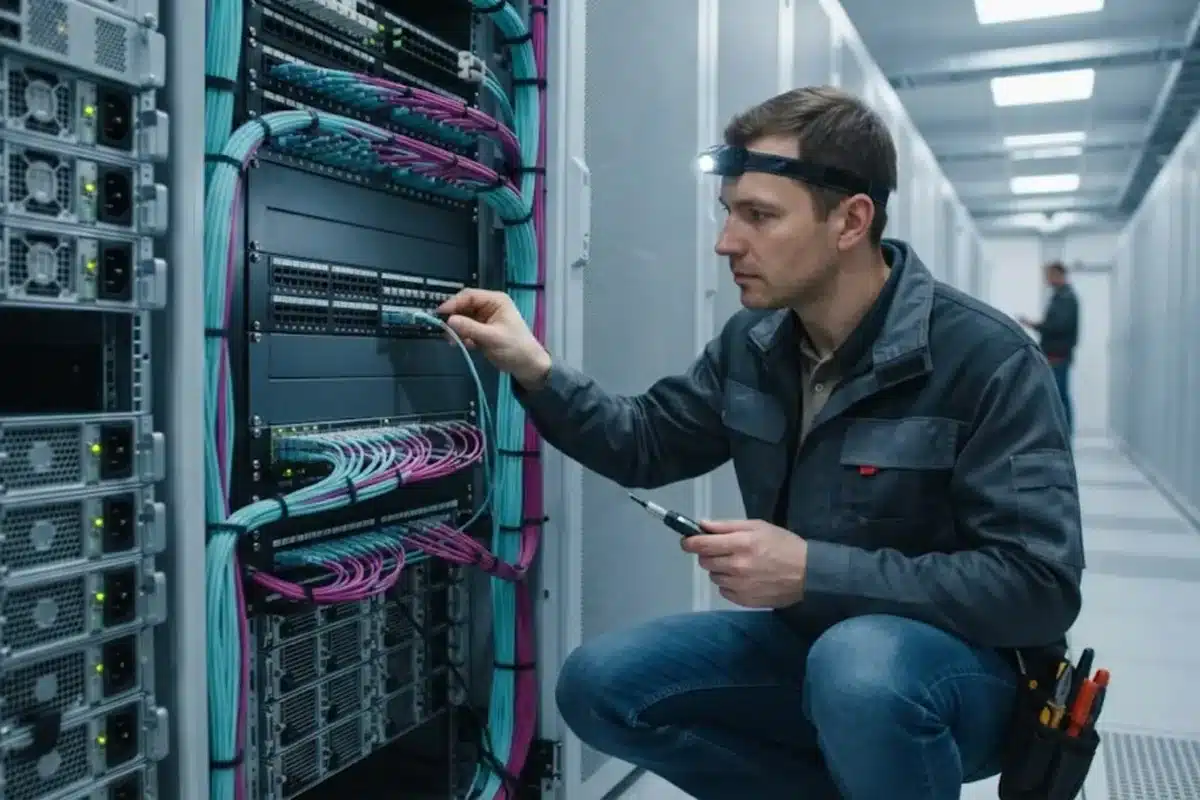
At 800G, optics stop being a line item and become a major part of the budget and power envelope.
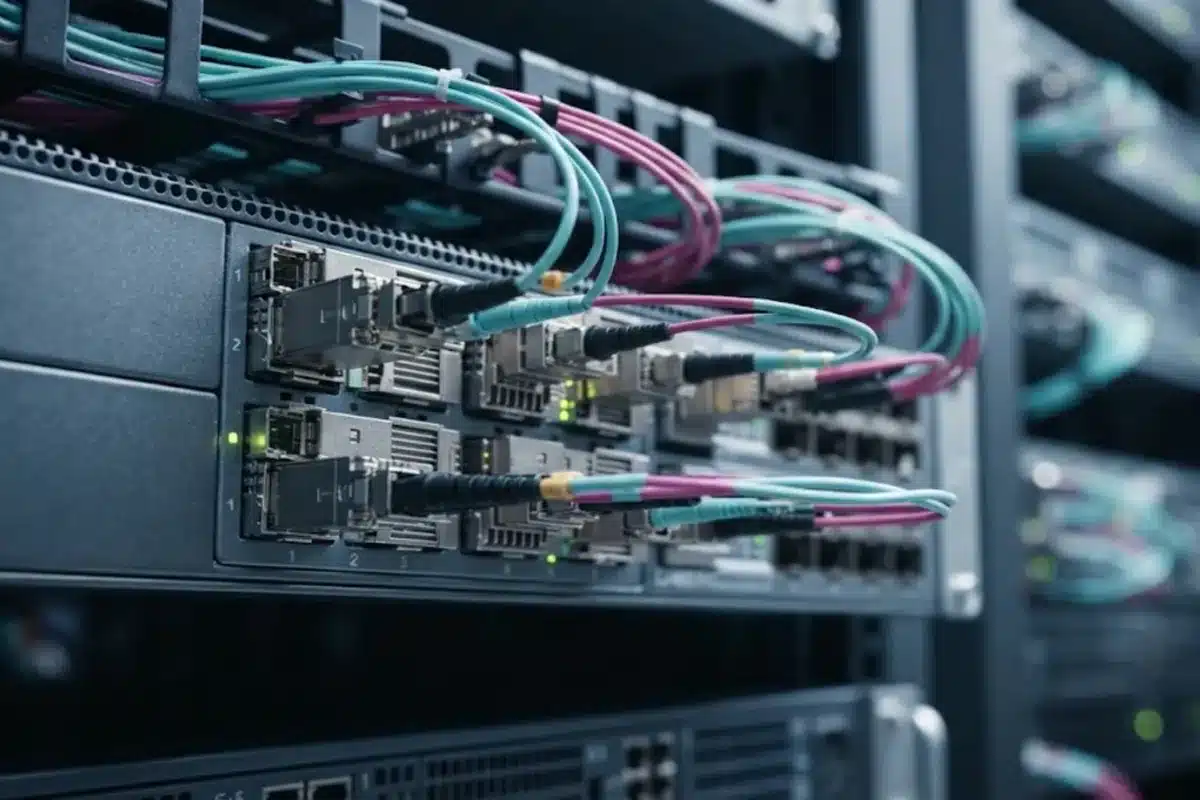
- Form factor: OSFP is the most common form factor for 800G in NVIDIA-based AI fabrics; QSFP-DD800 is also used in Ethernet. NICs, switches and optics must match.
- Reach: inside a rack, passive or active copper (DAC/ACC) is cheapest and lowest power; between racks, multimode SR optics cover short distances and single-mode DR/FR optics cover longer runs across rows.
- Breakout: many deployments use twin-port 800G optics that break out to two 400G links, which helps mix generations during migration.
- Power and heat: each 800G optical module draws noticeably more power than a 400G module, and a large cluster contains thousands of them. Include optics in your rack power planning, not just GPUs.
- Fibre plant: single-mode fibre and structured cabling designed for parallel optics (MPO/MTP) make future upgrades easier than point-to-point patching.
For module types, reaches and compatibility details at the previous generation, see our 400G optical transceivers guide.
Switch radix and cluster size
Moving from 400G to 800G per port does not only double bandwidth; it changes how many GPUs a given switch tier can connect. A 64-port 800G switch can also run as a 128-port 400G switch, and that flexibility affects how many tiers your fat-tree needs. Fewer tiers mean fewer optics, lower latency and lower cost per GPU. Before choosing speeds, model the target cluster size, oversubscription ratio and growth plan, as described in our GPU cluster design guide.
Upgrade checklist
- Measure first: profile current jobs and check how much time is spent in communication. If GPUs are rarely waiting on the network, 800G will not change much.
- Match the GPU generation: 800G pairs naturally with Blackwell-class servers; mixing it into older Hopper clusters is usually limited by the NICs already installed.
- Decide the fabric family: InfiniBand XDR or 800G Ethernet, based on team skills and existing network.
- Plan optics and cabling: count every module, cable and patch panel; confirm lead times, which can be longer than for servers.
- Check power and cooling: switches and optics add load on top of the GPU servers themselves.
- Keep the storage and front-end networks in mind: a fast back-end fabric does not fix slow data loading from storage.
- Consider DPUs and SuperNICs: offloading networking and security to devices such as NVIDIA BlueField can free CPU resources in multi-tenant environments.
Frequently asked questions
Do I need 800G networking for AI inference?
Usually not. Most inference runs on a single node or a small group of nodes and does not saturate 400G per GPU. 800G becomes relevant for very large models split across many nodes and for large-scale training.
Can I mix 400G and 800G in one cluster?
Yes, to a degree. 800G switch ports can often run at 400G or break out into two 400G links, so a staged migration is possible. Performance across a mixed fabric is limited by the slowest links in the communication path.
Is InfiniBand faster than Ethernet at 800G?
Both offer 800Gb/s per port. InfiniBand typically provides more predictable latency and congestion behaviour out of the box, while well-tuned Ethernet with RoCE can come close and is easier for many teams to operate.
Which transceiver form factor is used for 800G?
OSFP is the most common in NVIDIA-based AI fabrics, while QSFP-DD800 is also used in Ethernet switching. Always confirm the exact form factor and part compatibility with your NICs and switches.
How much more power does an 800G fabric use?
It depends on the design, but each 800G optical module and switch draws more power than its 400G equivalent. In large clusters, network power is significant enough to include explicitly in facility planning.
Conclusion
800G networking is the natural partner for Blackwell-class training clusters and very large distributed models, where communication time directly limits GPU utilisation. For smaller inference and fine-tuning deployments, 400G remains a sensible and cheaper choice. Base the decision on measured workload behaviour, choose the fabric family your team can run well and plan optics, cabling and power from day one. If you are sizing an AI cluster or upgrading an existing fabric, ITCT can help you compare configurations and source compatible NICs, switches and optics.
Last update at December 2025