

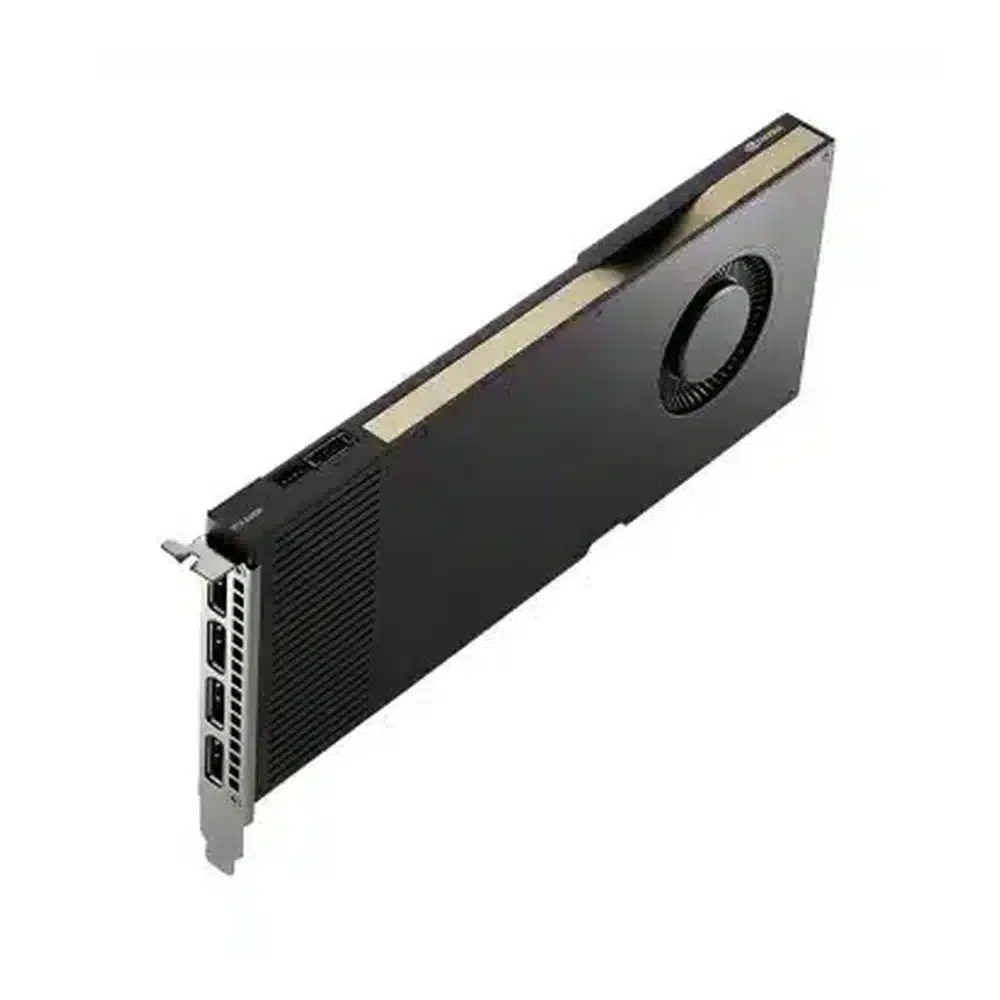



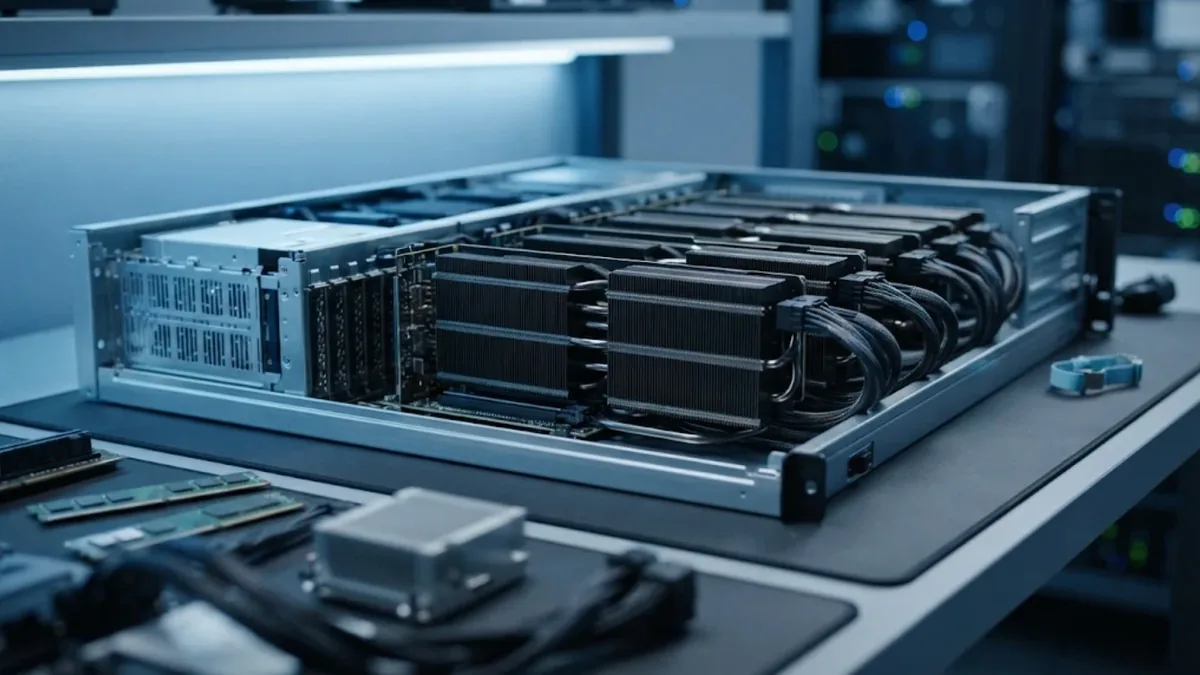
A single data center GPU such as the H100 has far more memory and compute than many inference services, notebooks or small training jobs actually need. Without some way to share it, teams either leave expensive GPUs half idle or let workloads fight over the same device. NVIDIA Multi-Instance GPU (MIG) solves this by splitting one physical GPU into several fully isolated GPU instances. This guide explains how MIG works, which GPUs support it, when it makes sense, and how it compares with other ways of sharing a GPU.
What is NVIDIA MIG?
Multi-Instance GPU is a hardware partitioning feature introduced with the NVIDIA Ampere architecture. It divides a supported GPU into up to seven separate instances. Each instance gets its own dedicated slice of:
- Streaming multiprocessors (compute)
- GPU memory and memory bandwidth
- L2 cache
- Copy and video decode engines (depending on the profile)
Because these resources are separated in hardware, one instance cannot consume another instance’s memory or slow it down by saturating the cache. To the operating system and to containers, each MIG instance appears as its own GPU with predictable performance.
Which GPUs support MIG?
MIG is available on NVIDIA’s data center GPUs from the Ampere generation onward, including:
- A100 (40 GB and 80 GB) and A30 on Ampere
- H100 and H200 on Hopper
- B200 and other Blackwell data center GPUs
- RTX PRO 6000 Blackwell Server Edition, which supports a smaller number of instances
Up to seven instances are available on A100, H100, H200 and B200. A30 supports up to four. Popular inference cards such as the L4 and L40S do not support MIG, which is an important point when you compare options for multi-tenant inference. For background on memory sizing, see our guide to LLM GPU memory requirements.

How MIG profiles work
MIG instances are created from predefined profiles. The profile name describes the compute fraction and memory size. On an H100 80 GB, for example, the smallest profile is 1g.10gb, meaning one-seventh of the compute and about 10 GB of memory. Larger profiles such as 3g.40gb or 7g.80gb combine more slices. You can mix profiles on the same GPU, for example one 3g.40gb instance for a mid-sized model and several 1g.10gb instances for small services, as long as the combination fits the GPU’s slice layout.
The memory available per instance is what usually decides the profile. A quantized 7B or 8B model fits comfortably in a 10 GB or 20 GB instance, while a 70B model needs most or all of a GPU even when quantized.
When MIG makes sense
- Multi-tenant inference: several small models or customers on one GPU with guaranteed isolation and quality of service.
- Development and data science teams: give each user a right-sized GPU slice for notebooks instead of a whole H100.
- Kubernetes clusters: the NVIDIA GPU Operator exposes MIG instances as schedulable resources, so pods request exactly the slice they need.
- Batch jobs with mixed sizes: run many small experiments in parallel without one job starving the others.
When MIG is not the right tool
- Large model training that already needs the full GPU or multiple GPUs over NVLink.
- Serving one large model such as a 70B LLM, where splitting the GPU only reduces available memory.
- Workloads that need peer-to-peer GPU communication, which is not available between MIG instances.
- Fleets built on non-MIG GPUs, where time-slicing or separate smaller GPUs are the only options.
MIG vs time-slicing vs MPS
There are three common ways to share one NVIDIA GPU:
- MIG: hard partitioning with isolated memory and compute. Best for predictable performance and multi-tenant security.
- Time-slicing: workloads take turns on the whole GPU. Simple and works on most GPUs, but there is no memory isolation and one heavy job can slow everyone down.
- MPS (Multi-Process Service): lets several processes run kernels concurrently on the GPU for better utilization, with limited isolation. Useful for cooperative workloads from the same team.
In practice, many clusters combine them: MIG to carve the GPU into isolated slices, and time-slicing inside a slice for very light workloads.
Planning a MIG-ready server
- List your workloads by memory need. Group models into those that fit in 10 to 20 GB, 40 GB and full-GPU sizes.
- Choose the GPU generation. H100 and H200 offer more memory per slice than A100 40 GB; H200’s 141 GB gives roughly 18 GB per smallest slice. Our H200 vs H100 comparison covers the trade-offs.
- Check the software stack. You need a supported driver, the NVIDIA Container Toolkit and, for Kubernetes, the GPU Operator with a MIG strategy configured.
- Plan for reconfiguration. Changing MIG layouts requires the GPU to be idle, so schedule changes during maintenance windows.
- Monitor per instance. Use DCGM metrics per MIG instance so you can see which slices are overloaded and adjust profiles over time.
Frequently asked questions
Does MIG reduce total GPU performance?
The total throughput of all instances together is close to that of the full GPU for most inference workloads. The benefit is that each workload gets a guaranteed share instead of competing for the whole device.
Can I enable MIG on some GPUs in a server and not others?
Yes. MIG mode is configured per GPU, so an 8-GPU server can run some GPUs in MIG mode for inference and keep others whole for training.
Does the L40S support MIG?
No. The L40S and L4 do not support MIG. They can still be shared with time-slicing, but without hardware isolation.
Can MIG instances talk to each other over NVLink?
No. MIG instances are isolated and do not support peer-to-peer communication, so multi-GPU training across MIG slices is not supported.
Is MIG useful for a single team?
Yes, if the team runs many small models or experiments. It prevents one runaway job from consuming all GPU memory and makes capacity planning easier.
Conclusion
NVIDIA MIG turns one large data center GPU into several right-sized, isolated GPUs. It is ideal for multi-tenant inference, shared development environments and Kubernetes clusters, but it is not a substitute for full GPUs when training or serving large models. Map your workloads by memory size first, then choose a GPU and server design that fits. If GPU cost per workload is your main concern, our article on GPU cost per token shows how utilization changes the economics.
Last update at December 2025