
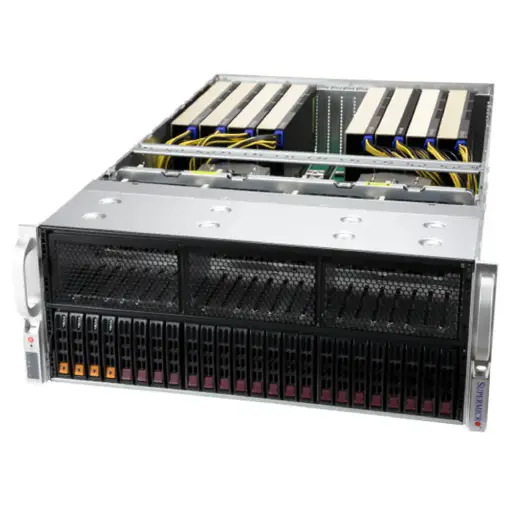
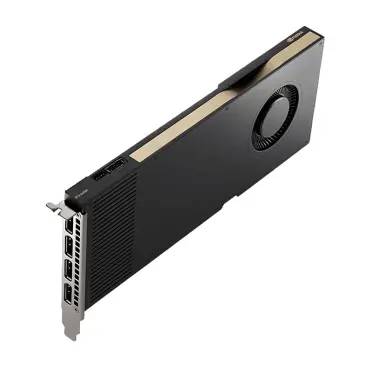


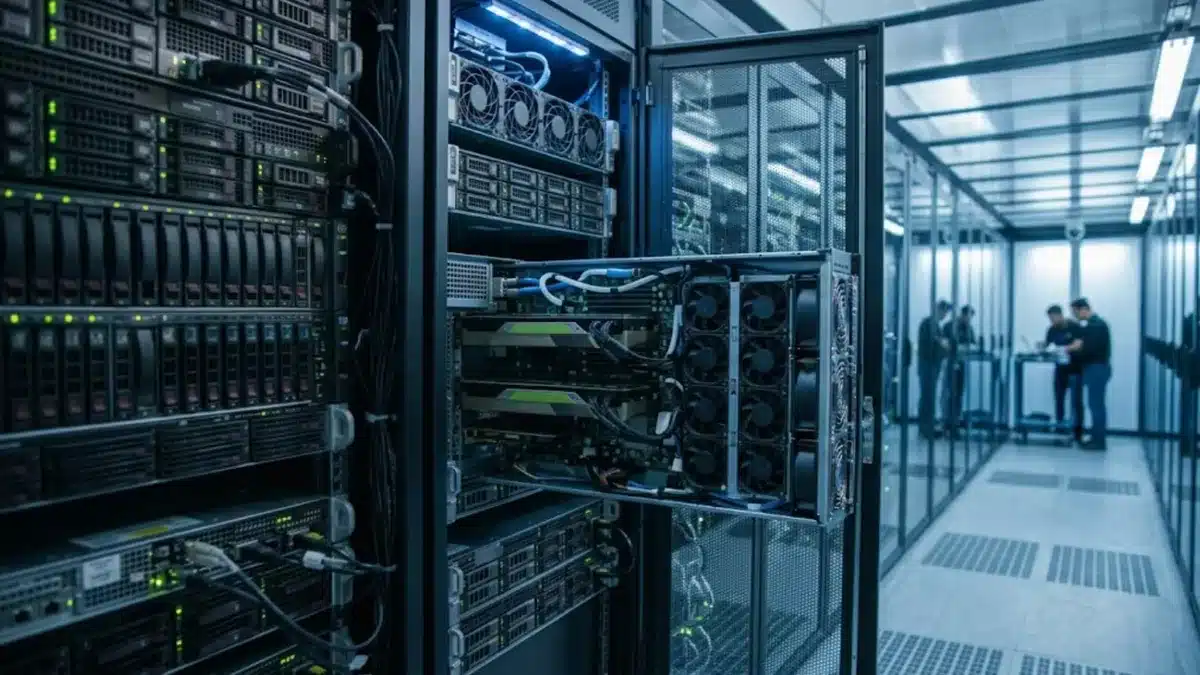
When you buy a multi-GPU server, one of the most important and least understood choices is how the GPUs talk to each other: over NVLink (via SXM modules on an HGX board) or over PCIe. The two options can use similar GPU silicon, yet they behave very differently for large model training, multi-GPU inference and overall cost. This guide explains what NVLink and PCIe actually do, when the difference matters, and how to choose the right GPU server for your workload.
What is the difference between NVLink and PCIe GPUs?
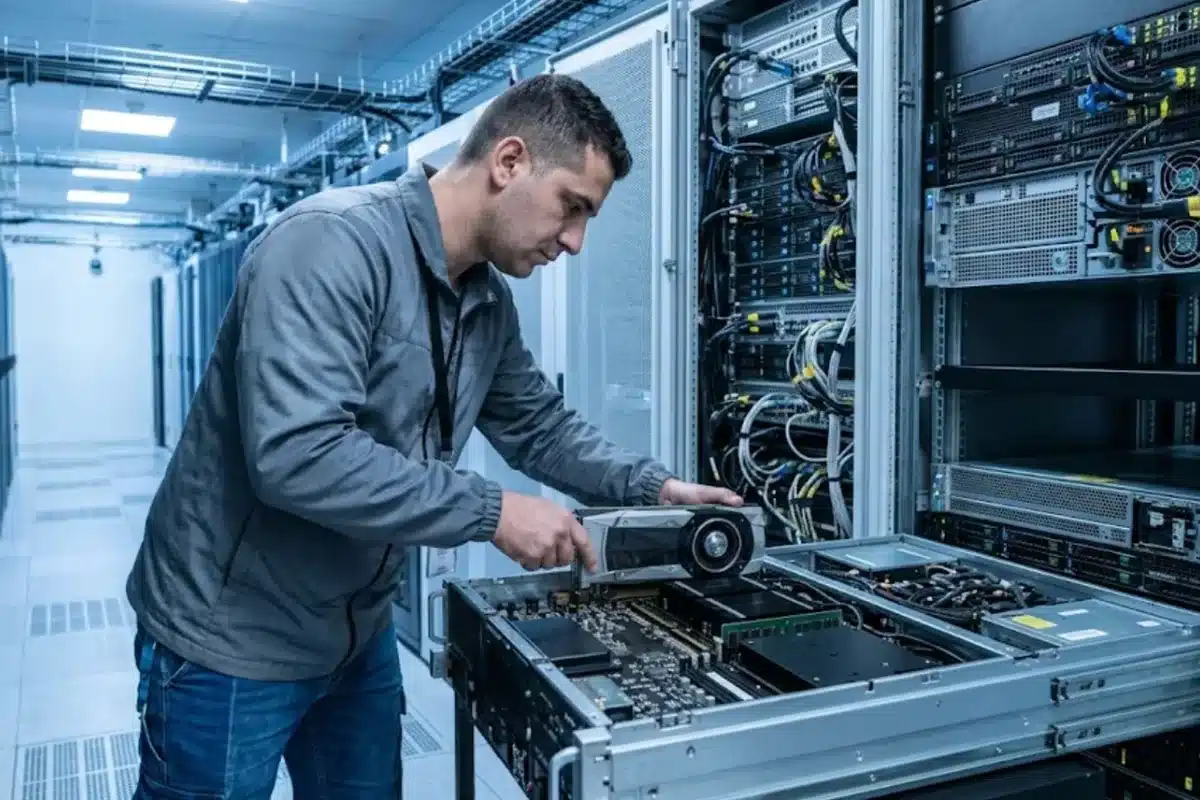
PCIe GPUs are standard add-in cards that plug into PCIe slots in the server. They communicate with the CPU, the network cards and with each other over the PCIe bus (Gen4 or Gen5, depending on the platform). Some PCIe models support an NVLink bridge between pairs of cards, but GPU-to-GPU traffic beyond that pair still goes over PCIe.
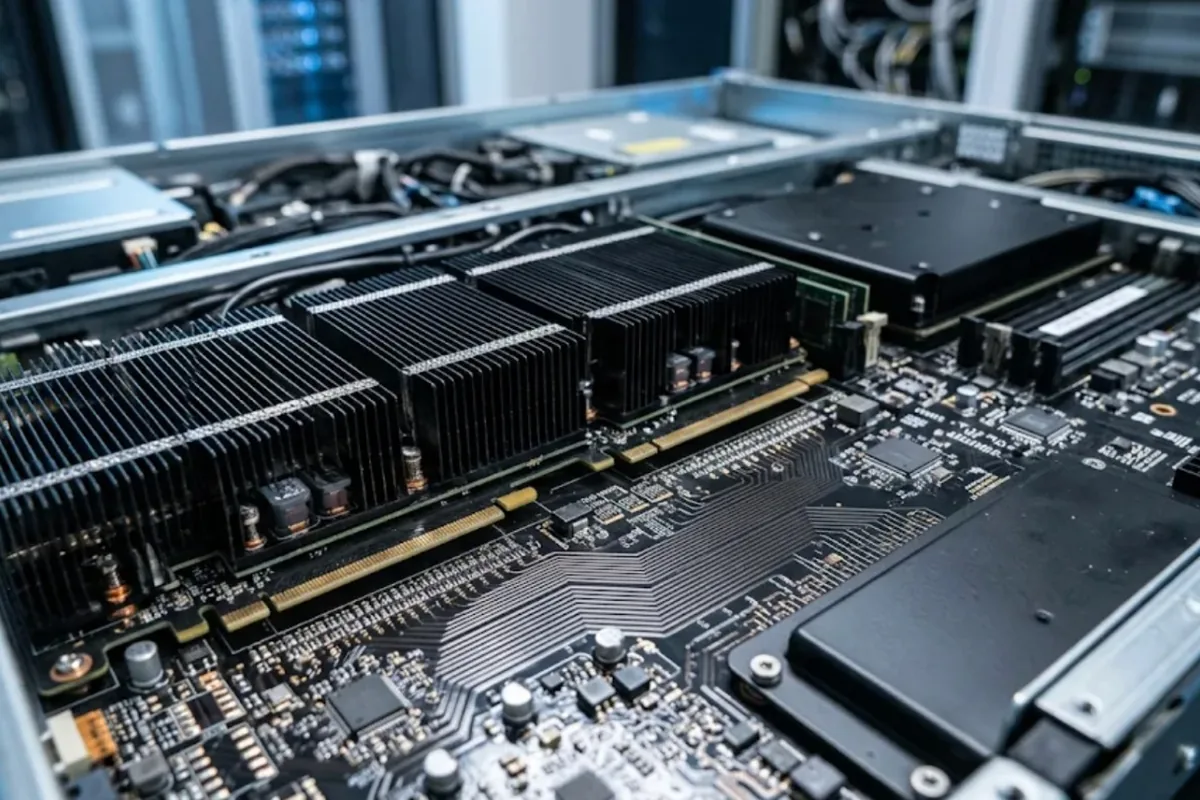
SXM / NVLink GPUs are mounted directly on a baseboard (such as an HGX 4-GPU or 8-GPU board). All GPUs are connected through NVLink and NVSwitch, giving every GPU a very high-bandwidth, low-latency path to every other GPU in the server. SXM modules also run at higher power limits than PCIe cards of the same generation.
- Bandwidth: NVLink provides several times more GPU-to-GPU bandwidth than PCIe. On recent generations, the gap is roughly an order of magnitude.
- Topology: HGX boards with NVSwitch give an all-to-all connection; PCIe topologies depend on how slots and PCIe switches are wired in the chassis.
- Power and cooling: SXM GPUs typically draw considerably more power per GPU and need servers designed for high-density cooling.
- Flexibility: PCIe cards can be added, mixed and replaced more easily, and fit a much wider range of servers.
When does NVLink actually matter?
The interconnect matters whenever GPUs need to exchange large amounts of data constantly. That is true for:
- Training or fine-tuning large models across multiple GPUs: tensor parallelism and frequent gradient synchronisation send huge volumes of data between GPUs. On PCIe, the GPUs can spend a significant share of time waiting on communication.
- Serving very large models split across GPUs: if a model does not fit in one GPU’s memory and must be split with tensor parallelism, every generated token involves GPU-to-GPU traffic. NVLink keeps latency and throughput consistent.
- HPC workloads with tight coupling: simulations that exchange boundary data between GPUs every step benefit from fast interconnects.
When PCIe GPUs are the better choice
Many real-world workloads do not need constant GPU-to-GPU communication, and PCIe servers are often the smarter buy:
- Inference of models that fit in one GPU: each GPU serves its own copy of the model. GPUs barely talk to each other, so NVLink adds cost without benefit.
- Many independent jobs: research teams running separate experiments, rendering, video analytics or batch inference scale well on PCIe.
- Mixed or gradual deployments: you can start with two cards and add more later, or mix GPU types for different jobs.
- Power-limited rooms: PCIe servers usually fit within the rack power and cooling available in typical server rooms. See our guide to GPU server power requirements before you plan any high-density deployment.
Quick comparison
| PCIe GPU servers | NVLink / SXM (HGX) servers | |
|---|---|---|
| GPU-to-GPU bandwidth | Limited by PCIe; bridges only between pairs | Very high, all-to-all via NVSwitch |
| Best for | Single-GPU inference, independent jobs, mixed workloads | Multi-GPU training, large-model tensor parallelism, tightly coupled HPC |
| Power per GPU | Lower | Higher |
| Server options | Wide range of 2U/4U servers and workstations | Purpose-built 4-GPU / 8-GPU platforms |
| Upgrade flexibility | High: add or swap cards | Low: GPUs are part of the baseboard |
| Typical cost per GPU | Lower | Higher, plus platform cost |
How to decide: questions to ask before you buy
- Does your largest model fit in one GPU’s memory? If yes (including KV cache for your target context length and batch size), PCIe is usually enough for inference. Our LLM GPU memory guide shows how to estimate this.
- Will you train or fine-tune across several GPUs? Full fine-tuning of large models across 4–8 GPUs strongly favours NVLink. Parameter-efficient fine-tuning (LoRA/QLoRA) on smaller models often runs fine on PCIe. Compare approaches in fine-tuning vs RAG hardware.
- How many GPUs per server do you need? Beyond four GPUs that must cooperate on one job, the PCIe topology becomes a bottleneck quickly.
- What power and cooling does your rack have? An 8-GPU SXM server can exceed what many server rooms can supply per rack.
- Will you scale beyond one server? Multi-node training also needs fast networking (InfiniBand or high-speed Ethernet) between servers, whatever the in-server interconnect.
Common mistakes
- Buying an 8-GPU SXM server for inference workloads where every model fits in a single GPU.
- Planning multi-GPU training on PCIe cards without checking how slots connect to CPUs and PCIe switches.
- Ignoring rack power and cooling until the server arrives.
- Assuming an NVLink bridge on PCIe cards gives the same result as a full NVSwitch fabric; bridges only connect pairs.
- Overlooking the network between servers when planning a cluster. More pitfalls are covered in GPU cluster mistakes.
Frequently asked questions
Is NVLink faster than PCIe for inference?
Only when a model is split across several GPUs. If each GPU serves its own copy of the model, NVLink gives little or no speed-up, and PCIe GPUs are usually more cost-effective.
Can I add NVLink to PCIe GPUs later?
Some PCIe GPU models support an NVLink bridge between two cards, but not all do, and a bridge only links pairs. You cannot convert a PCIe server into an all-to-all NVSwitch system.
Do SXM GPUs have more memory than PCIe versions?
It depends on the generation and model. In some generations the SXM and PCIe versions share the same memory size but differ in power limit, clock speeds and interconnect. Always compare the exact specifications of each model.
Is a PCIe GPU server good enough for fine-tuning?
For parameter-efficient methods such as LoRA and QLoRA on small and mid-size models, PCIe servers often work well. For full fine-tuning of large models across many GPUs, NVLink systems are significantly more efficient.
Conclusion
Choose NVLink (SXM/HGX) when your GPUs must work together on one large model, especially for multi-GPU training and tensor-parallel serving of very large models. Choose PCIe when your models fit on one GPU, when you run many independent jobs, or when power, budget and flexibility matter more. If you are unsure which configuration fits your workload, the ITCT team can help you compare PCIe and HGX server options based on your models, users and data center limits.
Last update at December 2025