


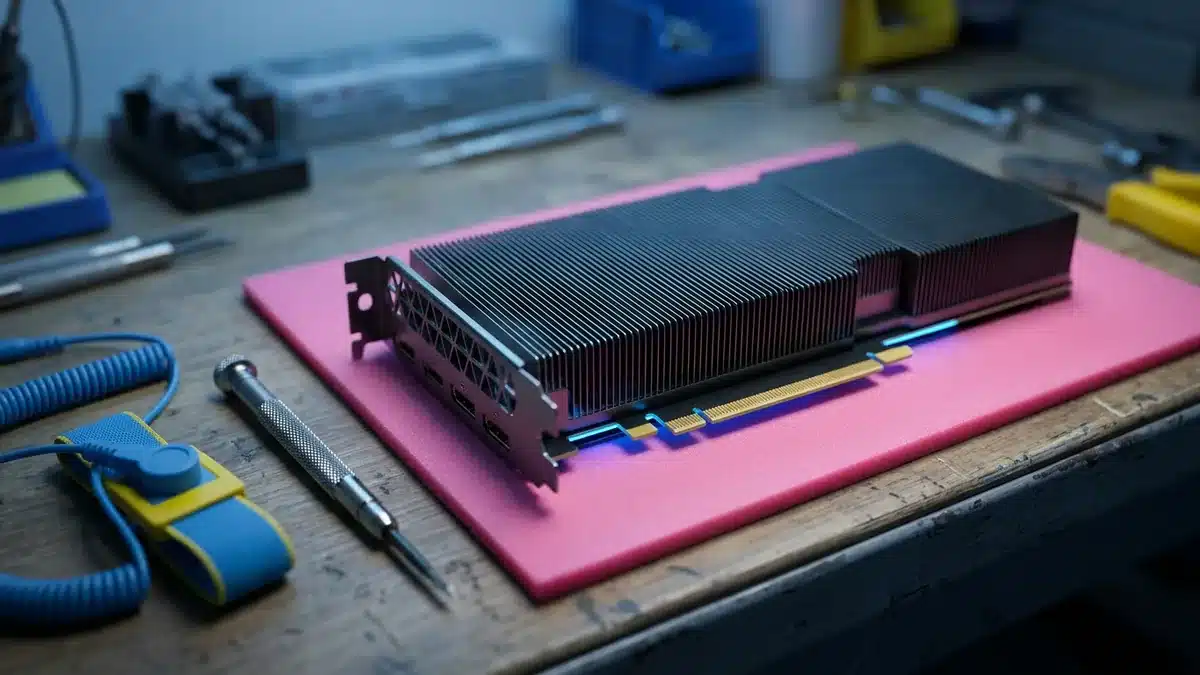
Two years ago an H100 was the hardest thing in tech to buy. Today you can find used ones listed by brokers, liquidators and former cloud providers almost every week, at a fraction of what they cost in 2024. That is good news for anyone who needs Hopper-class compute without a Blackwell budget, but the secondary market is uneven. The same “H100 80GB” can mean a healthy PCIe card with warranty left, a bare SXM5 module you cannot run without an HGX board, or a card that spent two years at 100% load in a training cluster. This guide covers what used H100s actually sell for in 2026, why prices vary so much, and the checks to run before you pay.
What a used H100 costs in 2026
There is no single price, and published figures disagree. Across broker listings, appraisal services and market trackers through late 2026, the ranges cluster like this:
| Variant | Typical used range (per GPU) | What moves it |
|---|---|---|
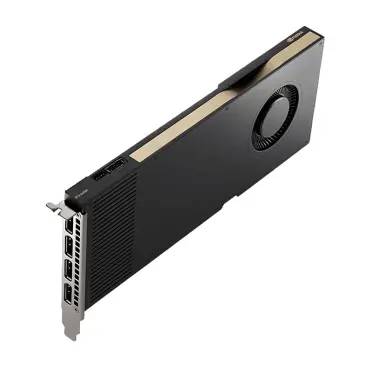
| H100 PCIe 80GB | ~$12,000 – $24,000 | Warranty remaining, original box/bracket, test report |
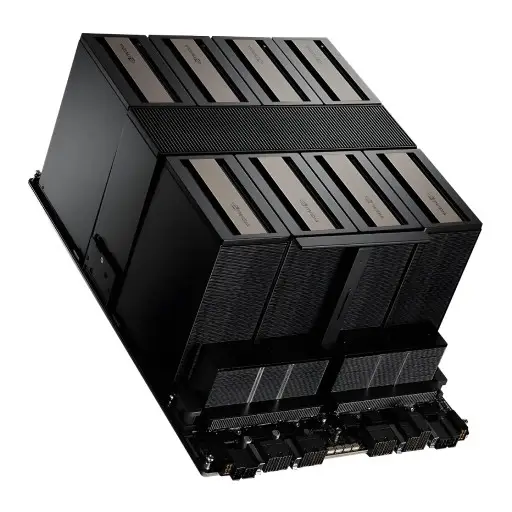
| H100 SXM5 80GB (module only) | ~$12,500 – $22,000 | Useless without an HGX board; buyer pool is small |
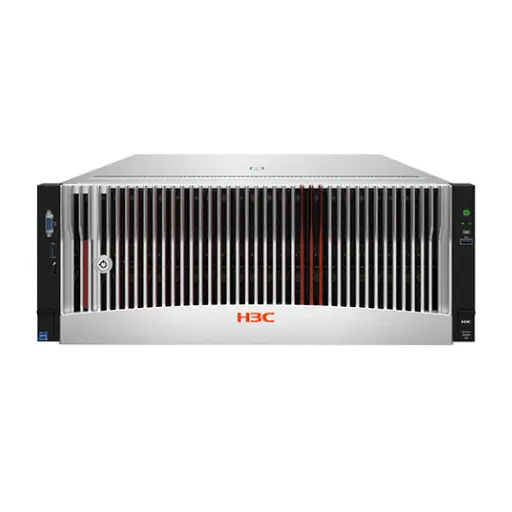
| H100 SXM5 in a complete HGX 8-GPU system | Priced per server, typically well under new | Baseboard, NVSwitch health, CPUs, memory, NICs |
| H100 NVL 94GB (PCIe, bridged pairs) | Above PCIe 80GB | Scarcer; NVLink bridge included or not |
For context, the same cards traded as high as $40,000–$50,000 at the peak of the 2024 shortage. The fall since then is mostly a supply story: Blackwell (B200, B300) shipments ramped, large buyers refreshed fleets, and Hopper capacity from first-wave AI clouds started reaching resellers. Some market reports cite eBay sales well below $10,000; treat those as outliers. They are usually untested, missing parts, or sold “as is” with no recourse.
For the new-price side of the same decision, our H100, H200 and B200 price guide covers current list and street pricing.
PCIe or SXM: the decision that matters most
On spec sheets the two look close. In the used market they are different products.
- PCIe H100 drops into any server with a suitable PCIe Gen5 slot, power and airflow. You can buy one card, test it, and add more later. Resale is easy because the buyer pool is large.
- SXM5 H100 only works on an NVIDIA HGX baseboard with NVSwitch. A loose SXM module is only useful to someone repairing an existing HGX system. Buying modules individually rarely makes sense unless that is exactly your situation.
The rule of thumb many buyers use: SXM carries a 30–50% premium over PCIe when it comes as a working 8-GPU system, because of NVLink bandwidth (900 GB/s per GPU versus PCIe Gen5’s ~128 GB/s). As loose modules, that premium mostly disappears. If you need multi-GPU training at scale, buy a complete, tested HGX server. If you need inference or fine-tuning on one to four GPUs, PCIe is usually the better used buy.
Prefer new H100 with warranty?
- NVIDIA H100 80GB PCIe — new, with full warranty
- NVIDIA H100 NVL — 94GB for inference
- HGX H100 8-GPU server — complete 8-GPU system
In stock in Dubai with delivery across the GCC and MENA. Request a quote →
Why one used H100 is worth more than another
Three cards with the same model number can be worth very different amounts:
- Usage history. A card from a dev lab that ran a few hours a day is not the same as one that ran 24/7 training jobs for two years. Neither is automatically bad (datacenter GPUs are built for continuous load), but you want evidence, not a promise.
- Warranty. NVIDIA warranty on datacenter GPUs is typically three years from the original sale and generally runs with the hardware, but support entitlements (NVIDIA Enterprise support, OEM contracts) often do not transfer automatically. Ask the seller for the original purchase date and serial, and check with the OEM what transfers.
- Completeness. Bracket, power cable (the 16-pin 12VHPWR / CEM5 cable for PCIe), NVLink bridge for NVL, original packaging. Missing parts are a negotiation point and sometimes a red flag.
- Memory health. HBM issues are the most expensive failure mode, and they are detectable before purchase (see the checklist below).
- Provenance. A clean invoice trail from a known datacenter or OEM is worth a premium. “Pulled from a cloud provider, no paperwork” should lower the price, not just your confidence.
The pre-purchase verification checklist
Do not buy a used H100 without either running these yourself or getting the output from the seller on a call where you watch it run. Screenshots can be reused; live output cannot.
1. Identity and firmware
nvidia-smi -q: confirm product name, serial number, VBIOS version and board part number. The serial should match the label on the card and the invoice.- Compare the serial against what the seller quoted. A mismatch ends the conversation.
2. Memory health (the most important step)
nvidia-smi -q -d ECC: look at aggregate uncorrectable (double-bit) errors. Any non-trivial count of uncorrectable errors is a reason to walk away.nvidia-smi -q -d ROW_REMAPPER: Hopper uses row remapping instead of page retirement. Check “Remapping Failure Occurred” (must be No) and how many rows are already remapped. A handful is normal over a long service life; a card near its remap limit is near the end of its useful life.- Pending remaps that need a reset are not automatically bad, but ask why and re-check after a reboot.
3. Stress and diagnostics
dcgmi diag -r 3(NVIDIA DCGM, level 3) runs memory, PCIe and compute stress. Level 3 takes longer than the quick test; insist on it.- Run a sustained load (a real training step or a burn-in tool) for at least an hour and watch
nvidia-smi dmon: temperature, power draw near the expected limit (up to ~350W PCIe, ~700W SXM5), and clocks that do not collapse under load. - Check for XID errors in the system log (
dmesg | grep -i xid) during and after the test.
4. Interconnect
- PCIe: confirm the link trains at Gen5 x16 under load (
nvidia-smi -q, “PCIe Generation” and “Link Width”). - SXM/HGX:
nvidia-smi nvlink -sshould show all links up at full speed, andnvidia-smi topo -mshould show NVLink between every GPU pair. One dead link degrades the whole node for training.
5. Physical inspection
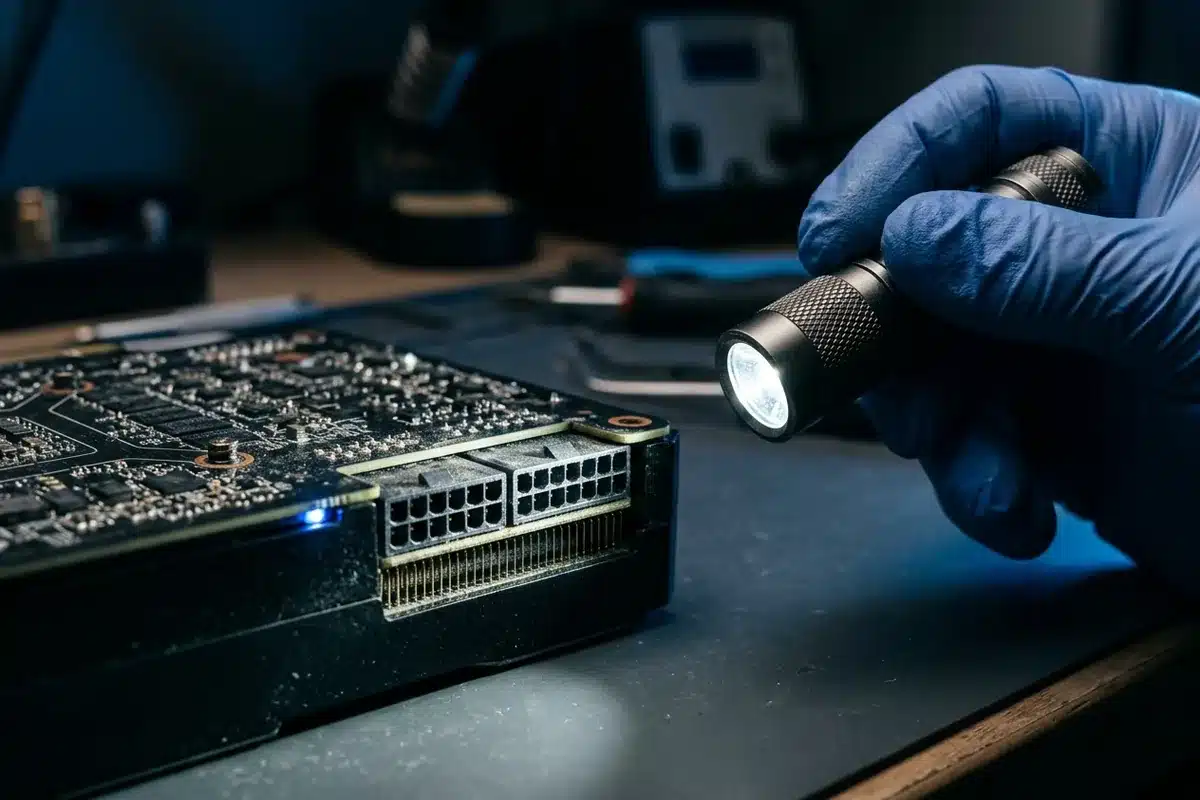
- Look for bent pins on the power connector, signs of heat on the 16-pin plug, corrosion, missing screws or broken heatsink fins.
- Tamper seals and warranty stickers: intact is better; broken is a question, not automatically a deal-breaker.
Red flags in a used H100 listing
- A price far below the ranges above with no clear reason.
- “Tested and working” with no test output, or output that is only a screenshot.
- Seller unwilling to share serial numbers before payment.
- SXM modules sold individually as if they were plug-and-play cards.
- “H100” listings that turn out to be H800 or H20 (export-variant parts with lower interconnect bandwidth) without saying so clearly.
- No return window at all, even for dead-on-arrival units.
Used H100 vs. new alternatives: does it still make sense?
A used H100 is not automatically the smart buy. The comparison that matters is cost per useful unit of work, not sticker price:
| Option | Best when | Watch out for |
|---|---|---|
| Used H100 PCIe | Inference and fine-tuning on 1–4 GPUs, budget-limited, existing Gen5 servers | Memory health, remaining warranty |
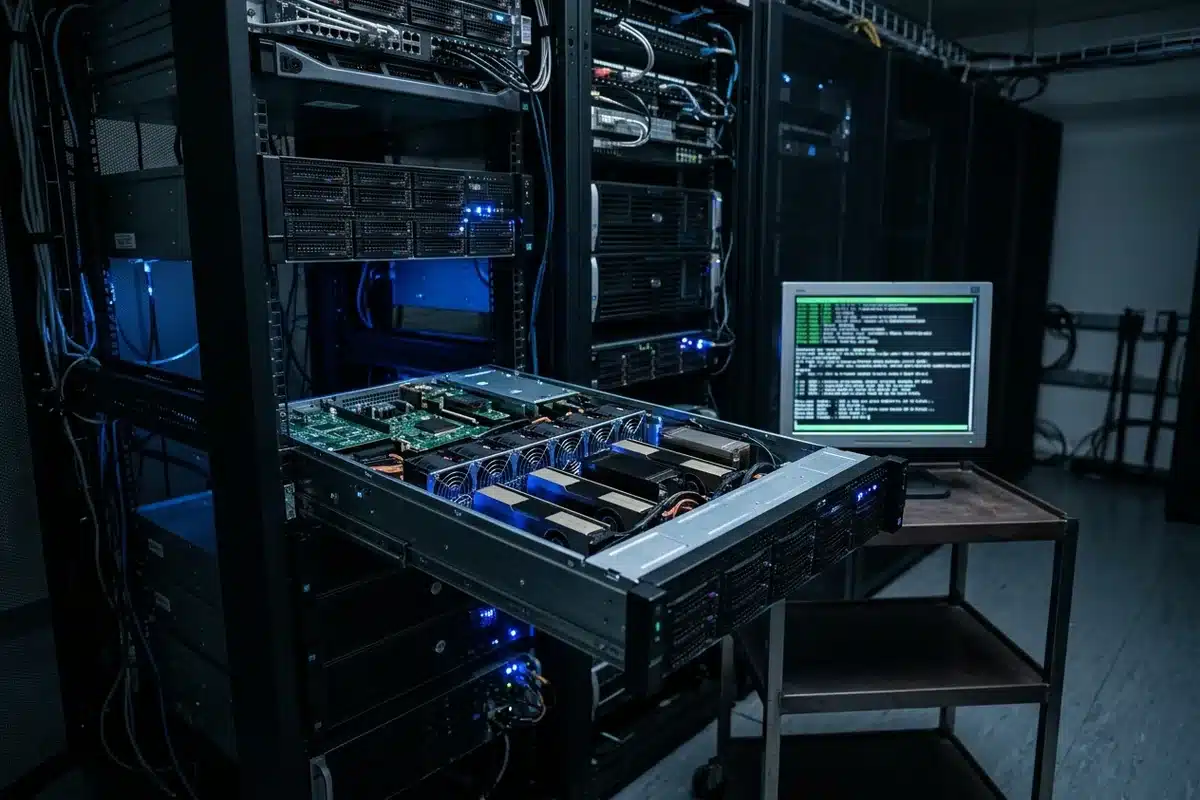
| Used HGX H100 8-GPU server | Multi-GPU training, you need NVLink now | Whole-system health, power and cooling (~10 kW) |
| New H200 | Large models where 141 GB HBM3e avoids splitting across GPUs | Higher price, lead times |
| New RTX PRO 6000 Blackwell | Inference on models that fit 96 GB, workstation or single-server deployments | No NVLink; not a training-cluster part |
| Cloud rental | Bursty or experimental workloads | Cost adds up fast at high, steady utilization |
As a rough guide, if you will keep a GPU busy most of the day for two years or more, owning (new or used) usually beats renting. Our breakdown of what an 8-GPU H100 server really costs walks through that math including power and cooling, and the broader AI server buying guide covers the full checklist for a new build.
Buying used H100 in the Gulf
For buyers in the UAE and wider region, a few practical points:
- Heat and power. A used card that ran fine in a cool European datacenter will be tested harder in a Gulf facility. Confirm your rack can handle the airflow and power before you buy, especially for SXM systems.
- Shipping. GPUs ship internationally, but not instantly, and insurance matters for a five-figure part. Ask who carries the risk in transit.
- Paperwork. Keep the commercial invoice and original purchase documents with the hardware. They help with warranty claims, asset registers, and resale later.
- Local support. A seller who can swap a dead card quickly is worth more than a slightly lower price from someone who cannot.
Prefer new H100 with warranty?
- NVIDIA H100 80GB PCIe — new, with full warranty
- NVIDIA H100 NVL — 94GB for inference
- HGX H100 8-GPU server — complete 8-GPU system
In stock in Dubai with delivery across the GCC and MENA. Request a quote →
Frequently asked questions
How much is a used H100 in 2026?
Most used H100 80GB cards trade roughly between $12,000 and $24,000 depending on PCIe vs SXM, condition, warranty and paperwork. Listings far below that range are usually untested or incomplete.
Is a used SXM H100 a good buy?
Only as part of a complete, tested HGX system, or if you need a replacement module for an HGX server you already run. A loose SXM5 module cannot be used in a normal PCIe server.
How do I check a used H100 for memory problems?
Run nvidia-smi -q -d ECC and nvidia-smi -q -d ROW_REMAPPER. Walk away from any card with uncorrectable ECC errors or a row-remapping failure, then run dcgmi diag -r 3 and a sustained load test.
Does the NVIDIA warranty transfer to a second owner?
Hardware warranty generally follows the card and its original sale date, but support contracts often do not transfer automatically. Get the serial number and purchase date and confirm with NVIDIA or the OEM before paying.
Should I buy a used H100 or a new RTX PRO 6000?
For single-server inference on models that fit in 96 GB, a new RTX PRO 6000 Blackwell is often simpler and comes with full warranty. For multi-GPU training that needs NVLink, a used HGX H100 system usually gives more compute per dollar.
Last update at December 2025