
Products Mentioned in This Article

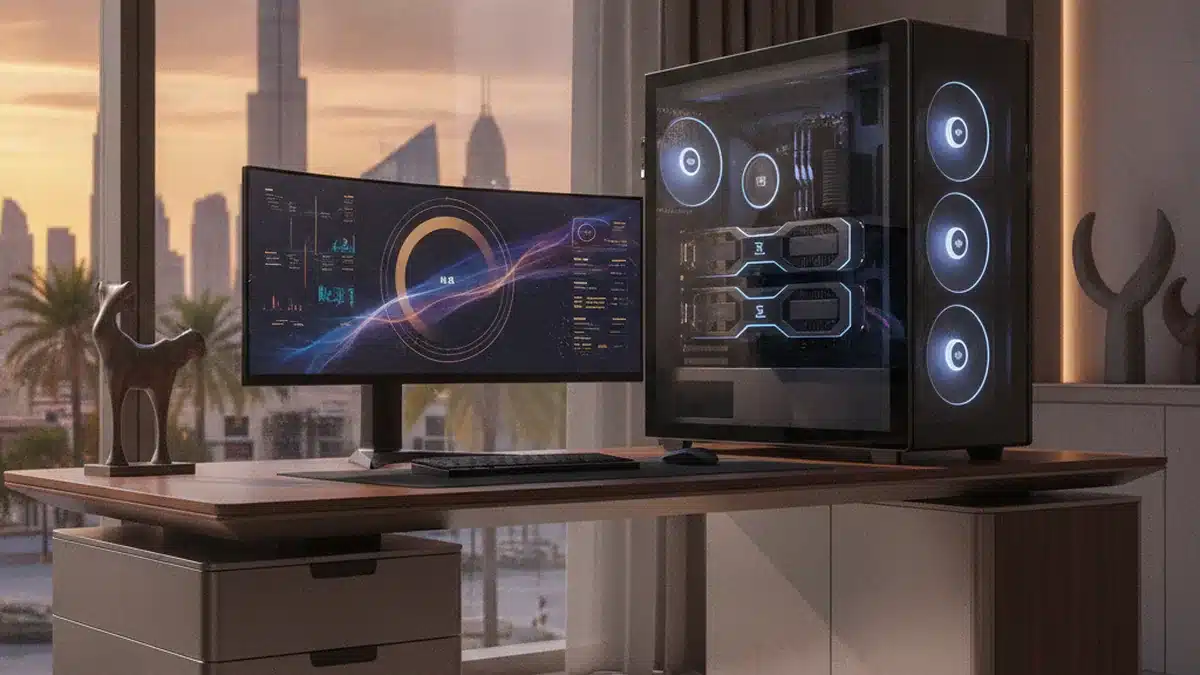
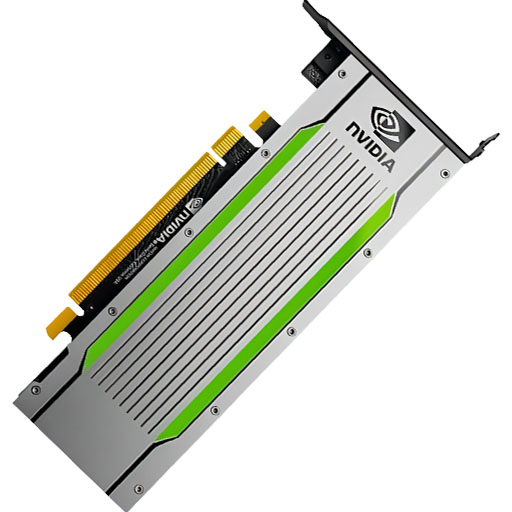
The NVIDIA RTX PRO 6000 Blackwell has quickly become one of the most interesting GPUs for companies that want serious AI capability without buying an HGX system. With 96 GB of GDDR7 ECC memory, fifth-generation Tensor Cores with FP4 support and strong graphics performance, it sits between workstation and data center roles. It comes in several editions, and choosing the wrong one for your chassis or cooling is an expensive mistake. This buyer’s guide explains the editions, what the card is good at, how it compares with alternatives, and how to configure workstations and servers around it.
The editions
| Edition | Cooling | Power | Best for |
|---|---|---|---|
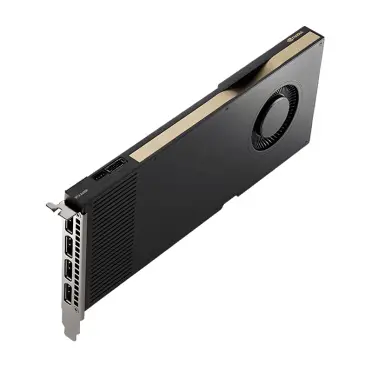
| Workstation Edition | Active, flow-through | Up to ~600 W | High-end desktop workstations with strong airflow |
| Max-Q Workstation Edition | Active, blower | ~300 W | Multi-GPU workstations; better for stacking several cards |
| Server Edition | Passive | Configurable, up to ~600 W | Rack servers with high-airflow GPU chassis |
All editions share the same GPU and 96 GB of memory; the differences are cooling, power and form factor. Check NVIDIA’s latest specifications for exact figures.
What it is good at
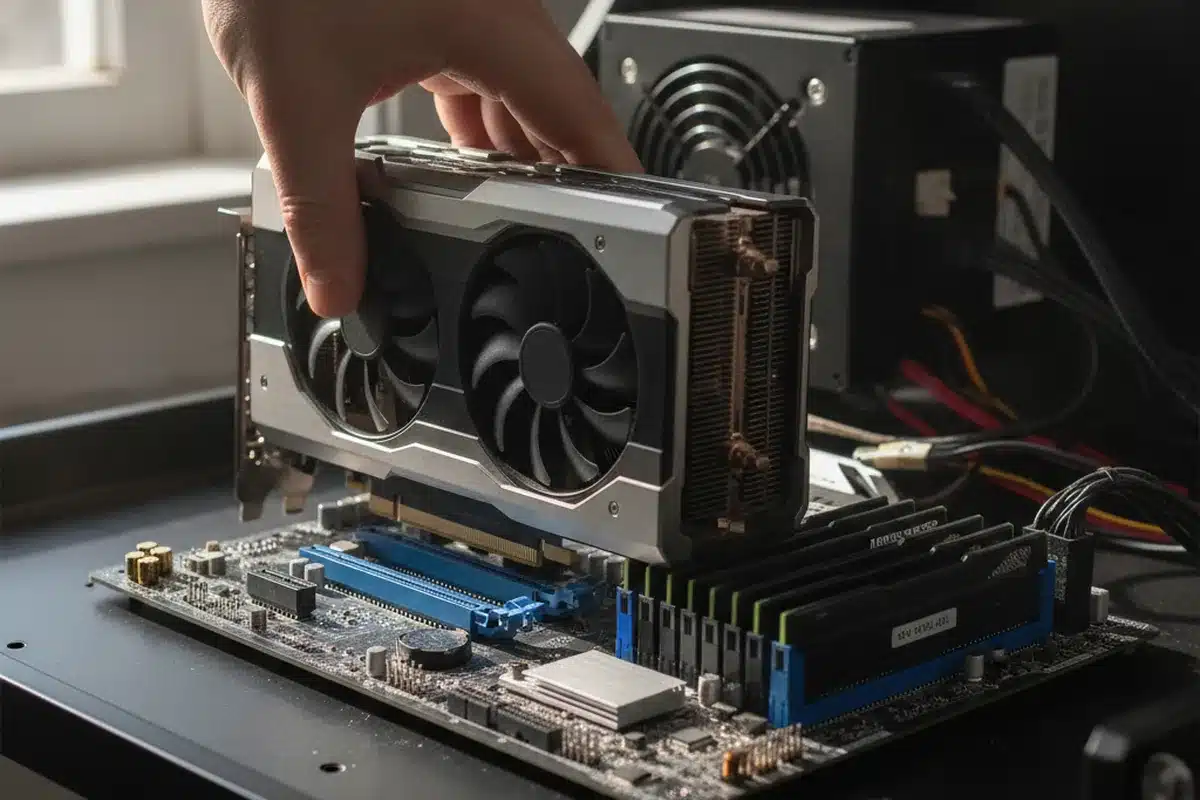
- LLM inference: 96 GB per card fits a 70B model in FP8 across two cards, or larger models with 4-bit quantisation. FP4 support improves throughput on supported frameworks.
- Fine-tuning: LoRA and QLoRA on models up to 70B on one or two cards.
- Graphics and simulation: rendering, digital twins and visualisation alongside AI.
- Video and vision AI: encoders, decoders and inference for video analytics.
- Multi-instance: MIG support lets one card be split into isolated instances for several users or services.
How it compares
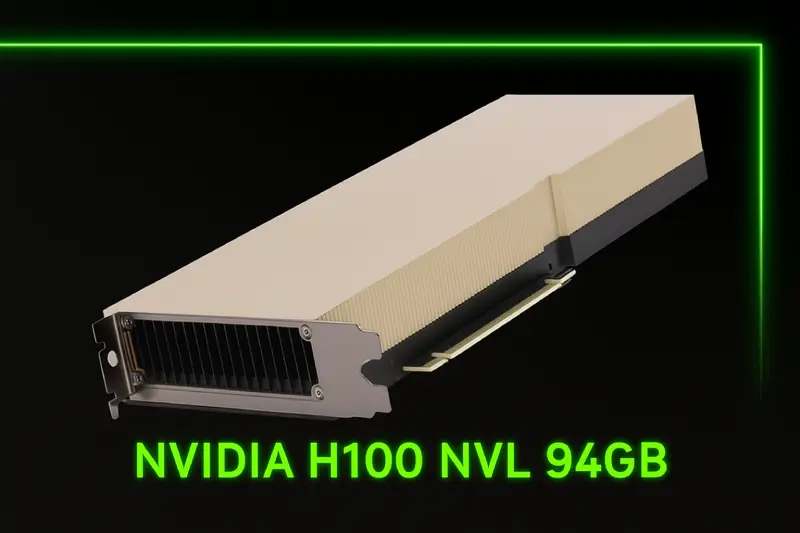
| RTX PRO 6000 Blackwell | L40S | H100 NVL | |
|---|---|---|---|
| Memory | 96 GB GDDR7 | 48 GB GDDR6 | 94 GB HBM3 |
| Memory bandwidth | High (GDDR7) | Moderate | Highest |
| Low-precision formats | FP4, FP8 | FP8 | FP8 |
| NVLink | No | No | Bridge between pairs |
| Graphics | Yes, full RTX | Yes | No display, compute only |
| Typical role | Versatile AI + graphics, large memory per card | Cost-effective inference and graphics | Highest per-card LLM throughput |
For a broader comparison of PCIe options versus 8-GPU systems, see HGX H100 alternatives for SMBs, and rank cards for inference in best GPU for LLM inference.
Building a workstation
- CPU: AMD Threadripper PRO or Intel Xeon W for PCIe lanes and memory capacity.
- System memory: at least 1.5–2× total GPU memory, so 192–256 GB for two cards.
- PSU: 1,600 W or more for two Workstation Edition cards, or use Max-Q cards for lower power.
- Cooling: plan airflow carefully; two flow-through cards side by side need space and strong case fans.
- Storage: fast NVMe for datasets and model checkpoints.
Building a server
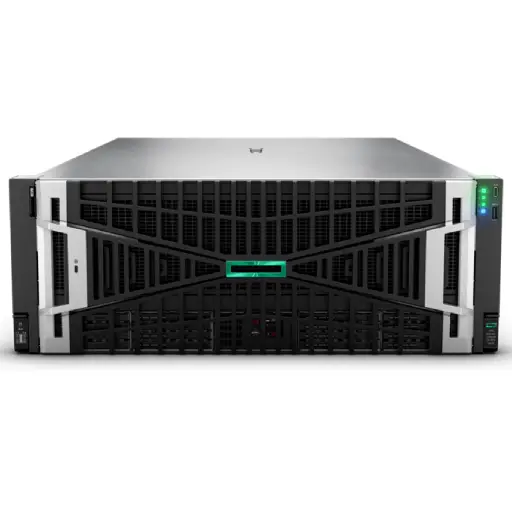
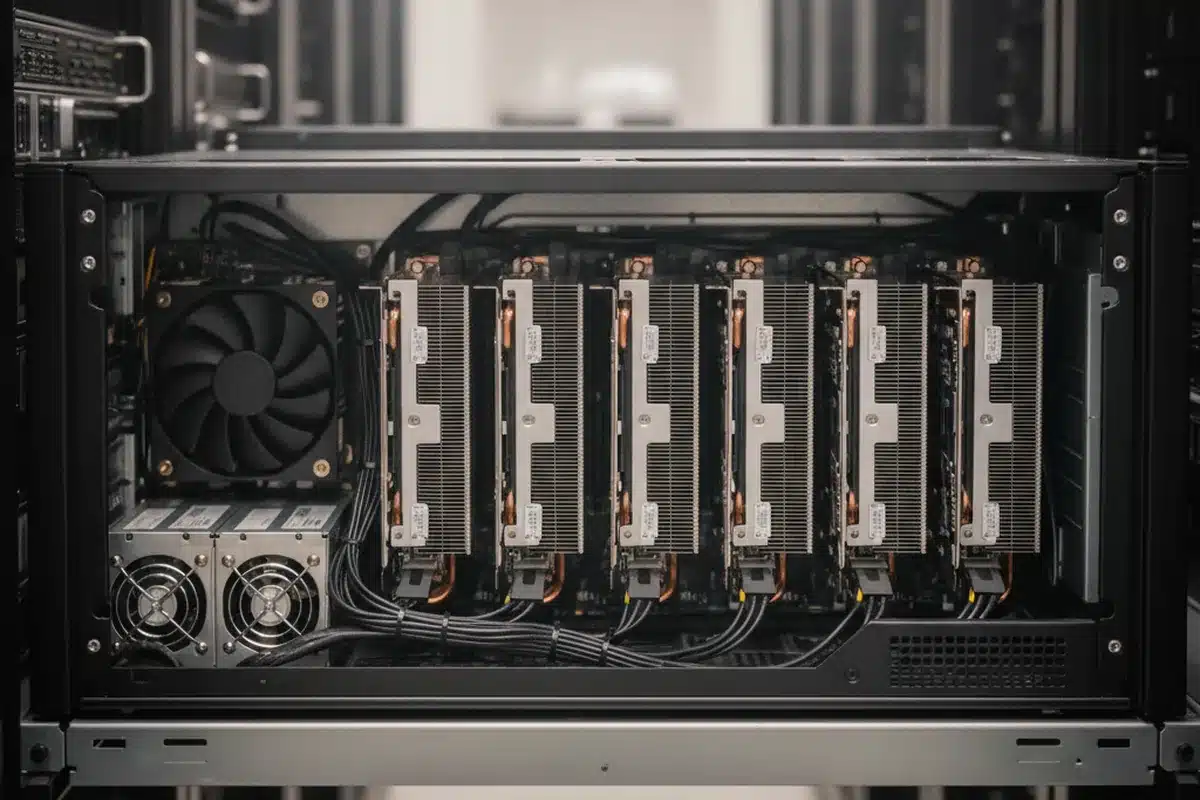
- Use the Server Edition in GPU-optimised 4U chassis, such as the HPE DL380a Gen12, rated for the card’s power.
- Check PSU redundancy for full load across all GPUs.
- Ensure rack power and cooling can handle 3–5 kW for a 4–8 GPU server.
- The RTX PRO 6000 Blackwell Server Edition is available from ITCT for server builds.
Sizing for your models
Before buying, estimate memory needs including KV cache and concurrency with our LLM GPU memory guide. Many teams find two RTX PRO 6000 cards cover their production inference needs at a fraction of HGX cost.
Frequently asked questions
How much memory does the RTX PRO 6000 Blackwell have?
96 GB of GDDR7 with ECC on all editions.
Which edition should I buy for a rack server?
The Server Edition, which is passively cooled and designed for high-airflow GPU servers. Workstation editions are for desktop workstations.
Can it run a 70B model?
Yes. A 70B model in FP8 fits across two cards with room for KV cache; with 4-bit quantisation, a single card can run it with a shorter context.
Is it better than an H100 for inference?
It has slightly more memory and FP4 support at a lower price; the H100 NVL has higher memory bandwidth and NVLink. For many SMB inference workloads, the RTX PRO 6000 offers better value.
Does it support multi-instance GPU?
Yes, MIG support allows the card to be partitioned into isolated instances for multiple users or services.
Last update at December 2025