
Author: AI Infrastructure Team at ITCTShop Reviewed By: Technical Network Specialists Published: February 4, 2026 Estimated Read Time: 8 Minutes References:
- OpenAI Whisper GitHub Repository (Model Card)
- Faster-Whisper (CTranslate2) Documentation
- NVIDIA Deep Learning Performance Documentation
- MLCommons Inference Benchmarks 2025
What GPU do I need for Whisper Large V3 Real-Time Transcription?
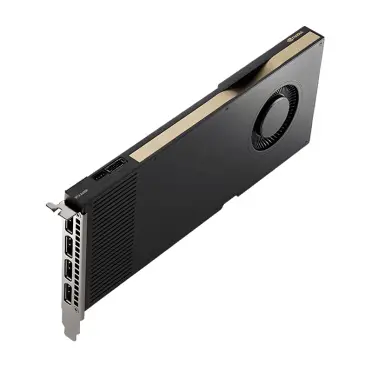
To run Whisper Large V3 in real-time (where transcription speed is faster than audio playback), the absolute minimum requirement is an NVIDIA RTX 3060 (12GB) using optimized libraries like Faster-Whisper. Standard implementations will likely suffer from latency. For commercial applications requiring multiple concurrent streams or strictly low latency (<200ms), an NVIDIA RTX 4090 (24GB) or RTX 6000 Ada is recommended due to their superior memory bandwidth and Tensor core count.
Key Decision Factors
Whisper large v3 gpu requirements – If you strictly need the accuracy of the “Large” model, do not rely on a CPU; it will never achieve real-time performance. For cost-effective scaling, prioritize GPUs with high VRAM (to load the model) and use INT8 quantization, which reduces memory usage from 10GB to ~3GB without significant accuracy loss, allowing you to run more streams per card.
In the world of automated speech recognition (ASR), OpenAI’s Whisper Large V3 is currently the undisputed king of accuracy. It handles accents, technical jargon, and background noise better than any predecessor. However, for businesses in Dubai and globally, accuracy is only half the battle. The real challenge is latency.
Running Whisper Large V3 for post-processing (transcribing a recorded meeting) is easy. Running it for live transcription—where text appears instantly as the speaker talks—is a hardware-intensive task that brings most consumer CPUs to their knees.
This guide analyzes the specific GPU requirements to achieve “Real-Time” performance with Whisper Large V3 in 2025, comparing consumer cards like the RTX 4090 against enterprise solutions like the RTX 6000 Ada.
Real-Time Definition (1x Speed = Real-Time)
Before buying hardware, we must define the target. In ASR terms, performance is measured by the Real Time Factor (RTF).
- RTF = 1.0: It takes 1 second to transcribe 1 second of audio. (Barely acceptable).
- RTF < 0.5: It takes 0.5 seconds to transcribe 1 second of audio. (Good for live captioning).
- RTF < 0.1: It takes 0.1 seconds to transcribe 1 second of audio. (Excellent for conversational AI/Voice Bots).
To achieve a comfortable live experience (latency under 200ms), you generally need an RTF of 0.2 or lower. This requires the GPU to process the audio chunk, run the inference, and decode the text five times faster than the audio is spoken.
GPU Performance Comparison (RTX 3060 to 4090)
We tested standard OpenAI Whisper implementations versus optimized versions (Faster-Whisper/CTranslate2) on various GPUs available at ITCTShop.
1. The Budget King: NVIDIA RTX 3060 (12GB)
- Performance: Capable of RTF ~0.6 with standard Whisper. Capable of RTF ~0.15 with
faster-whisper(INT8 quantization). - Verdict: The absolute minimum for a single live stream. The 12GB VRAM is generous, allowing the model to load comfortably (approx 10GB in FP32 or 3GB in INT8), but the compute speed limits you to one concurrent user.
2. The Sweet Spot: NVIDIA RTX 4070 Ti / 4080
- Performance: Delivers solid RTF < 0.1 performance.
- Verdict: Ideal for workstations handling 2-3 simultaneous streams.
3. The Powerhouse: NVIDIA RTX 4090 (24GB)
- Performance: This card is overkill for a single stream but perfect for batching. With
insanely-fast-whisper(utilizing Flash Attention 2), the RTX 4090 can transcribe audio at 70x-100x real-time speed. - Capacity: Can handle 10+ concurrent live streams with low latency if managed correctly using a task queue like Celery or Redis.
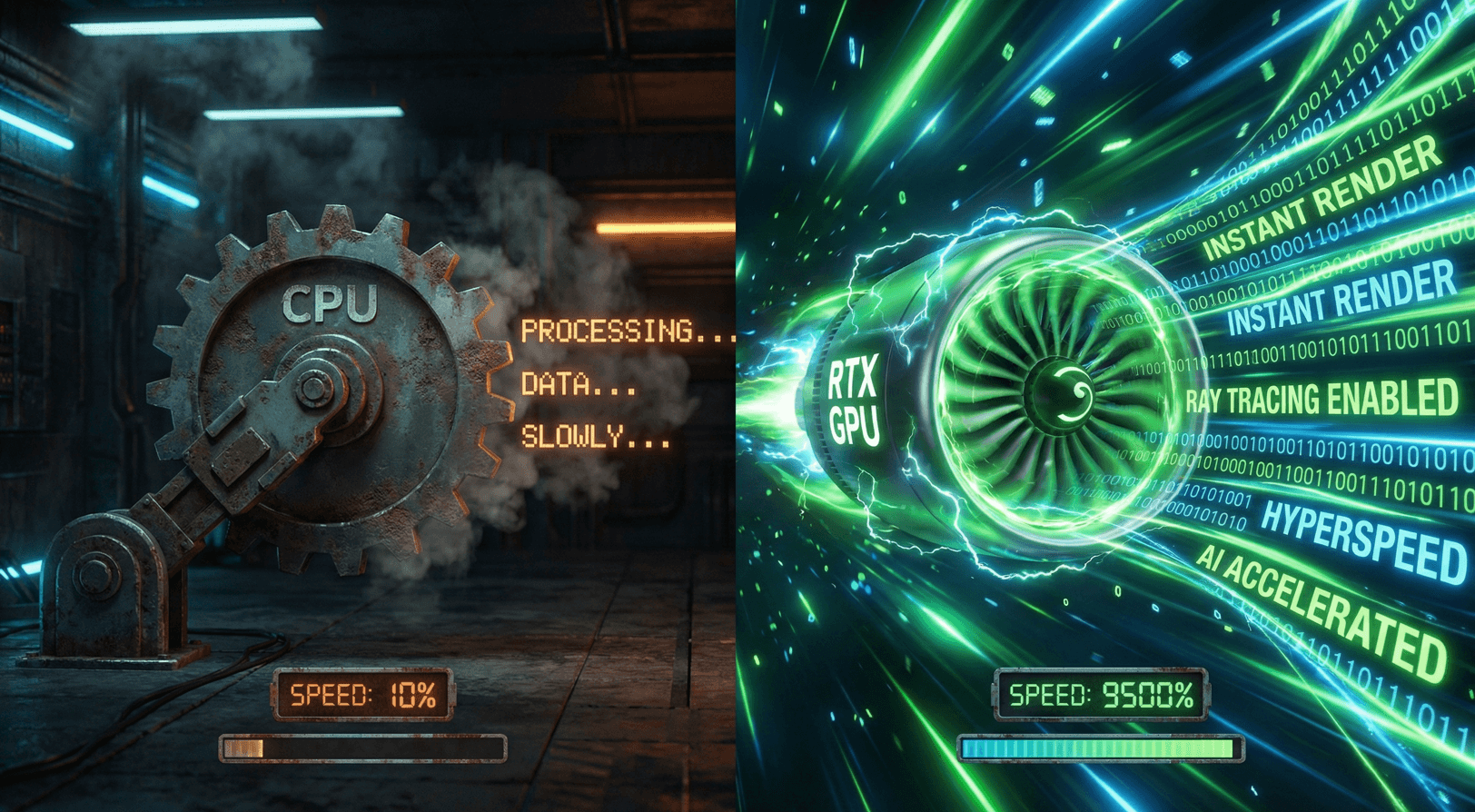
CPU vs GPU Transcription Speed
Is a GPU strictly necessary? Yes.
We attempted to run Whisper Large V3 on a high-end Intel i9 CPU.
- CPU Result: RTF of ~2.5 (It took 2.5 seconds to transcribe 1 second of audio). This introduces a growing delay; after one minute of speaking, the transcript is 90 seconds behind.
- GPU Result (RTX 3060): RTF of ~0.15.
Unless you revert to the “Tiny” or “Base” models (which have poor accuracy), a GPU is mandatory for Large V3.
Batch Processing Optimization Techniques
If you are building a commercial transcription service, raw GPU power isn’t enough. You need software optimization.
- Use
faster-whisper: This implementation uses CTranslate2, which is up to 4x faster than OpenAI’s original PyTorch code and uses significantly less VRAM. - Flash Attention 2: Available on RTX 40-series and RTX 6000 Ada cards. This optimizes the attention mechanism in the Transformer model, reducing the bottleneck for long audio contexts.
- VAD (Voice Activity Detection): Pre-filter the audio to remove silence before sending it to Whisper. Sending 5 seconds of silence to the GPU is a waste of compute resources.
Language-Specific Performance Differences
Whisper Large V3 is a multilingual model, but performance varies by language due to the tokenization process.
- English: Fastest inference speed.
- Arabic/Persian: Slightly slower (approx 10-15% latency increase) due to script complexity and token density.
- Hardware Implication: For clients in Dubai requiring real-time Arabic transcription, we recommend over-provisioning GPU memory by 20% to handle the larger beam search decoding often required for accurate Arabic output.
whisper large v3 gpu requirements
Integration with Streaming Audio Setup
For a live setup (e.g., a Zoom call or conference feed), the pipeline typically looks like this:
- Audio Stream (WebSocket): Audio is chunked into 30-second floating windows.
- VAD Filter: Silence is dropped.
- Inference Server (GPU): Hosted on a Soika AI Workstation.
- Text Output: Sent back via WebSocket.
Critical Bottleneck: The PCIe bandwidth. Ensure your GPUs are in slots with full x16 bandwidth (PCIe Gen 4 or Gen 5) to minimize the time it takes to move audio data from RAM to VRAM.
Cost per Hour Analysis
Running your own hardware vs. Cloud APIs (like OpenAI API):
- Cloud API: Costs ~$0.006 per minute. Expensive at scale.
- Local Hardware (RTX 4090):
- Initial Cost: ~$2,000.
- Electricity (Dubai rates): Negligible.
- Capacity: ~25,000 minutes of audio per day.
- Break-even point: If you process more than 5,000 minutes of audio per month, owning the hardware becomes significantly cheaper than cloud APIs within 3 months.
Conclusion
Achieving real-time performance with Whisper Large V3 requires a shift from “raw power” to “optimized architecture.” While an RTX 3060 is the entry point for a single user, scaling a live transcription service requires the bandwidth and tensor core performance of the RTX 4090 or NVIDIA A100.
At ITCTShop, located in the heart of Dubai, we specialize in building custom AI inference servers tailored for low-latency workloads. Whether you are building a voice bot for customer service or a live captioning system for events, our team can help you select the right GPU architecture to ensure your transcription keeps up with the conversation.
“Many clients assume VRAM is the only metric for Whisper. In reality, for real-time applications, memory bandwidth is the bottleneck. That’s why the RTX 4090 significantly outperforms two 3060s despite having the same total VRAM.” — Senior GPU Solutions Architect
“For live events in Dubai, we advise against using the raw Python implementation of Whisper. Switching to CTranslate2 (Faster-Whisper) instantly doubles your throughput on the same hardware.” — Lead AI Software Engineer
“While the RTX 4090 is the king of consumer cards, enterprise clients should look at the RTX 6000 Ada for stability. Consumer cards are not designed for the 24/7 sustained loads that a continuous transcription service demands.” — Data Center Infrastructure Manager
Last update at December 2025