
Products Mentioned in This Article

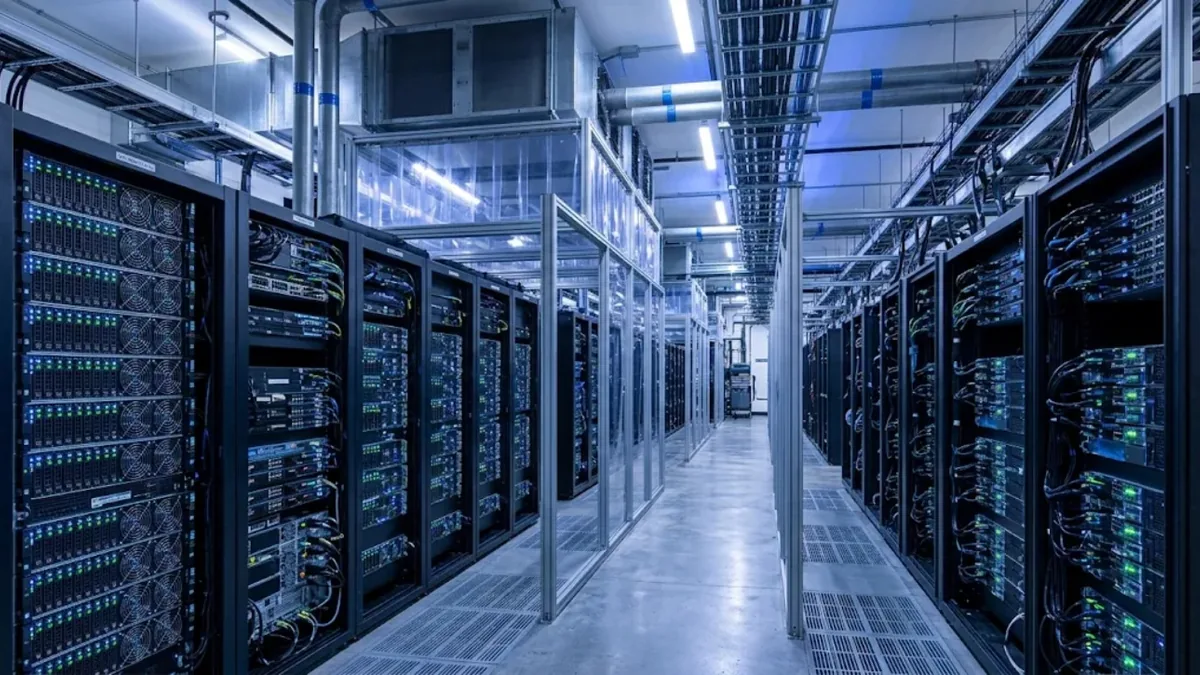
GPU server power requirements are now the first constraint in most AI hardware projects, not the last. A single modern 8-GPU server can draw more electricity than an entire rack of traditional servers, and many existing server rooms and colocation racks in the region were designed for 5 to 10 kW per rack. Before you choose a GPU model, you need to know how many kilowatts each server will draw, whether your rack and building can deliver it, and how the heat will be removed. This guide explains how to estimate GPU server power, plan per-rack capacity, size PDUs and UPS, and avoid the most common power-related mistakes.
Why GPU servers change the power equation
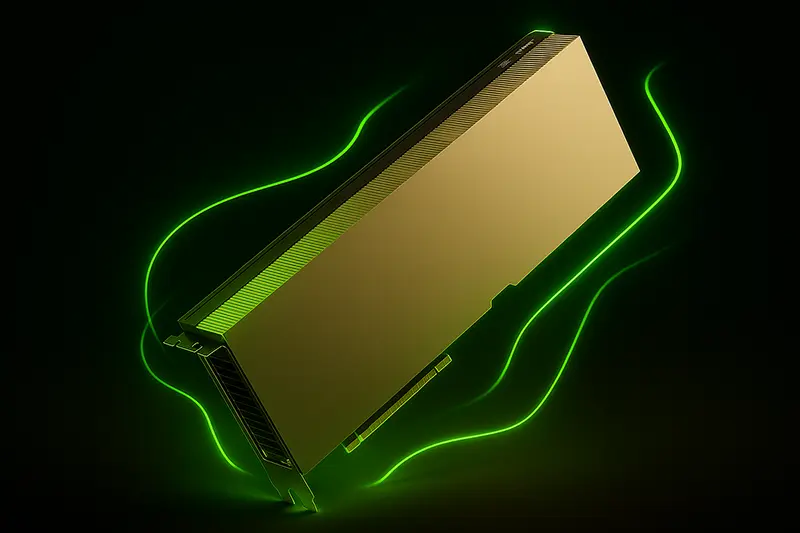
A typical dual-socket CPU server draws roughly 400 to 800 W under load. A GPU server adds accelerators that each consume hundreds of watts on their own. Data-center GPUs such as the H100, H200 and Blackwell family have thermal design power (TDP) ratings in the range of roughly 350 W for PCIe cards up to around 1,000 W or more for the highest-end SXM modules, depending on model and configuration. Multiply that by four or eight GPUs, add CPUs, memory, NICs, NVMe drives and fans, and one server can reach 6 to 10 kW or more at full load.
That is why power and cooling, not budget alone, often decide whether you deploy one large HGX system or several smaller PCIe servers.
How to estimate the power draw of a GPU server
- Start with GPU TDP: multiply the GPU’s rated power by the number of GPUs. Always use the vendor datasheet for the exact model and form factor.
- Add the platform: CPUs (often 250 to 400 W each for current server CPUs), memory, storage, network cards and fans. For planning, 1 to 2 kW for the platform of a large 8-GPU server is a reasonable starting estimate.
- Check the PSU configuration: the server’s power supplies and redundancy mode (for example N+1 or N+N) tell you the maximum the system is designed to draw.
- Use the vendor’s sizing tool: Dell, HPE, Supermicro and Lenovo provide power calculators that reflect the actual configuration.
- Measure, then refine: once deployed, read real consumption from iDRAC, iLO or the PDU and update your plan.
Example planning figures
| Configuration | Typical planning range under load | Notes |
|---|---|---|
| 2U server with 2 PCIe inference GPUs | ~1.2 – 2 kW | Fits most standard racks |
| 4U server with 4 PCIe GPUs | ~2.5 – 4 kW | Plan 2–3 per standard rack |
| Workstation-class server with 8 high-power PCIe GPUs | ~4 – 6 kW | Check PSU count and circuit capacity |
| 8-GPU HGX / SXM system | ~6 – 10+ kW | Often one or two per rack without liquid cooling |
These ranges are for early planning only. Final numbers must come from the vendor configuration for the exact server you buy.
Rack power density: what your room can actually support
Many enterprise server rooms were designed for 3 to 8 kW per rack, and standard colocation racks often start in a similar range. AI deployments commonly need 15 to 40 kW per rack, and the latest liquid-cooled systems go far higher. Before ordering hardware, confirm:
- Power per rack: the contracted or designed kW per rack, not just the number of sockets.
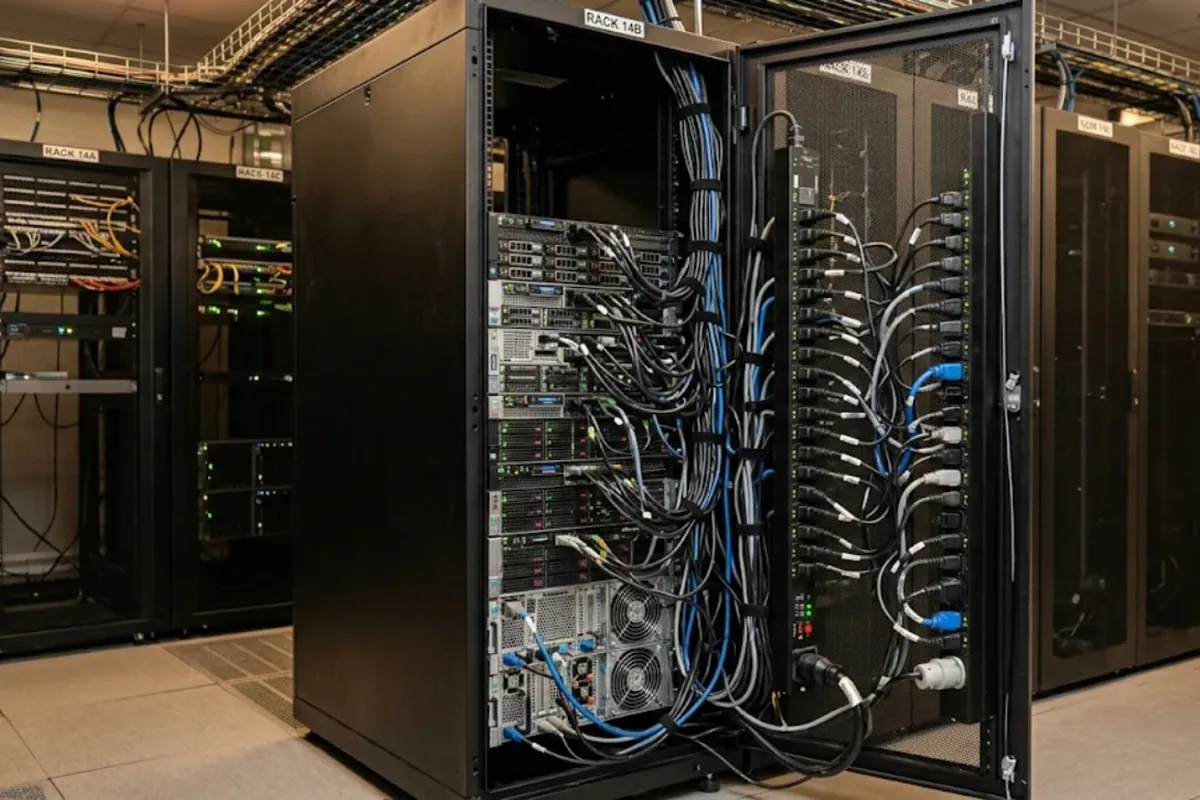
- Circuit type and voltage: single-phase versus three-phase feeds, voltage and breaker ratings. High-density GPU racks usually need three-phase power.
- Redundant feeds: A and B feeds from separate sources so one failure does not take the rack down.
- Cooling capacity: every kilowatt of power becomes a kilowatt of heat. If the cooling cannot remove it, the GPUs will throttle.
If your room cannot support the density, spread servers across more racks, choose lower-power GPUs, or look at colocation with high-density options. Our guide on cloud vs on-premise GPU covers when hosting outside your own site makes more sense.
Sizing PDUs and UPS for GPU servers
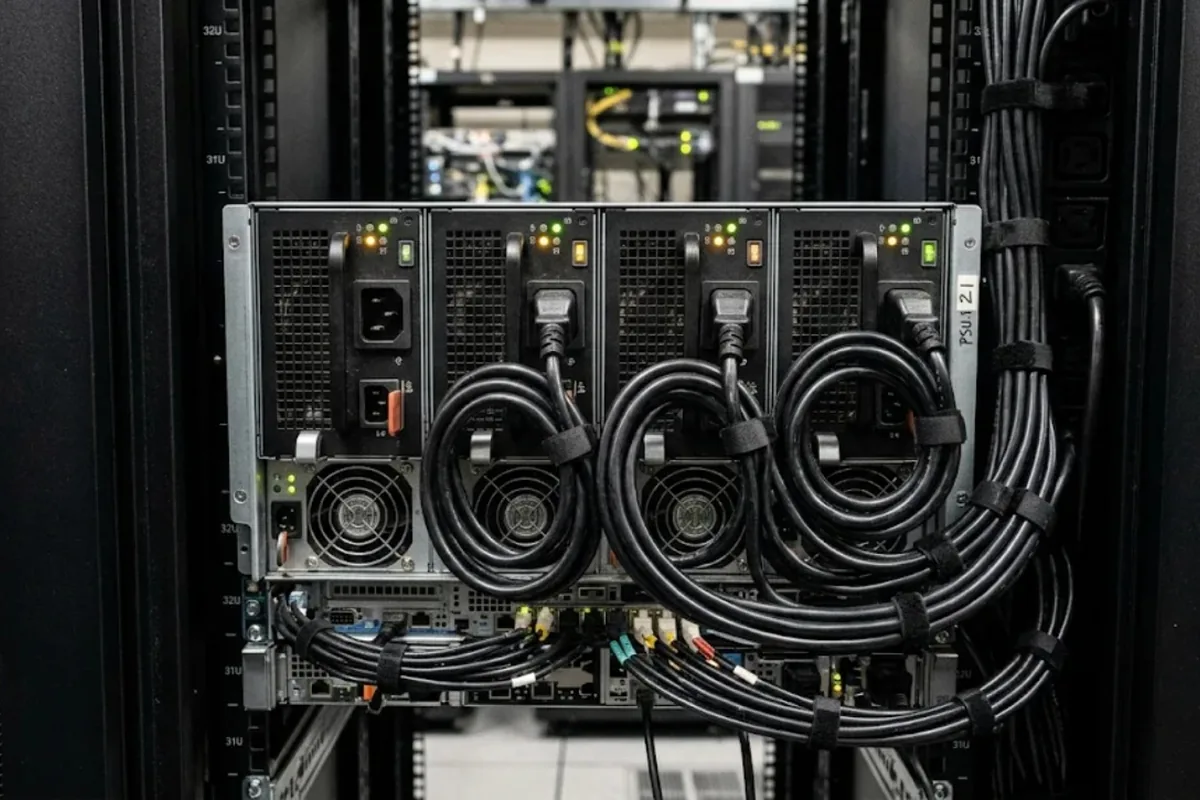
- PDUs: use metered or monitored PDUs rated for the rack’s total load with headroom. Many GPU servers use C19/C20 power connectors rather than the C13/C14 common on smaller servers, so check the outlet mix.
- Headroom: avoid running circuits continuously near their maximum rating; local electrical codes typically require a safety margin.
- UPS: size the UPS for the real load, not just the nameplate, and decide how long it must hold the load. For AI training, a UPS is usually there to allow a clean shutdown or generator start, not to run for hours.
- Power capping: GPUs and servers support power limits. Capping each GPU slightly below its maximum often costs little performance and can let more servers fit in the same power budget.
Cooling: the other half of the power problem
Air cooling works well up to a certain density. Above roughly 20 to 30 kW per rack, hot-aisle or cold-aisle containment, rear-door heat exchangers or direct liquid cooling become necessary. The highest-end GPU platforms are increasingly designed for liquid cooling from the start. In hot climates, cooling efficiency also has a large effect on running costs. Read more in our guides on data center thermal management and the B300 vs B200 comparison, where power and cooling differences matter for the buying decision.
Common mistakes
- Buying GPU servers before confirming the kW available per rack.
- Planning with average power instead of peak power during training.
- Using the wrong PDU connector type and discovering it on installation day.
- Ignoring cooling and then losing performance to thermal throttling.
- Filling a rack to its power limit with no headroom for growth or failover.
Frequently asked questions
How much power does an 8-GPU server use?
Depending on the GPU model and platform, an 8-GPU server commonly draws somewhere between about 4 kW for lower-power PCIe configurations and 10 kW or more for top-end SXM systems. Use the vendor’s configuration tool for the exact figure.
Can I put a GPU server in a normal office server room?
Small inference servers with one to four GPUs often fit, if the circuit and cooling can handle the extra load. Large 8-GPU training systems usually need a data-center environment with high-density power and cooling.
Do I need three-phase power for GPU servers?
For a single smaller server, not always. For racks with several high-power GPU servers, three-phase power is the usual choice because it delivers more capacity per circuit and more efficient distribution.
Does power capping reduce AI performance a lot?
Often only slightly. Many workloads lose a small percentage of throughput when GPUs are capped modestly below maximum power, while the saving in power and heat can be significant. Test with your own workload before deciding.
Conclusion
Power is now a design input for AI infrastructure, not an afterthought. Estimate each server’s peak draw, confirm the kW per rack and cooling your site can support, choose the right PDUs and UPS, and use power capping where it makes sense. If you are planning a GPU server purchase and want help matching the configuration to your rack and power budget, the ITCT team can review your requirements and suggest suitable options.
Last update at December 2025