
-
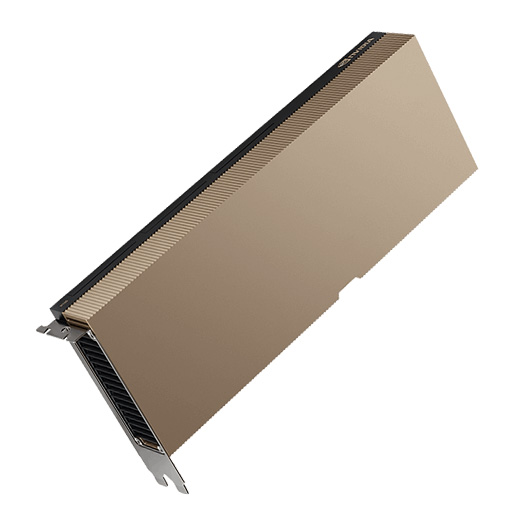 NVIDIA A16 GPU
Rated 5.00 out of 5USD16,800
NVIDIA A16 GPU
Rated 5.00 out of 5USD16,800 -
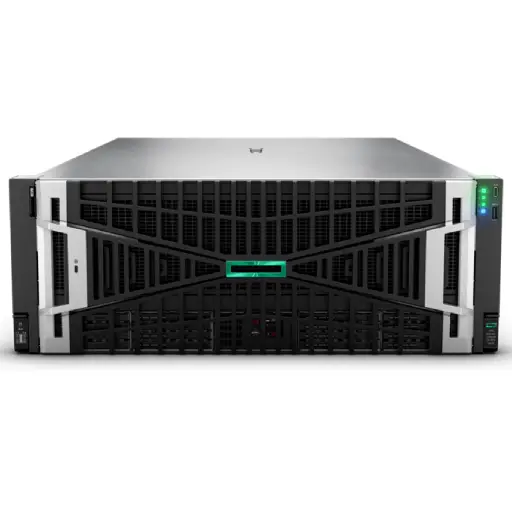 HPE ProLiant DL380A Gen12: The Ultimate 4U Dual-Socket AI Server with Intel® Xeon® 6 CPUs and 10 Double-Width GPU Support
USD80,000
HPE ProLiant DL380A Gen12: The Ultimate 4U Dual-Socket AI Server with Intel® Xeon® 6 CPUs and 10 Double-Width GPU Support
USD80,000
-
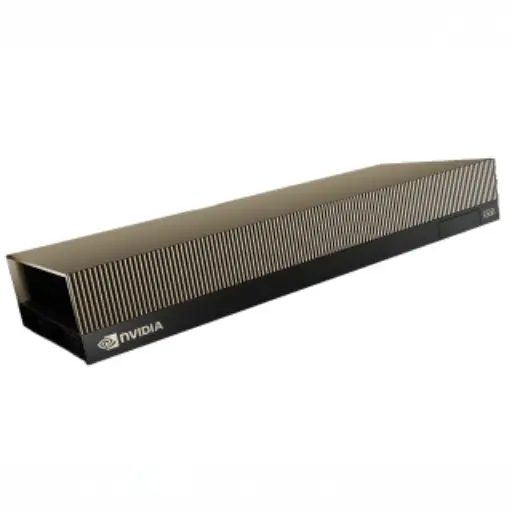 NVIDIA RTX PRO 6000 Blackwell Server Edition
USD24,000Original price was: USD24,000.USD23,680Current price is: USD23,680. -
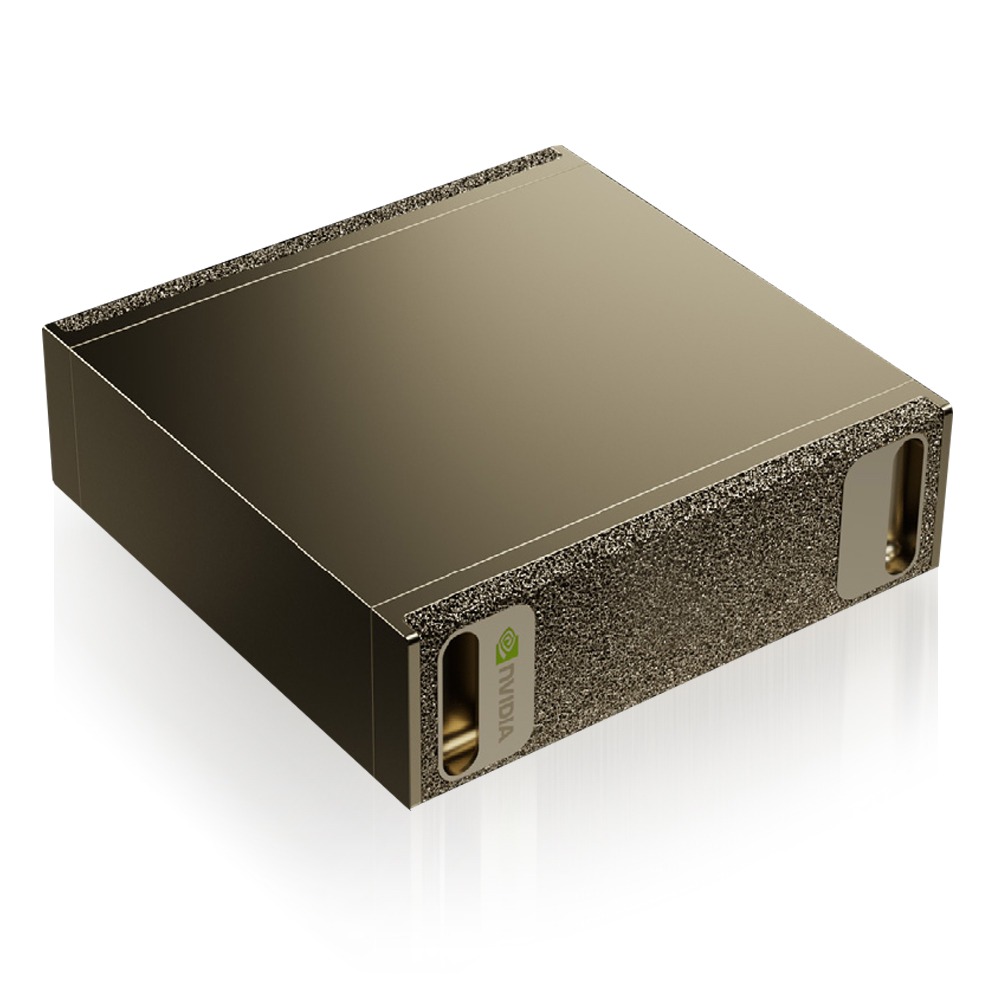 NVIDIA DGX Spark: The Grace Blackwell AI Supercomputer on Your Desk
Rated 5.00 out of 5USD6,400
NVIDIA DGX Spark: The Grace Blackwell AI Supercomputer on Your Desk
Rated 5.00 out of 5USD6,400 -
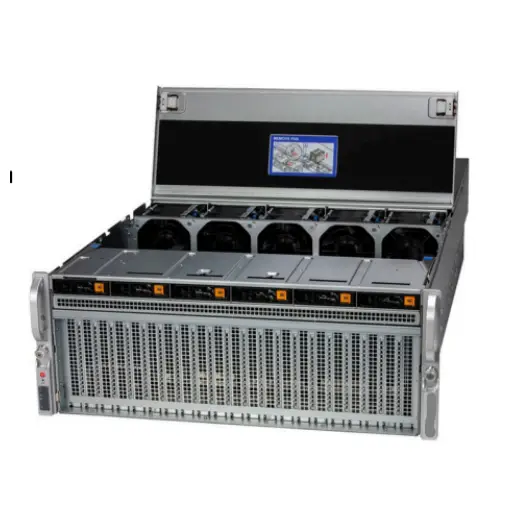 HGX H100 Optimized X13 8U 8GPU Server: The Ultimate AI and HPC Powerhouse for Exascale Computing
USD480,000
HGX H100 Optimized X13 8U 8GPU Server: The Ultimate AI and HPC Powerhouse for Exascale Computing
USD480,000
-
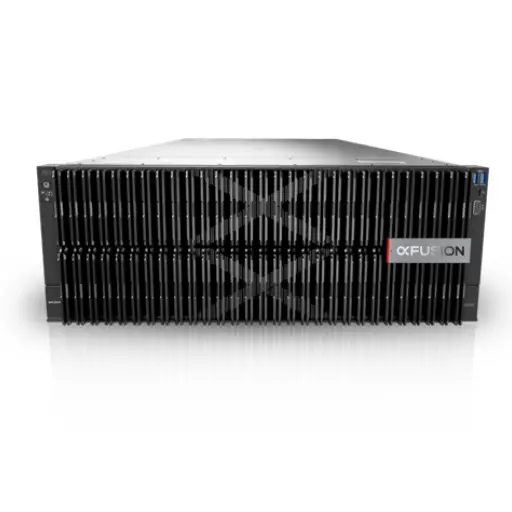 Xfusion MGX Server G5500 V7
USD56,000
Xfusion MGX Server G5500 V7
USD56,000
Products Mentioned in This Article

RTX 4090 vs RTX 6000 Ada: Gaming GPU vs Workstation for AI Training
Author: AI Hardware Architecture Team at ITCTShop
Reviewed By: Senior Data Center Specialists
Published: February 4, 2026
Estimated Read Time: 10 Minutes
References:
- NVIDIA Ada Lovelace Architecture Whitepaper
- PyTorch Benchmarks (Hugging Face)
- Puget Systems Workstation GPU Reports
- Bizon Tech Deep Learning Benchmarks 2025
Should you choose RTX 4090 or RTX 6000 Ada for AI Training?
RTX 4090 vs RTX 6000 Ada– The RTX 4090 is the superior choice for price-to-performance, offering faster raw clock speeds and higher memory bandwidth (1,008 GB/s) at roughly 1/4th the price. It is ideal for training models up to 13B parameters. However, the RTX 6000 Ada is essential for enterprise workloads requiring massive VRAM (48GB), error correction (ECC), and high-density server deployments where multiple cards must be stacked physically close together.
Key Decision Factors
Choose the RTX 4090 if you have a spacious case and your models fit within 24GB VRAM (e.g., Llama 3 8B, Mistral 7B). Choose the RTX 6000 Ada if you need to fine-tune 70B+ models, require 24/7 stability with ECC memory, or plan to build a multi-GPU server with 4+ cards, as the 4090’s 450W power draw and blower-style cooler design make high-density scaling dangerous and inefficient.
In 2026, the line between “enthusiast” hardware and “enterprise” infrastructure is blurrier than ever. For AI engineers and data scientists in Dubai, the choice often boils down to a single, expensive question: Do you buy the NVIDIA GeForce RTX 4090, the undisputed king of consumer GPUs, or do you invest in the NVIDIA RTX 6000 Ada Generation, the workstation powerhouse?
RTX 4090 vs RTX 6000 Ada – At a glance, they seem similar—both are built on the Ada Lovelace architecture, both feature massive CUDA core counts, and both can crush modern LLM workloads. However, the price gap is massive. The RTX 6000 Ada costs roughly 4-5 times as much as the 4090. Is the performance difference worth the price tag? This guide digs deep into the specs, benchmarks, and hidden bottlenecks to help you decide which card belongs in your server rack.
Spec Sheet Comparison (VRAM, Bandwidth, Cooling)
Let’s strip away the marketing and look at the silicon. While both cards use the AD102 chip, their configurations are tailored for vastly different environments.
| Feature | NVIDIA GeForce RTX 4090 | NVIDIA RTX 6000 Ada | The Winner |
|---|---|---|---|
| Architecture | Ada Lovelace (AD102-300) | Ada Lovelace (AD102-300) | Tie |
| VRAM | 24 GB GDDR6X | 48 GB GDDR6 (ECC) | RTX 6000 Ada (Critical) |
| CUDA Cores | 16,384 | 18,176 | RTX 6000 Ada (+11%) |
| Memory Bandwidth | 1,008 GB/s | 960 GB/s | RTX 4090 (+5%) |
| Power Draw (TDP) | 450W | 300W | RTX 6000 Ada (Efficiency) |
| Form Factor | 3-4 Slot (Massive Cooler) | 2 Slot (Blower Fan) | RTX 6000 Ada (Density) |
Key Takeaway: The RTX 4090 actually has faster memory bandwidth due to GDDR6X, but the RTX 6000 Ada wins on capacity (48GB) and efficiency, which is crucial for multi-GPU setups.
Real Training Benchmarks (PyTorch, TensorFlow)
Raw specs don’t always translate to training speed. Here is what we see in real-world scenarios running PyTorch training loops for models like Llama 3 (8B) and Mistral 7B.
- Single Card Performance:
- In pure FP16/BF16 compute, the RTX 4090 is often faster (about 5-10%) than the RTX 6000 Ada. This is because the 4090 has higher boost clocks (2.5 GHz+) compared to the conservative clocks of the workstation card.
- Batch Size Limitations:
- Here is where the 4090 hits a wall. With 24GB VRAM, you are limited to smaller batch sizes (e.g., Batch Size of 8 for a 7B model).
- The RTX 6000 Ada, with 48GB, allows you to double the batch size. This reduces the frequency of memory swapping and gradient accumulation steps, often making the total time to convergence faster on the 6000 Ada for larger datasets, despite slower clock speeds.
Memory Bandwidth Impact on Large Models
Memory bandwidth is the highway that feeds data to the GPU cores. Interestingly, the consumer RTX 4090 uses GDDR6X memory, giving it over 1 TB/s of bandwidth. The RTX 6000 Ada uses standard GDDR6 (ECC), topping out at 960 GB/s.
- For Inference: The higher bandwidth of the 4090 makes it slightly snappier for token generation (tokens per second) on models that fit within 24GB.
- For Training: The bandwidth difference is negligible compared to the VRAM capacity bottleneck. If a model requires 30GB to train, the speed of the 4090 is irrelevant because it simply cannot run the task without offloading to system RAM (which is 100x slower).
Driver Stability Differences (GeForce vs Enterprise)
This is the hidden cost of the 4090.
- GeForce Game Ready/Studio Drivers: Optimized for gaming and creative apps. They do not support features like GPU virtualization (vGPU) or rigorous ECC (Error Correction Code) memory states. In 24/7 training runs, a single bit-flip error in non-ECC memory can crash a week-long training job.
- NVIDIA Enterprise Drivers: The RTX 6000 Ada uses enterprise drivers designed for stability. They support ECC memory, ensuring that data integrity is maintained during long training sessions. For commercial AI deployments in Dubai, where reliability is paramount, this is a non-negotiable feature.
Price-to-Performance Ratio Analysis
- RTX 4090: ~$2,000 USD.
- Cost per GB of VRAM: ~$83.
- RTX 6000 Ada: ~$7,000 – $8,000 USD.
- Cost per GB of VRAM: ~$150.
The Verdict: The RTX 4090 offers incredible value. You can buy three 4090s for the price of one 6000 Ada. However, you cannot simply chain them together easily. The 4090 lacks NVLink (SLI) support, meaning memory cannot be pooled. Three 4090s give you “3 x 24GB” distinct pools, not one “72GB” pool. The RTX 6000 Ada officially supports software-defined memory pooling in better capacity.
When a Professional Card Makes Sense
Despite the high cost, buy the RTX 6000 Ada if:
- You need Dense Compute: You want to fit 4 or 8 GPUs in a single server chassis. The RTX 4090 is physically too fat (3-4 slots) and blows hot air into the case. The 6000 Ada is a 2-slot blower card designed to be stacked tightly.
- You need 48GB+ VRAM: You are fine-tuning 70B parameter models (like Llama 3 70B) or training large Vision Transformers (ViT).
- Data Integrity is Critical: You are in finance, healthcare, or oil & gas sectors in the UAE where a calculation error is unacceptable.
Conclusion
RTX 4090 vs RTX 6000 Ada– For most independent researchers and startups, the RTX 4090 is the undisputed champion of value. It democratized AI training. However, for enterprise infrastructure where density, stability, and massive VRAM buffers are required, the RTX 6000 Ada remains the professional standard.
At ITCTShop, located in Dubai, we stock both. Whether you are building a custom Soika AI Workstation with dual 4090s or outfitting a data center with dense RTX 6000 Ada clusters, our team can guide you to the right choice for your workload.
“We often see startups buying four 4090s thinking they saved money, only to realize they can’t cool them effectively in a server rack. The RTX 6000 Ada isn’t just expensive because of the VRAM; you are paying for the ability to scale efficiently without melting your chassis.” — Senior Solutions Architect
“For pure token generation speed (inference), the 4090 punches way above its weight class thanks to GDDR6X memory. If you don’t need the 48GB buffer, the 4090 is arguably the better card for inference tasks.” — Lead AI Research Engineer
“In the Dubai market, we see a clear split: Academic researchers grab the 4090s, while our oil and gas clients exclusively deploy RTX 6000 Adas. When a training run takes two weeks, you can’t risk a non-ECC memory error crashing the job on day 13.” — Enterprise Hardware Consultant
Last update at December 2025