
Products Mentioned in This Article



- Author: Senior HPC Solutions Architect at ITCTShop
- Technically Reviewed By: NVIDIA Certified Data Center Consultant
- Primary Reference: NVIDIA Data Center GPU Line Card & Architecture Whitepapers
- Last Updated: December 31, 2025
- Estimated Reading Time: 7 Minutes
Quick Summary: Choosing the Right AI Server
Selecting the best NVIDIA GPU server for AI and HPC hinges primarily on matching the specific GPU architecture to your workload requirements. For massive-scale model training (LLMs) and complex digital twins, the NVIDIA HGX H200 or GH200 NVL are the industry standards due to their high-bandwidth memory (HBM3e) and NVLink interconnects, which allow multiple GPUs to function as a single accelerator. Conversely, for inference, visualization, or smaller-scale fine-tuning, the NVIDIA L40S or RTX 6000 Ada provide a more power-efficient and cost-effective solution without sacrificing essential tensor performance.
Beyond the GPU model, infrastructure compatibility is the second critical factor. Buyers must ensure their server chassis supports the thermal design power (TDP) of modern cards—which can exceed 700W per GPU—and offers sufficient PCIe Gen 5 lanes or NVLink bridges to prevent data bottlenecks. Ultimately, an optimized software stack using the NVIDIA CUDA ecosystem is just as vital as the hardware, ensuring that the theoretical teraflops of the server translate into real-world speedups for your specific algorithms.
The rapid growth of artificial intelligence (AI) and high-performance computing (HPC) has made selecting the right hardware more critical than ever. Large language models, complex scientific simulations, and massive data analytics require servers that can efficiently handle intensive computations while maintaining high throughput and low latency. In this context, NVIDIA GPUs have become the industry standard due to their unmatched performance, scalability, and ecosystem support.
This guide explores how to select an NVIDIA GPU server tailored for AI and HPC workloads, highlighting the latest NVIDIA GPU architectures, key performance metrics, and the role of NVIDIA’s line card offerings. It also examines how modern AI algorithms influence hardware requirements, ensuring organizations choose the most efficient and cost-effective solutions.
Why NVIDIA GPUs Are Ideal for AI and HPC
NVIDIA GPUs are specifically designed to accelerate parallel computing tasks, which are common in AI training, inference, and HPC simulations. Unlike traditional CPUs, GPUs feature thousands of cores capable of executing matrix multiplications and vectorized operations simultaneously. Key advantages include:
- Parallelism at Scale: GPUs allow simultaneous processing of millions of operations, which is critical for deep learning and scientific simulations.
- CUDA Ecosystem: NVIDIA’s CUDA platform provides optimized libraries (cuBLAS, cuDNN, TensorRT) for AI and HPC workloads, enabling developers to maximize GPU performance.
- High Memory Bandwidth: Modern NVIDIA GPUs, such as the H100 and A100, offer ultra-high memory bandwidth, reducing data transfer bottlenecks in large-scale AI models.
- Scalability: Multi-GPU servers and NVIDIA NVLink enable high-speed communication between GPUs, crucial for distributed AI training and HPC workloads.
⚡ NVIDIA Server Matchmaker
Answer 3 questions to find the exact GPU server for your workload.
Key Considerations When Choosing Best NVIDIA GPU Servers
Workload Type
- Training vs. Inference: Training large neural networks requires GPUs with high tensor performance, large memory, and fast interconnects. Inference workloads may prioritize energy efficiency and latency.
- HPC Simulations: Tasks such as molecular dynamics or climate modeling benefit from GPUs optimized for double-precision floating-point operations (FP64).
GPU Architecture and Line Card Selection
NVIDIA offers various GPU architectures, each optimized for different tasks:
- H100 (Hopper): Best for large AI training workloads, offering excellent tensor core performance and advanced NVLink connectivity.
- A100 (Ampere): Balanced GPU for AI training, inference, and HPC applications. Widely adopted in research clusters.
- L40 & RTX Series: Suitable for visualization, AI inference, and lighter HPC workloads.
When selecting GPUs, consider the line card offering by NVIDIA, which includes different memory sizes, form factors, and thermal profiles. The line card determines how the GPU integrates into a server chassis, affects cooling, and defines scalability options for multi-GPU configurations.
Memory and Bandwidth Requirements
AI models continue to grow in size, requiring large GPU memory to store model parameters and intermediate activations. For example:
- Large language models (LLMs): Can exceed 80–100GB of GPU memory per node.
- Scientific simulations: May require high-bandwidth memory (HBM2e/HBM3) to sustain fast data movement between cores and memory.
Interconnects and Multi-GPU Scaling
High-speed interconnects such as NVLink and PCIe Gen 5 allow GPUs to communicate efficiently, reducing bottlenecks in distributed training or HPC computations. For multi-GPU servers:
- Ensure sufficient NVLink connections for your workload.
- Verify that the server supports scaling to the number of GPUs needed for the AI/HPC task.
Power, Cooling, and Physical Constraints
High-performance GPUs consume significant power and generate heat. Proper server selection must account for:
- Power delivery to all GPUs under full load.
- Adequate cooling to maintain performance and hardware longevity.
- Chassis form factor compatibility (1U/2U/4U, GPU spacing).
Best Practices for Maximizing GPU Server Performance
- Align GPU Selection with Algorithm Requirements: AI algorithms leveraging transformers require tensor core acceleration, while HPC simulations may require FP64 precision.
- Balance CPU and GPU Resources: Avoid CPU bottlenecks by ensuring sufficient cores, memory, and bandwidth.
- Optimize Software Stack: Use NVIDIA-optimized libraries, containerized AI frameworks (NVIDIA NGC), and proper driver versions.
- Monitor Thermal and Power Metrics: Continuously track GPU temperature, utilization, and power to prevent throttling.
Choosing the Best NVIDIA GPU Servers for AI and HPC
Selecting the right GPU server is critical for organizations looking to maximize performance for artificial intelligence (AI), machine learning (ML), deep learning, and high-performance computing (HPC) workloads. NVIDIA’s data center GPU lineup provides a wide range of options designed for different scales and workloads, from pretraining massive AI models to high-throughput inference and simulation.
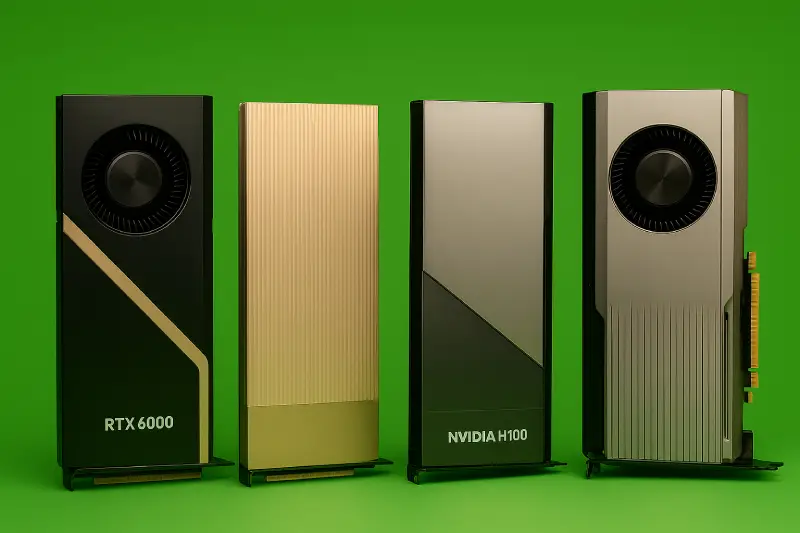
Best NVIDIA GPU Servers for AI and HPC
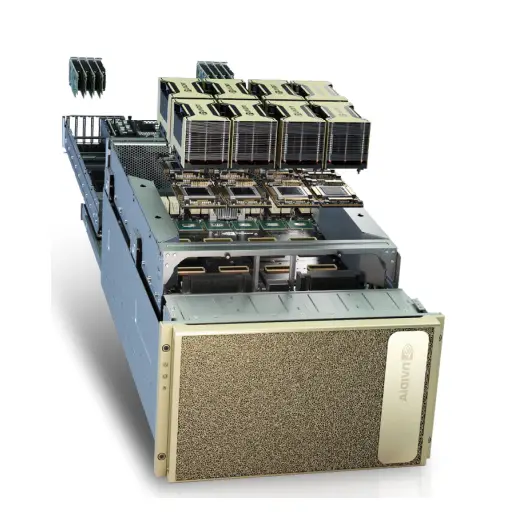
NVIDIA HGX H200
- Use Case: Large-scale AI training, HPC simulations, digital twins
- Key Features: Multi-GPU architecture, high-bandwidth interconnect, optimized for AI pretraining and post-training scaling
- Why It’s Recommended: Designed for maximum AI throughput and complex scientific computing tasks; supports advanced networking with Quantum-2 InfiniBand.
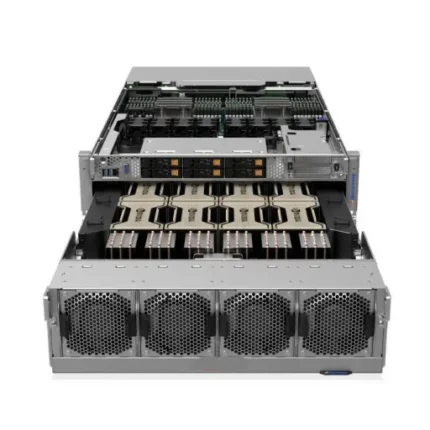
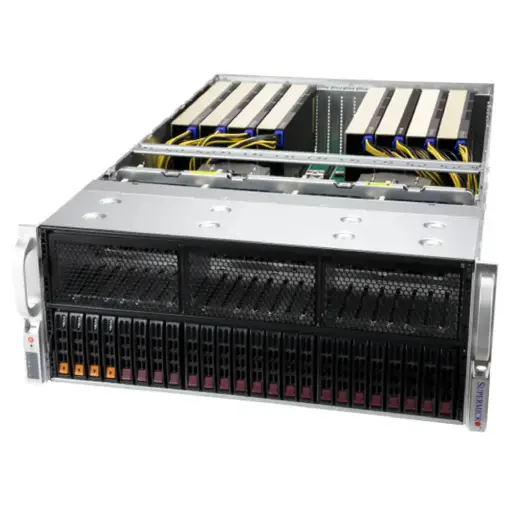
HGX H200 Optimized X13 8U 8GPU Server
NVIDIA HGX B200
- Use Case: AI inference, HPC, and general-purpose GPU computing
- Key Features: Scalable GPU density, excellent energy efficiency, supports Spectrum-X Ethernet switches
- Why It’s Recommended: Ideal for organizations needing flexible deployment for both AI reasoning and HPC simulations.
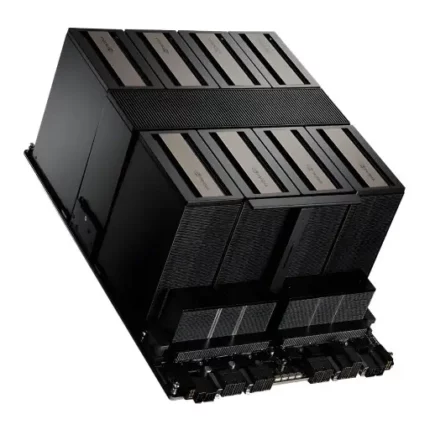
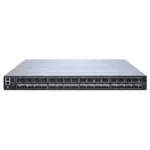
NVIDIA HGX B200 (8-GPU) Platform
| Specification Category | Parameter | Value |
|---|---|---|
| GPU Configuration | GPU Type | 8x NVIDIA B200 Tensor Core GPUs |
| GPU Architecture | Blackwell (208 billion transistors per GPU) | |
| GPU Form Factor | SXM5 module with integrated cooling interface | |
| Manufacturing Process | TSMC 4NP (4nm process technology) | |
| Memory Architecture | Total GPU Memory | 1,440GB HBM3e (180GB per GPU) |
| Memory Type | HBM3e (High Bandwidth Memory 3 Enhanced) | |
| Memory Interface per GPU | 4,096-bit | |
| Memory Speed | 8 Gbps per pin | |
| Per-GPU Memory Bandwidth | 8 TB/s | |
| Aggregate Memory Bandwidth | 64 TB/s (across all 8 GPUs) |
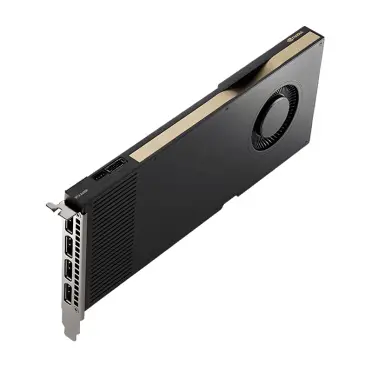
NVIDIA L40S / RTX PRO 6000 Server Edition
- Use Case: Graphics-heavy workloads, AI visualization, virtualized AI environments
- Key Features: High-performance GPUs with large memory capacity, supports vGPU virtualization for multiple users
- Why It’s Recommended: Excellent for GPU-accelerated rendering, AI model visualization, and multi-user Omniverse applications.
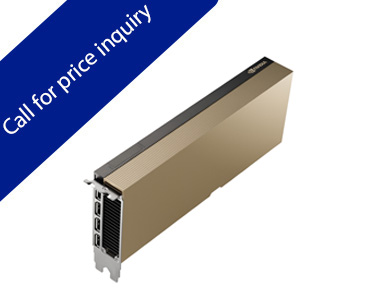
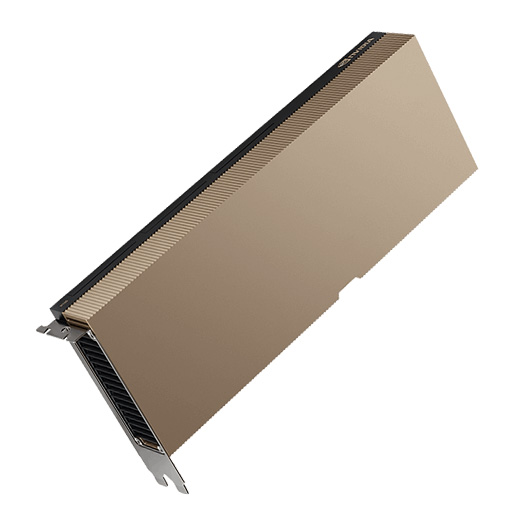
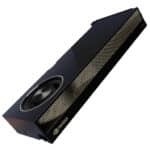
NVIDIA L40S
NVIDIA GH200 NVL
- Use Case: Extreme AI pretraining and HPC workloads
- Key Features: Combines CPU-GPU integration, high-speed interconnect, and massive memory bandwidth
- Why It’s Recommended: Specifically designed for next-generation AI models with massive datasets and computational requirements.
Selecting the right server depends on your workload type, scale, and budget. For AI pretraining and HPC simulations, HGX H200 and GH200 NVL are ideal. For inference and graphics-heavy applications, L40S and RTX PRO 6000 provide high efficiency and flexibility. Please check NVidia Line card here.
Conclusion:Best NVIDIA GPU Servers
Choosing the right NVIDIA GPU server for AI and HPC requires careful evaluation of workload types, GPU architectures, line card specifications, memory and bandwidth needs, interconnects, and infrastructure constraints. Modern AI algorithms and HPC simulations continue to push hardware limits, making it essential to invest in servers that are not only high-performing but also scalable and energy-efficient. By aligning server selection with computational requirements and leveraging NVIDIA’s advanced GPU ecosystem, organizations can achieve faster model training, accurate simulations, and improved overall performance.
1. Dr. Aris V. – Computational Biologist “This guide clarified the confusion between the H100 PCIe vs. the HGX form factor for me. We run molecular dynamics simulations, and we almost bought the wrong chassis. The section on FP64 precision was spot on—we definitely need the H-series over the L-series for our specific simulation accuracy.”
2. Marcus T. – AI Infrastructure Lead “We are currently upgrading from A100s to H200s. One thing to add for enterprise buyers: check your rack power density. These new HGX B200 systems are beasts. We had to upgrade our cooling solution before deployment. Good mention of the NVLink importance; people underestimate how much bottlenecking happens without it.”
3. Sarah Jenkins – Generative AI Startup Founder “The L40S recommendation for inference is underrated. Everyone chases the H100s, but for serving our image generation models to users, the L40S clusters we built from ITCTShop have been far more cost-efficient per query. Great breakdown.”
Last update at December 2025